Unreal Engine 5 Blueprint: Santa Flappy 2D Game Course
Last updated: Oct 2025
This content was last updated on October 2025. The information and techniques described in this article reflect the most current best practices for Unreal Engine 5 game development at the time of publication.
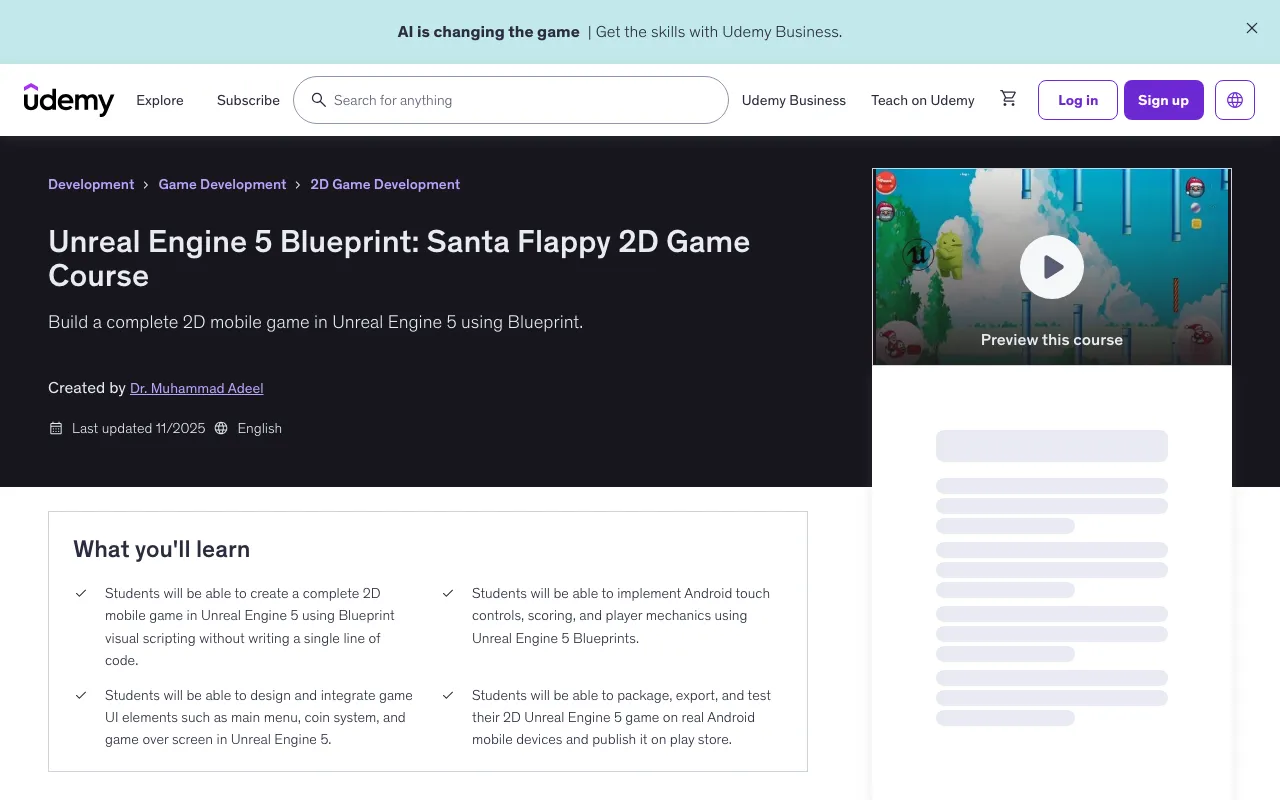
Overview
Welcome to the Unreal Engine 5 Blueprint 2D Game – Santa Flappy for Android course! If you've ever wanted to build and publish your own mobile game without writing a single line of code, this course is the perfect place to start.
In this project-based course, you'll create a fully functional 2D side-scrolling mobile game called Santa Flappy using Unreal Engine 5 and Blueprint visual scripting. Santa Flappy is no ordinary flappy-style game — it features stunning sky visuals, smooth gameplay, and multiple fun mechanics to keep players engaged.
Your main character, Santa, will fly through the air, jumping over deadly log obstacles while collecting coins. You'll also implement an exciting fireball ability that allows Santa to break obstacles in his path. The game includes a score-based level progression system with 20 levels — after reaching the target score in each level, Santa advances to the next one. You'll also build a coin system, unlock multiple Santa characters, and design an intuitive UI with menus and HUDs.
Everything is built using Blueprints — no coding required. You'll learn to handle touch input, create visual effects, package for Android, and even test your game on real devices.
By the end of this course, you'll have a complete, polished Android game and the skills to make many more. Whether you're a beginner or just curious about mobile game development in UE5, this course is a perfect hands-on starting point.
What You'll Learn
- Students will be able to create a complete 2D mobile game in Unreal Engine 5 using Blueprint visual scripting without writing a single line of code
- Students will be able to implement Android touch controls, scoring, and player mechanics using Unreal Engine 5 Blueprints
- Students will be able to design and integrate game UI elements such as main menu, coin system, and game over screen in Unreal Engine 5
- Students will be able to package, export, and test their 2D Unreal Engine 5 game on real Android mobile devices and publish it on play store
Requirements
- No prior game development experience required — perfect for beginners
- A computer (Windows recommended) capable of running Unreal Engine 5
Course Content
Introduction
- Introduction Preview 01:39
- Community and Support 00:53
- Santa Animation on Photoshop pt 1 Preview 15:06
- Santa Animation on Photoshop pt 2 06:10
- Downloading and Installing Unreal Engine 5 00:46
- Importing Sprites and Character Setup Pt 1 10:31
- Importing Sprites and Character Setup Pt 2 03:23
Section 2 Log sprites and Spawner
- Creating Logs in Photoshop 07:57
- Log Blueprint 07:41
- Log Spawner Preview 04:42
- Event Hit 04:54
- Santa Death System 02:19
- Changing Logs in the Levels 04:45
Section 3 Background and Button Images
- Background Set up 05:05
- SnowBall Animation 23:34
- Creating Button Images Using AI 03:53
- Creating Buttons with Photoshop 15:22
Section 4 HUD and Menus
- Touch System and HUD Pt 1 07:21
- Touch System and HUD Pt 2 06:29
Contact us on 💬WhatsApp for premium access and support.
🚀Direct Download Link
No direct download links available for this resource.