Professional Interior Visualization - 3ds Max + Corona
Last updated: Sep 2025
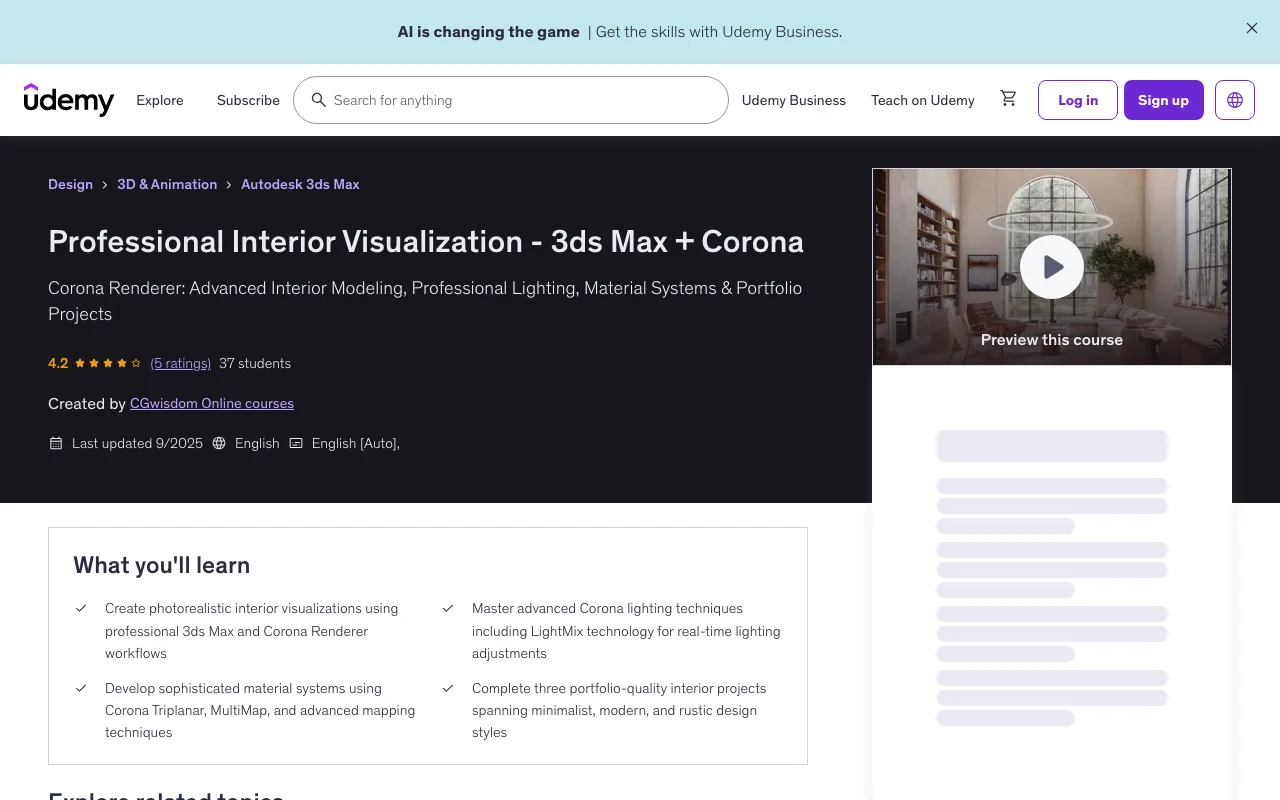
Overview
This comprehensive course delivers complete mastery of professional interior visualization using the powerful combination of 3ds Max and Corona Renderer - the preferred toolset of leading architectural visualization studios worldwide. You'll develop expertise across three distinct interior projects, each designed to teach specific techniques while building a comprehensive skillset that applies to any interior design challenge.
What You'll Learn
- Create photorealistic interior visualizations using professional 3ds Max and Corona Renderer workflows
- Master advanced Corona lighting techniques including LightMix technology for real-time lighting adjustments
- Develop sophisticated material systems using Corona Triplanar, MultiMap, and advanced mapping techniques
- Complete three portfolio-quality interior projects spanning minimalist, modern, and rustic design styles
Course Features
- 10.5 hours on-demand video
- 2 downloadable resources
- Access on mobile and TV
- Full lifetime access
- Certificate of completion
- Intermediate knowledge of 3ds Max including modeling, basic materials, and interface navigation
- Previous experience with 3D visualization software and understanding of architectural visualization principles
- Solid foundation in 3ds Max fundamentals: polygon modeling, UV mapping, and basic rendering concepts
- Working knowledge of 3ds Max modeling tools and basic familiarity with rendering engine concepts
Course Content
Course Outline
Course Introduction and Setup (7 lectures • 37min)
- Introduction
- Pure Ref
- Where to Get Inspiration
- What is Chaos Cosmos
- What is Proxy
- Editing Downloaded Models
- Discussion of the first project - Bathroom
Basic Interior Modeling (10 lectures • 1hr 37min)
- Modeling - Walls
- Modeling - Tiles
- Modeling - Ceiling
- Modeling - Bathtub
- Modeling - Sink
- Modeling - Wall behind the bathtub
- Adding Vines
- Chamfer
- Adding Cameras
- Override material
Lighting Fundamentals (13 lectures • 1hr 59min)
- Lighting - Corona Sun
- Histogram - What is this
- Histogram in VFB
- Tone mapping - Comparison
- Rectangle
- Sphere, Rectangle, Cylinder
- IES
- Corona Light Material
- LightMix
- Lighting - Artificial
- Lighting - Afternoon
- Lighting - Cloudy
- Lighting - Sunny
Materials and Textures (19 lectures • 3hr)
- Introduction to materials
- Compact and Slate Editor
- Basics
- Base Layer
- Use of Textures
- Refraction
- Displacement
- NormalMap
- Corona Triplanar
- Mapping Randomizer
- Corona MultiMap
- Denoiser
- Tile Material
- Wall Material
- Import from Cosmos
- Material from Cosmos - Changing Size
- Material from Cosmos - Edition
- Shot with DOF
- What to Set Before the Final Render
First Project Completion (2 lectures • 17min)
- Post Production
- Introduction
Second Project - Modern Interior (1 lectures • 1hr 18min)
- Wall Modeling
- Kitchen Modeling
- Summary of Models
- Lighting Summary
- Summary of Materials
- View from the Window
- Object Animation
- Frame Selection
- Final Renders
- Postproduction
- Animation
Third Project - Advanced Techniques (14 lectures • 1hr 37min)
- Wall Modeling
- Modeling Bookcases
- Window Modeling
- Beam Modeling
- Floor Generator - Creating Floor
- Floor Skirting Boards
- Bookmanager - Arranging Books
- Summary of Models
- Lighting Summary
- CTexmap - Ambient Occlusion
- Postproduction in VFB
- Preparation for Final Render
- Postproduction - Krea AI
- Postproduction - Affinity
Course Conclusion (1 lecture • 2min)
- Summary
Full Description
Description
Transform your interior design visualization skills with this comprehensive course that combines 3ds Max's powerful modeling capabilities with Corona Renderer's industry-leading photorealistic rendering engine. Learn to create stunning interior visualizations that rival professional photography through hands-on projects spanning multiple design styles and advanced workflow techniques. Master Industry-Standard Visualization Pipeline This intensive course delivers complete mastery of professional interior visualization using the powerful combination of 3ds Max and Corona Renderer - the preferred toolset of leading architectural visualization studios worldwide. You'll develop expertise across three distinct interior projects, each designed to teach specific techniques while building a comprehensive skillset that applies to any interior design challenge. Advanced 3ds Max Modeling Techniques Develop sophisticated modeling skills specifically tailored for interior architectural visualization. Master efficient workflows for creating complex interior geometries, custom furniture pieces, and architectural details that form the foundation of professional visualizations. Learn advanced polygon modeling techniques, spline-based modeling for complex curves, and procedural modeling approaches that maximize efficiency while maintaining design flexibility. Corona Renderer Mastery for Interiors Unlock the full potential of Corona Renderer's physically accurate lighting and material systems. Corona has revolutionized architectural visualization with its intuitive workflow and exceptional image quality straight out of the renderer. Master Corona's unique strengths including its advanced global illumination algorithms, realistic material system, and powerful post-processing tools that eliminate the need for complex external compositing. Multi-Project Learning Approach Work through three carefully curated interior projects that showcase different design philosophies and technical challenges: a sleek minimalist bathroom that teaches precision and material subtlety, a contemporary living space that explores complex lighting scenarios, and a rustic residential interior that demonstrates texture variety and atmospheric rendering. Each project builds upon previous skills while introducing new techniques. Professional Lighting Design with Corona Lighting distinguishes amateur work from professional visualization. Master Corona's comprehensive lighting toolkit including accurate sunlight simulation, sophisticated artificial lighting systems, and IES profile implementation for authentic fixture behavior. Learn to create compelling day and night scenarios that showcase interiors in their most flattering conditions. Revolutionary LightMix Workflow Discover Corona's groundbreaking LightMix technology that allows real-time lighting adjustments without re-rendering. This revolutionary feature enables instant experimentation with different lighting scenarios, dramatically accelerating client approval processes and creative iteration. Master techniques for setting up complex lighting rigs that can be fine-tuned interactively. Advanced Corona Material Systems Create photorealistic materials using Corona's intuitive physically-based system. Master advanced techniques including Corona Triplanar mapping for seamless texture application, Mapping Randomizer for natural surface variation, and MultiMap for complex material layering. These professional techniques eliminate repetitive texturing patterns and create the surface complexity that defines high-end visualization. Sophisticated Surface Effects Implement advanced surface treatments including displacement mapping for authentic material depth, normal mapping for fine detail enhancement, and complex refraction effects for realistic glass and liquid materials. These techniques add the tactile quality that makes viewers want to reach out and touch your rendered surfaces. Professional Finishing Techniques Complete your visualization pipeline with professional post-production workflows. Master Corona's integrated Virtual Frame Buffer (VFB) tools for color correction, exposure adjustment, and image enhancement without leaving the 3ds Max environment. Learn advanced techniques using Affinity Photo for final image refinement that elevates your work to gallery-quality presentation standards. AI-Enhanced Workflow Integration Stay ahead of industry trends by incorporating artificial intelligence tools into your visualization pipeline. Learn to leverage AI for texture enhancement, automatic material generation, and even animation creation from static renders. These cutting-edge techniques represent the future of visualization production and provide competitive advantages in fast-moving markets. Optimization for Professional Production Master rendering optimization techniques that balance image quality with production efficiency. Learn Corona's advanced denoising capabilities, optimal sampling strategies, and render region techniques that minimize iteration time. These skills are essential for meeting client deadlines while maintaining the highest visual standards. Three-Project Comprehensive Learning Each project in this course serves specific pedagogical purposes while building toward complete mastery. The minimalist bathroom project teaches material subtlety and precision lighting. The modern interior project explores complex multi-light scenarios and atmospheric effects. The rustic home project demonstrates texture variety and natural material simulation. Professional Portfolio Development By course completion, you'll have three portfolio-quality interior visualizations that demonstrate mastery of different design styles and technical approaches. These projects serve as powerful portfolio pieces for professional presentations and client acquisition. Real-World Application Focus Every technique taught has direct application in professional visualization work. Rather than academic exercises, you'll work on projects that mirror real client commissions, complete with the technical challenges and quality expectations of commercial work. Designed for Visualization Professionals This course targets serious visualization professionals and ambitious students who recognize 3ds Max + Corona as the industry gold standard for interior visualization. Whether you're transitioning from other software combinations or advancing your existing skills, this training provides the comprehensive expertise needed for high-level professional work. Industry-Standard Workflow Learn the same techniques used by leading architectural visualization studios worldwide. Corona Renderer has become the preferred choice for high-end interior visualization due to its exceptional image quality and artist-friendly workflow. Competitive Professional Advantage Mastery of 3ds Max + Corona represents a significant competitive advantage in the visualization industry. This software combination is specifically optimized for architectural work and produces results that consistently impress clients and end users. Future-Proof Your Visualization Career 3ds Max remains the industry standard for architectural visualization, while Corona Renderer continues to gain market share due to its superior image quality and intuitive workflow. This combination represents a strategic investment in your professional future. Continuous Technology Evolution Both 3ds Max and Corona are actively developed with regular updates that enhance capabilities and streamline workflows. Skills developed in this course provide a foundation for adopting new features as they're released. Premium Market Positioning Professional mastery of this toolset positions you for high-value client work in residential design, commercial architecture, and luxury hospitality projects where image quality is paramount and budgets reflect the importance of exceptional visualization. Transform your visualization capabilities today and develop the technical mastery and artistic vision needed to create interior visualizations that not only meet professional standards but set new benchmarks for photorealistic architectural imagery.
Target Audience
- Professional architectural visualizers seeking to master industry-standard 3ds Max + Corona workflows
- 3D artists with 3ds Max experience wanting to specialize in high-end interior visualization rendering
- Interior designers and architects looking to create stunning photorealistic presentations of their projects
- Experienced 3ds Max users ready to advance their skills with Corona Renderer's professional capabilities
🚀Direct Download Link
Contact us on 💬WhatsApp for premium access and support.