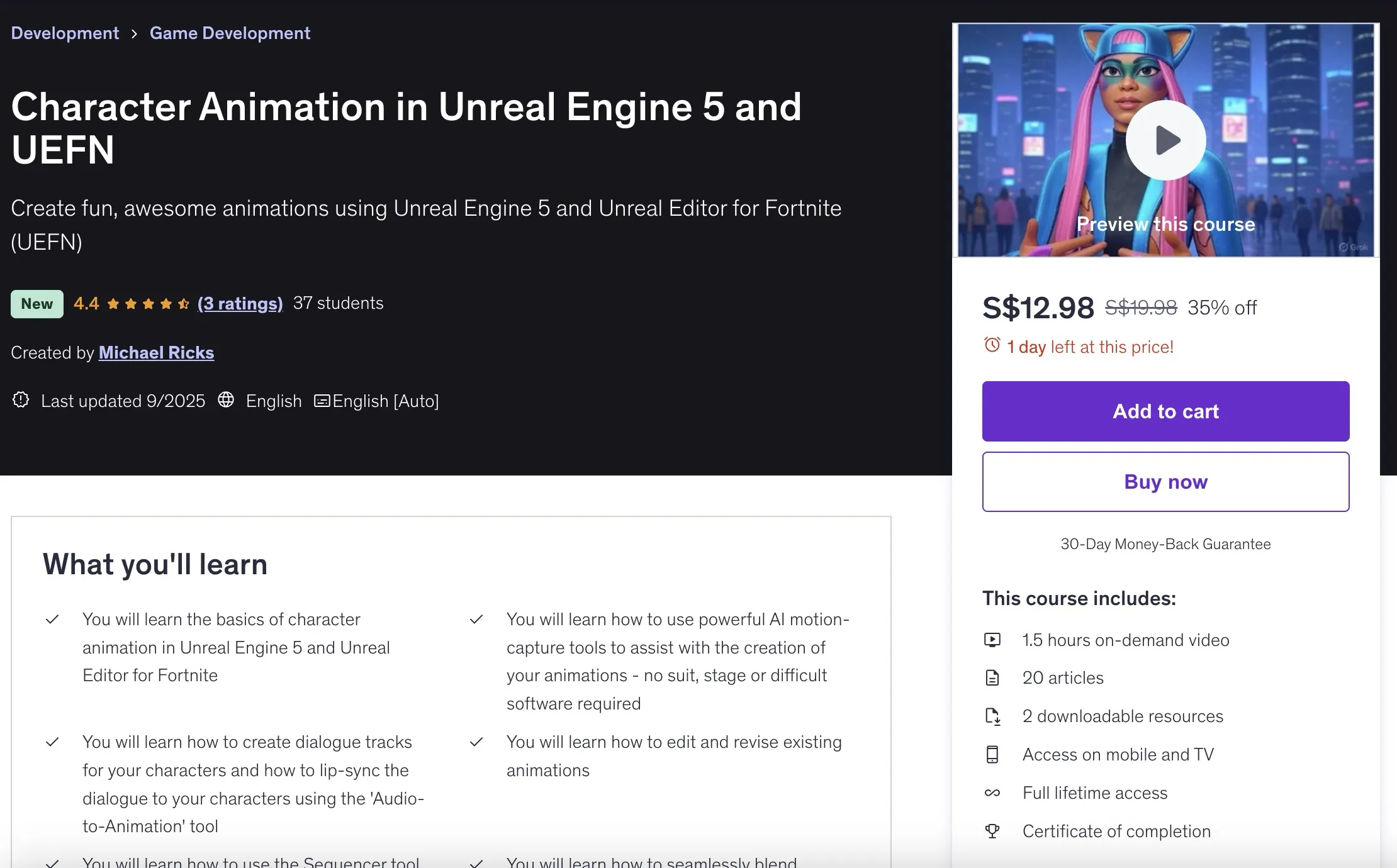
Character Animation in Unreal Engine 5 and UEFN
Overview
Create fun, awesome animations using Unreal Engine 5 and Unreal Editor for Fortnite (UEFN). This course contains the use of artificial intelligence. Learn how to animate in Unreal Engine 5 using Fortnite Characters - with a cast of over 1,200 characters.
- You will learn the basics of character animation in Unreal Engine 5 and Unreal Editor for Fortnite
- You will learn how to use powerful AI motion-capture tools to assist with the creation of your animations - no suit, stage or difficult software required
- You will learn how to create dialogue tracks for your characters and how to lip-sync the dialogue to your characters using the 'Audio-to-Animation' tool
- You will learn how to edit and revise existing animations
- You will learn how to use the Sequencer tool inside of Unreal Engine and Unreal Editor for Fortnite (UEFN)
- You will learn how to seamlessly blend multiple animations together
- You will learn how to gain access to over 2,500 free animations through Mixamo, and you will learn how to retarget these animations to the Fortnite characters
- At the conclusion of the course, you will have a clear understanding of how to access over 1,200 Fortnite characters and how to get them to talk, sing and dance
Requirements
- A computer capable of running Unreal Engine 5, and an internet connection
Target Audience
- If you have ever had the desire to create awesome character animations, this course will get you off to a quick start, while having fun at the same time
Course Content
Course Outline
Course Sections
- Introduction to Unreal Engine 5 | Unreal Editor for Fortnite - 6 lectures • 10min
- Let's Create Our UEFN Fortnite Project - 4 lectures • 3min
- Let's Animate Your Fortnite Character - 13 lectures • 18min
- Animation Techniques: Refining and Editing an Existing Animation - 12 lectures • 38min
- Blending and Layering Animations - 3 lectures • 6min
- MIXAMO - Want high-quality animations for FREE? Mixamo to the rescue - 3 lectures • 12min
- AI Motion-Capture - suit, stage or expensive software no longer needed - 5 lectures • 13min
- Congratulations on finishing the course - 2 lectures • 1min
Detailed Content
Introduction to Unreal Engine 5 | Unreal Editor for Fortnite
- Introduction to Character Animation in Unreal Engine 5 & UEFN (03:25)
- The Animation We Will Create in This Course (00:59)
- The Tools We Will Be Using (00:08)
- Download and Install Unreal Engine 5 and UEFN (text instructions) (00:39)
- Download and Install Unreal Engine 5 (03:47)
- Download and Install Unreal Editor for Fortnite (UEFN) (00:55)
Let's Create Our UEFN Fortnite Project
- Create Your Project Using the 'Animation Template' (00:16)
- Create project using 'Animation Template' (00:56)
- Next, we will create a Level Sequence and then add an audio track to it (00:11)
- Now Let's Import Audio File (01:43)
Let's Animate Your Fortnite Character
- The MetaHuman Identity (00:13)
- How To Create the MetaHuman Identity (02:26)
- The Magical, Amazing Audio-to-Animation Tool (00:13)
- Let's create our Audio-to-Animation Performance (02:29)
- Export the animation from the MetaHuman Performance (01:00)
- The Character Device - All the Magic Starts Here (00:17)
- The Character Device (04:36)
- The Facial Control Rig - Baking the animation to the Control Rig (00:23)
- We now bake the facial animation to the facial control rig (01:15)
- Let's Add the Body Animation (00:04)
- Now we will add the body animation (02:26)
- Create a NEW animation combining the facial and body animations (00:10)
- Export animation of combined facial and body animation (02:34)
Animation Techniques: Refining and Editing an Existing Animation
- Facial Animation: Let's add blinks (00:24)
- Let's animate eye blinks (07:15)
- Eye Movement: one of the keys to a great animation (00:17)
- Next, we will animate the eye movement (05:57)
- Correcting the tongue, if needed (00:10)
- How to correct the tongue poking through the mesh (01:55)
- Body Animation: First, let's activate the IK Hand/Arm controls (00:15)
- Find and activate IK Hand/Arm Controls (05:12)
- Editing the Body Animation: Let's start with the head (00:13)
- Let's revise the head animation (09:50)
- The Body Control: Inverse Kinematics is cool (00:17)
- The body control (05:47)
Blending and Layering Animations
- How to blend multiple animations together seamlessly (00:10)
- How to blend animations smoothly and seamlessly (04:56)
- How to fine-tune the blend (00:57)
MIXAMO - Want high-quality animations for FREE? Mixamo to the rescue
- Mixamo Animations by Adobe - Let's download our first animation (00:16)
- Let's download our first Mixamo animation (04:18)
- Next, we will import and retarget our Mixamo animation to the Fortnite character (07:05)
AI Motion-Capture - suit, stage or expensive software no longer needed
- Resource files for this section - video of character dancing and mocap file (00:10)
- Let's create our motion-capture file with QuickMagic (04:59)
- Now let's export our mocap animation and import it into UEFN or UE5 (02:10)
- Next, we'll retarget the animation to our Fortnite skeleton (02:08)
- Finally, we'll create a Level Sequence, import our character and animation (03:27)
Congratulations on finishing the course
- Congratulations on finishing the course - next steps... (00:42)
- What's next? (00:27)
Instructor
Michael Ricks - Animator, VFX Artist, Independent Filmmaker
I've been making films and doing visual effects on indie films for over 15 years. When I discovered Unreal Engine I was blown away by it's realistic real-time rendering engine! I immediately saw that Unreal Engine was a game changer and that it had now become possible for a small studio consisting of a few artists or even a single artist to pull off a Hollywood quality feature length animated film!
In the past it would take hours, if not days, to render each frame of animation, which made it impossible for an independent artist to complete a full-length film. It would literally take years to render all the frames of a movie.
All this has changed with Unreal Engine - the playing field has been leveled, and it is now truly up to the talents and skill set of the artist/storyteller to create their vision. No longer will you be held back due to limitations of technology.
Join with me as we begin a journey in using this awesome tool-set - I think you will find it not only fun but extremely satisfying on a creative level.
🚀Direct Download Link
Contact us on 💬WhatsApp for premium access and support.