Nomad Sculpt: Solid Foundations | Complete Beginners Guide
Last updated: Oct 22 2025
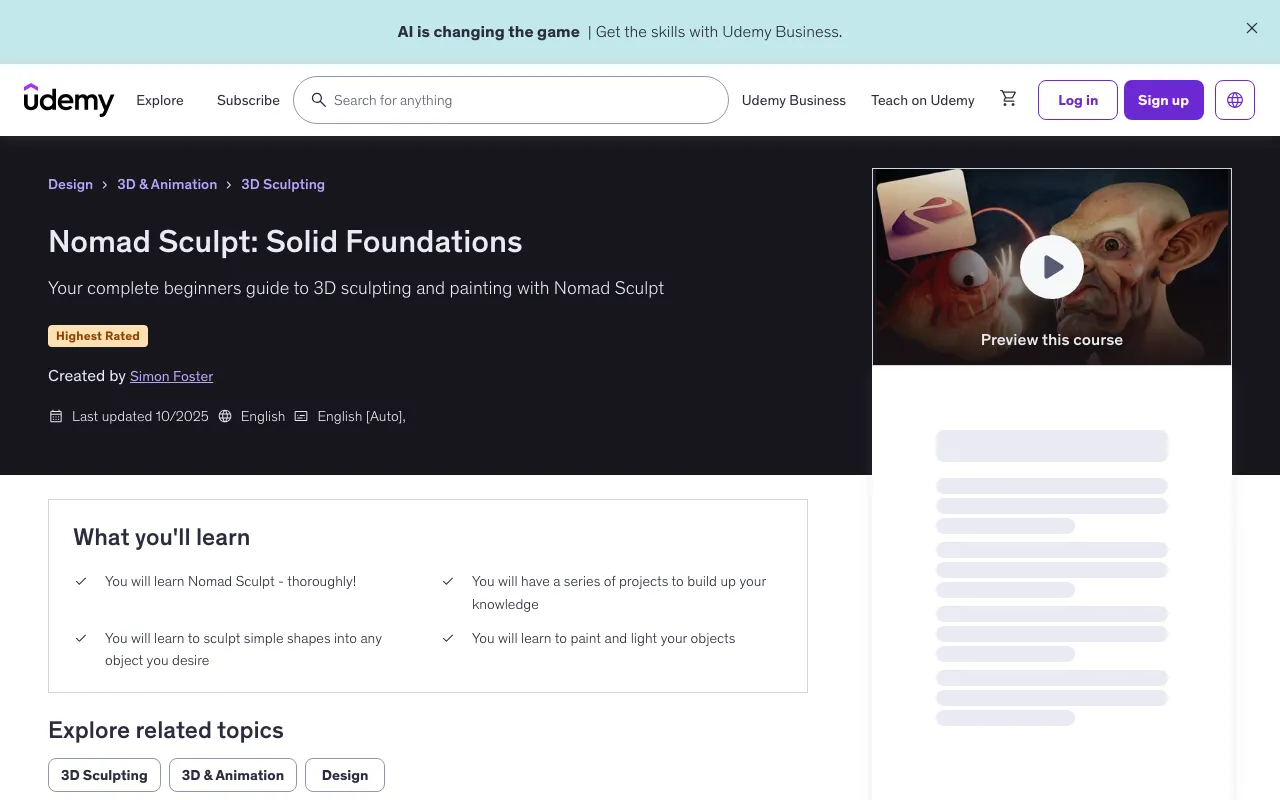
🚀 What You'll Learn
- You will learn Nomad Sculpt - thoroughly!
- You will have a series of projects to build up your knowledge
- You will learn to sculpt simple shapes into any object you desire
- You will learn to paint and light your objects
This beginner-first course is designed to remove the panic, clear the jargon, and give you a calm, repeatable workflow you can trust. No gatekeeping. No "you should already know this." Just you, and a clear path from blob to believable forms.
I'm an experienced video instructor with 35+ years as an illustrator/designer. I already have top-rated Procreate courses on the iPad, and I've taught thousands of creatives who swore they "weren't 3D people." Spoiler: they were. If you've ever enjoyed painting or sketching in Procreate, you already have the instincts for Nomad Sculpt- and that's what this course is: a gentle, structured start that builds genuine confidence.
👥 Who This Course Is For
- Beginners who wish to learn Nomad Sculpt
📋 Requirements
- No experience needed
- You will need a copy of Nomad Sculpt on an iPad or Android device
- A pressure sensitive pen or stylus for your tablet would be a big advantage
📚 Course Content
Start Right Here
- Hello and Welcome! Make a Mess, Part 1 (17:28)
- Hello and Welcome! Make a Mess, Part 2 (16:14)
- Primitives, the Gizmo and Multirez - Whatever They Are! (19:36)
First Project - Goblin Head
- Godfrey the Goblin, Part 1 (17:19)
- Godfrey the Goblin, Part 2 - Defining Basic Forms (10:55)
- Godfrey the Goblin, Part 3 - Matcaps (10:06)
- Godfrey the Goblin, Part 4 - Masking (15:59)
- Godfrey the Goblin, Part 5 - Mirrors and Eyes (09:56)
- Godfrey the Goblin, Part 6 - Dynotopo (13:40)
- Godfrey the Goblin, Part 7 - Finer Details & Neck (14:51)
- Godfrey the Goblin, Part 8 - More Fine Detail (12:20)
- Godfrey the Goblin, Part 9 - Texturing the Mesh (17:37)
Middle Section
- Primitives, the Grid, Perspective and the Track Ball (14:10)
- Quad Remesher, Part 1 (15:24)
- Quad Remesher, Part 2 (06:30)
Pumpkin Head Project
- Patsy the Pumpkin - the Lathe Tool (06:51)
- Patsy the Pumpkin - Radial Symmetry and the Operations Panel (13:51)
- Patsy the Pumpkin - Boolean Subtract (05:54)
- Patsy the Pumpkin - Carve Out the Eyes (13:17)
- Patsy the Pumpkin - Carve the Mouth plus Boolean Intersect (16:36)
- Patsy the Pumpkin - Create the Stalk with the Curve Tool (06:59)
- Patsy the Pumpkin - Decimate to Reduce Polygons (08:29)
- Patsy the Pumpkin - Add Finer Detail (06:40)
- Patsy the Pumpkin - Intro to Painting (11:53)
- Patsy the Pumpkin - Face Groups (14:01)
- Patsy the Pumpkin - Fixing a Problem with Voxel Remesh (10:23)
- Patsy the Pumpkin - Start Painting Detail (18:45)
- Patsy the Pumpkin - Use Layers to Alter your Work (09:27)
- Patsy the Pumpkin - Lighting (19:22)
- Patsy the Pumpkin - Post Processing, Part 1 (10:41)
- Patsy the Pumpkin - Post Processing, Part 2 (11:34)
Anglerfish Project
- Anna - Set up our Camera Angles (10:18)
- Anna - Add some Eyes (12:43)
- Anna - Masking and Sculpting (13:54)
- Anna - a Potential Voxel Remesh Issue (06:56)
- Anna - Refine the Head (11:56)
- Anna - Create the Body (12:57)
- Anna - Create the Fins and Fishing Rod (12:20)
- Anna - Merging the Parts of the Body (13:39)
- Anna - Refining the Overall Mesh (16:15)
- Anna - Texturing, part 1 (07:33)
- Anna - Texturing, part 2 (10:28)
- Anna - Add the Thin Fins (19:54)
- Anna - A Simple Paint Job (13:06)
- Anna - Lights and Post Process (15:22)
Advanced Painting
- Painting, part 1 - Basic Setup (06:49)
- Painting, part 2 - Import an object (10:57)
- Painting, part 3 - Paint the Underlayer (09:44)
- Painting, part 4 - Paint the Top Skin (11:20)
- Painting, part 5 - Oo! Shiny! (13:40)
- Painting, part 6 - Fine Detail (19:56)
- Painting, part 7 - Variations... (09:33)
- Painting, part 8 - Lights, Post Process and Rendering (15:12)
Conclusion
- Nomad Sculpt Comes to a Desktop Near You... (14:46)
💡 What Makes This Course Different
-
Workflow based, not just explaining tools. You won't be dumped into a sea of buttons. We'll establish simple, dependable workflows that you can use for everything you make.
-
Learn by building, not just watching. Instead of tool lectures, you'll create beginner friendly models step-by-step that turn concepts into muscle memory.
-
Beginner-safe pacing. We start with the four tools you'll use most (Clay, Move, Flatten, Crease), plus Smooth, symmetry basics, and navigation. As your confidence grows, we layer in more Nomad tools—always in service of the workflow, never as random features.
-
A Mindset that actually helps. You'll have permission to make a mess, restart without fear, and learn in small, satisfying chunks.
🎯 By The End, You'll Be Able To
- Navigate Nomad comfortably and set up a distraction-free interface
- Block out strong shapes, refine clean planes, and add crisp stylized accents
- Understand what's under the hood—vertices, edges, and quads—so tools finally "click"
- Use symmetry wisely (and break it when your model needs life)
- Export cleanly and know your next steps toward printing, painting, or game-ready workflows
👨🏫 About Your Instructor
Simon Foster holds a degree in Educational Design from Manchester Metropolitan University, has been a designer for 35+ years, has run a successful design business for over 30, and was a teacher for 2 years. He has produced design work for clients from all over the world, including all the graphics for Rollercoaster Tycoon 1 and 2, various other games and apps, illustrating science books and providing design and illustration for clients ranging from doctors to top level business people, world class geneticists right through to local start up businesses.
📊 Course Statistics
- 11.5 hours on-demand video
- 19 downloadable resources
- Access on mobile and TV
- Full lifetime access
- Certificate of completion
💰 Pricing & Guarantee
- Current price: $12.98
- Original price: $19.98
- 35% discount applied
- 30-Day Money-Back Guarantee
🏆 Course Rating
- Rating: 4.9 out of 5 (7 ratings)
- 116 students enrolled
🚀Direct Download Link
Contact us on 💬WhatsApp for premium access and support.