Last updated: Sep 2025
DaVinci Resolve 20 Masterclass
https://www.udemy.com/course/davinci-resolve-20-masterclass/?couponCode=MT251020G2
Overview
Unlock the full potential of DaVinci Resolve 20, the industry-leading free editing software used by filmmakers, YouTubers, and content creators worldwide. Whether you are just starting your editing journey or looking to refine your professional workflow, this step-by-step masterclass will take you from beginner to advanced editor.
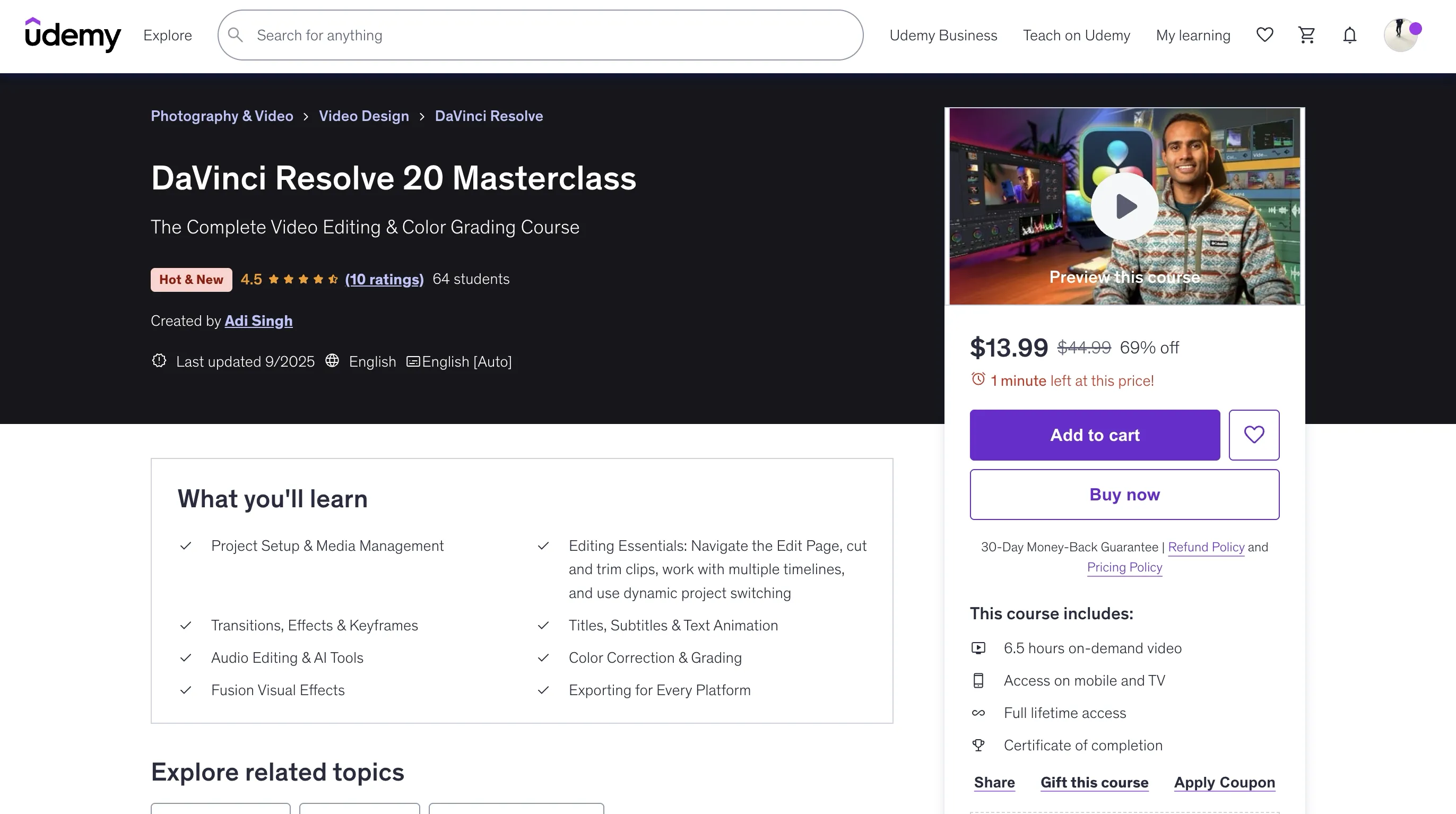
- Project Setup & Media Management
- Editing Essentials: Navigate the Edit Page, cut and trim clips, work with multiple timelines, and use dynamic project switching
- Transitions, Effects & Keyframes
- Titles, Subtitles & Text Animation
- Audio Editing & AI Tools
- Color Correction & Grading
- Fusion Visual Effects
- Exporting for Every Platform
Requirements
- No prior video editing experience
Course Structure
User Interface
- Project Settings
- User Interface
- Media Page Introduction
Edit Page
- Edit Page Introduction
- How to Use Shortcuts
- Editing Video Sequence - Part 1
- Editing Video Sequence - Part 2
- Inspector Panel - Video
- Inspector Panel - Audio
- Keyframing
- Video Effects
- Compound Clips
- Voice Over on Timeline
- Titles
- Titles And Animations
- Proxy Files
- Timeline Organisation
- AI Audio Features
- Subtitles
- AI Audio Transcription
Color Grading
- Color Grading Page Overview
- What is a Node Tree
- Color Corrections Basics
- Color Grading using Custom Curves
- Qualifier Tool
- Color Slice Tool
- Windows Tool
- Keyframing in Color Grading
- Color Grading Using LUTs
- Log Video Color Grading
- Film Look LUTs
- Powergrade Tool
- Magic Mask
- Halation Tool
- Noise Reduction
- Film Grain
Course Content
Introduction
- Introduction
- Class Overview
User Interface
- Project Settings
- User Interface
- Media Page Introduction
Edit Page
- Edit Page Introduction
- How to Use Shortcuts
- Editing Video Sequence - Part 1
- Editing Video Sequence - Part 2
- Inspector Panel - Video
- Inspector Panel - Audio
- Keyframing
- Video Effects
- Compound Clips
- Voice Over on Timeline
- Titles
- Titles And Animations
- Proxy Files
- Timeline Organisation
- AI Audio Features
- Subtitles
- AI Audio Transcription
Fairlight Page
- Fairlight Page Introduction
Color Grading in DaVinci Resolve
- Color Grading Page Overview
- What is a Node Tree
- Color Corrections Basics
- Color Grading using Custom Curves
- Qualifier Tool
- Color Slice Tool
- Windows Tool
- Keyframing in Color Grading
- Color Grading Using LUTs
- Log Video Color Grading
- Film Look LUTs
- Powergrade Tool
- Magic Mask
- Halation Tool
- Noise Reduction
- Film Grain
Fusion Page
- Fusion Page Overview
- Attach Text To Objects
- Locked On Stablisation
- Attach Text On A Layer
- Green Screen Effect
- Travel Map Animation
- Cutout Effect
- Best Export Settings
- Thank you
Key Features
-
Project Setup & Media Management: Import footage, organize projects efficiently, and use smart bins and power bins for faster editing.
-
Editing Essentials: Navigate the Edit Page, cut and trim clips, work with multiple timelines, and use dynamic project switching.
-
Transitions, Effects & Keyframes: Create smooth edits with speed ramping, stabilization, lens correction, and advanced keyframing techniques.
-
Titles, Subtitles & Text Animation: Build cinematic titles, animated captions, and designer subtitles with the latest multi-text tools.
-
Audio Editing & AI Tools: Clean audio with AI Voice Isolation, balance dialogue, remix music with AI, and explore advanced Fairlight features.
-
Color Correction & Grading: Use scopes, node trees, LUTs, vignetting, film grain, and noise reduction to achieve cinematic visuals.
-
Fusion Visual Effects: Apply green screen keying, motion graphics, and map animations for professional visual effects.
-
Exporting for Every Platform: Deliver projects in the best formats for YouTube, TikTok, Instagram, and client work.
Who This Course Is For
- Video editors
- Content Creators
- Youtubers
- Filmmakers
- Videographers
🚀Direct Download Link
Contact us on 💬WhatsApp for premium access and support.