Dynamo Certification Course: Master Parametric Design in Revit
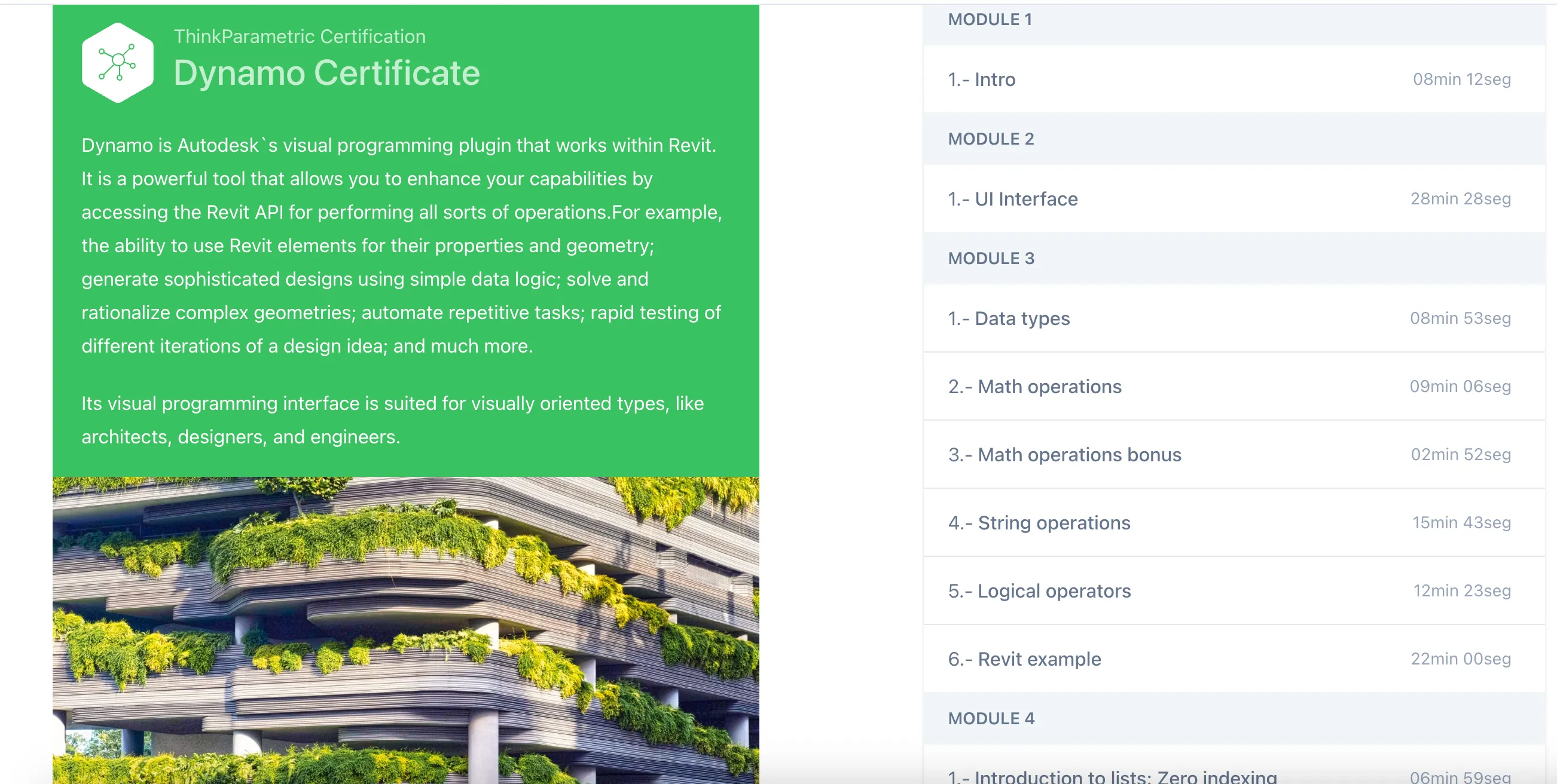
Dynamo Certificate
Dynamo is Autodesk's visual programming plugin that works within Revit. It is a powerful tool that allows you to enhance your capabilities by accessing the Revit API for performing all sorts of operations. For example, the ability to use Revit elements for their properties and geometry; generate sophisticated designs using simple data logic; solve and rationalize complex geometries; automate repetitive tasks; rapid testing of different iterations of a design idea; and much more.
Its visual programming interface is suited for visually oriented types, like architects, designers, and engineers.
PARAMETRIC MODELING
Learn how to use Dynamo to take your Revit game to the next level. Dynamo's visual programming interface amplifies the BIM and parametric capabilities of Revit that allows you to solve tasks in more efficient ways.
Features
Automate repetitive tasks: Perhaps one of the most important ways Dynamo can contribute to your workflow is the automation of dull repetitive tasks. There are countless tasks that you can design an algorithm to solve like for example: Renumber a sequence of sheets, batch insert families, add revisions to multiple sheets, change text case among many others you may come up with.
Access your building data: Although Revit already comes with tools to extract data being a parametric application Dynamo helps to enhance these capabilities besides the usual Schedules on Dynamo you can create and combine data in ways that otherwise would be impossible. For example, using Dynamo you can create a two-way link between your Revit model and Excel. First, create a Dynamo graph to export the specific data to Excel. Once in Excel, you can modify the data as needed. Next, create another graph to import the data back into the model.
Explore multiple design options: Dynamo is also a powerful design tool. With Dynamo's parametric modeling capabilities you can create robust generative design systems that allow you to explore multiple design iterations. You set the parameters or rules for the design outcomes, so you are in complete control. You're always certain a design outcome will behave according to the parameters you've set.
Think Computationally: As architects we rely on our creativity and intuition to solve design problems. Dynamo however requires a more systematic approach to solving problems. The cool thing is that with Dynamo you can encode this intuition. By thinking computationally, you can break up the different design steps into logical instructions for your Dynamo script. And because every step requires specific parameters, you're forced to analyse all sides of the problem allowing you to understand your project thoroughly.
Course Modules
Module 1
- 1.- Intro: 08min 12sec
Module 2
- 1.- UI Interface: 28min 28sec
Module 3
- 1.- Data types: 08min 53sec
- 2.- Math operations: 09min 06sec
- 3.- Math operations bonus: 02min 52sec
- 4.- String operations: 15min 43sec
- 5.- Logical operators: 12min 23sec
- 6.- Revit example: 22min 00sec
Module 4
- 1.- Introduction to lists: Zero indexing: 06min 59sec
- 2.- List lacing: 09min 53sec
- 3.- Inputs and outputs: 04min 14sec
- 4.- List operations: 32min 33sec
- 5.- Packages: 1min 56sec
- 6.- Revit example: 14min 52sec
- 7.- List levels: 06min 33sec
- 8.- Revit example 2: 25min 27sec
- 9.- Dictionary: 04min 41sec
- 10.- Write Excel: 11min 49sec
- 11.- Read Excel: 14min 42sec
Module 5
- 1.- Custom nodes: 15min 09sec
- 2.- Create package: 17min 33sec
- 3.- Version issues: 10min 26sec
- 4.- Packages: 11min 00sec
Module 6
- 1.- Grouping, coloring, annotating: 14min 43sec
- 2.- Dynamo template: 10min 03sec
- 3.- Extra tips: 05min 20sec
Module 7
- 1.- Introduction to textual scripting: 09min 20sec
- 2.- Get wall tags visible in view: 20min 27sec
- 3.- Get wall tags by view: 10min 58sec
- 4.- Get tagged walls: 14min 15sec
- 5.- Color walls: 25min 47sec
- 6.- Python template: 08min 45sec
- 7.- Tips and tricks: 11min 20sec
🚀Direct Download Link
Contact us on 💬WhatsApp for premium access and support.