Crowds in Houdini Course
Last updated: Oct 16 2025
Overview
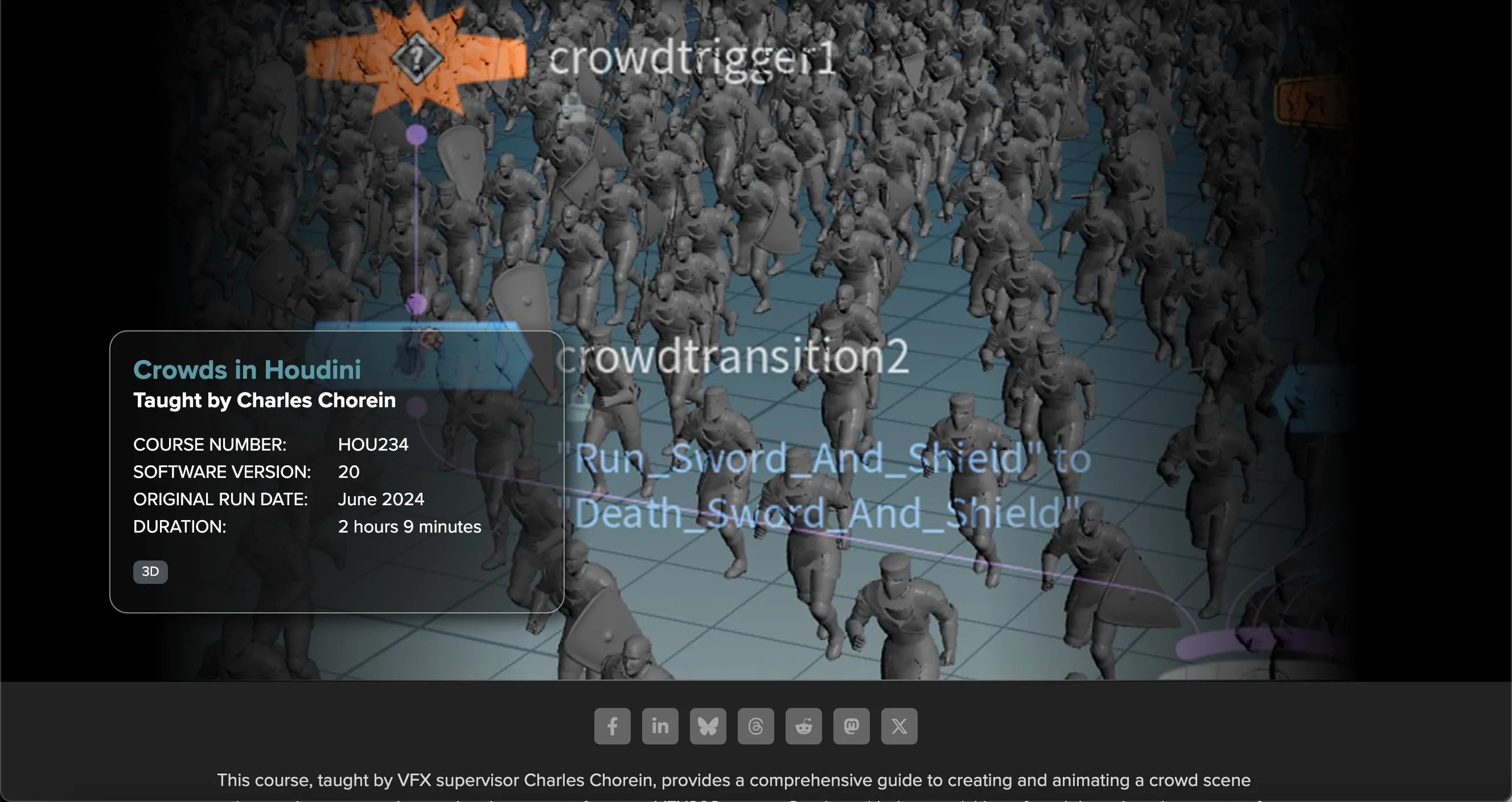
This course, taught by VFX supervisor Charles Chorein, provides a comprehensive guide to creating and animating a crowd scene using motion capture data and various assets from our VFX308 course. Starting with the acquisition of models and motion capture from the Mixamo database, you will create and enhance assets in Maya, then import and set up these assets in Houdini.
- Creating and animating crowd scenes using motion capture data
- Working with Mixamo database for models and motion capture
- Setting up agents in Houdini for crowd simulation
- Adding props like swords and shields to agents
- Simulating agent collisions and interactions using DOPnet
About the Instructor
Charles Chorein is a CG supervisor in London with 15 years of experience. He has been working in London since 2009 and has contributed to various movies such as The Hobbit, Prometheus, The Hunger Games 2, Superman: Man of Steel, Harry Potter 7, Pirates of the Caribbean 4 and DespicableMe. He has more recently been working on TV shows and recently finished Dark Crystal for Netflix.
Course Structure
Class 1: Initial setup
The Mixamo database assists us in obtaining a model and motion capture library as a starting point. We create our assets in Maya and then use Houdini to initiate our crowd setup using the Agent node to import our assets and apply the motion capture. Finally, we enhance our model in Maya by adding shields and swords before transferring the asset to Houdini.
Class 2: Motion capture and run cycle
We apply our initial motion capture data and introduce additional variations in the run cycle. Next, we incorporate the swords and shields into our running agent. Finally, we explore how to manage all assets within a single agent.
Class 3
Now it's time to incorporate the ground from the VFX308 layout to assess our agent under realistic conditions. Additionally, we perform rigging and make terrain adjustments tailored to our specific model.
Class 4: Populating the scene
Next, we populate our asset with hundreds of agents, introducing variation and randomness in animation, props, agent size, and speed.
Class 5: Collision and interaction
We use a DOPnet to simulate and generate collisions among agents, allowing interaction with elements like diverse terrain. The setup necessitates a few adjustments, so we need to evaluate our previous configuration.
Class 6: Adding more variation
Incorporating various "dying" motion capture data to introduce variation based on factors such as Time, VEXpression, or Particle Speed. We adjust properties to enable the triggering of different motion capture animations based on specific action triggers.
Technical Details
HOU234 | | Software Version | Houdini 20 | | Original Run Date | June 2024 | | Duration | 2 hours 9 minutes | | Level | Intermediate | | Language | English |
🚀Direct Download Link
Contact us on 💬WhatsApp for premium access and support.