Last updated: Oct 2025
Maya to UE5 - 3D Modelling Course
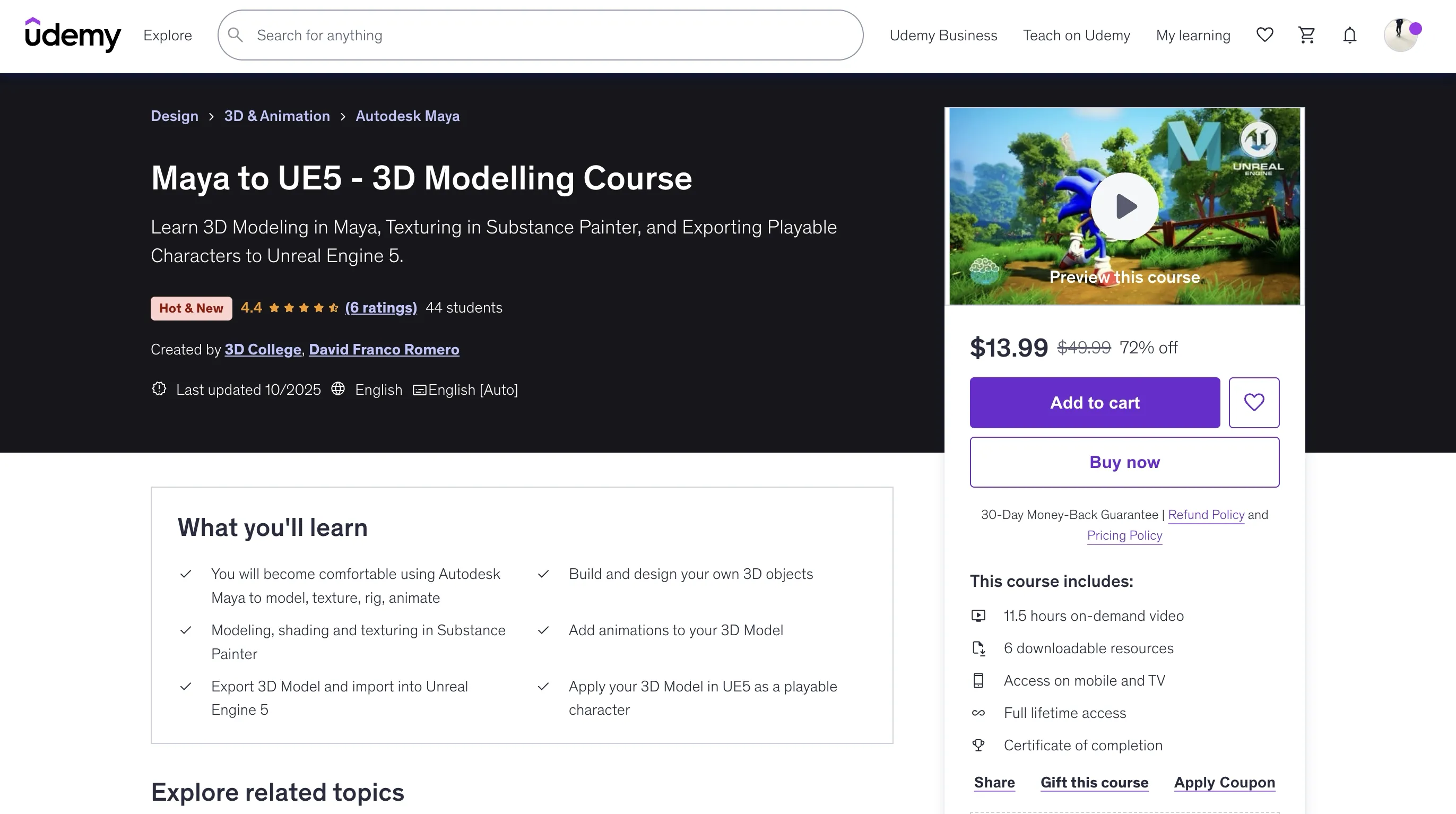
https://www.udemy.com/course/maya-to-ue5-3d-modelling-course/?couponCode=MT251020G2
Overview
Maya to UE5: 3D Modelling Course is designed to introduce you to the exciting world of character creation, giving you the essential skills to bring your ideas to life inside Unreal Engine 5. Fully compatible with the latest versions of Maya and Unreal Engine 5, this course ensures you're learning with the industry's most up-to-date tools.
Maya is a powerful 3D production suite used across AAA game studios and blockbuster films. Combined with Substance Painter for texturing, Mixamo for quick animation, and Unreal Engine 5 for real-time rendering, you'll learn the complete workflow to transform your own 3D character into a playable asset.
- You will become comfortable using Autodesk Maya to model, texture, rig, animate
- Build and design your own 3D objects
- Modeling, shading and texturing in Substance Painter
- Add animations to your 3D Model
- Export 3D Model and import into Unreal Engine 5
- Apply your 3D Model in UE5 as a playable character
Requirements
- You should have Autodesk Maya to follow along with the course
- Autodesk provides a 30-day free trial of Maya from their website
- Unreal Engine 5 is free to use software
- 3-button mouse
Course Structure
Introduction to Maya
- Downloading the Software
- Basic Maya tools (Basic navigation)
- Basic Maya tools I (Essential tools)
- Basic Maya tools II (Essential tools)
- Basic Maya tools III (UV Introduction)
Character Creation I
- Introduction to Maya (Importing references)
- Introduction to Maya I
- Introduction to Maya II
- Introduction to Maya III
- Introduction to Maya IV
- Introduction to Maya V
- Introduction to Maya VI
- Introduction to Maya VII
Character Creation II
- Retopology and final touches I
- Retopology and final touches II
- Retopology and final touches III
- Retopology and final touches IV
- Retopology and final touches V
- Retopology and final touches VI
Course Content
Introduction
- Maya to UE5 - 3D Modelling Course
Introduction to Maya (first steps)
- Downloading the Software
- Basic Maya tools (Basic navigation)
- Basic Maya tools I (Essential tools)
- Basic Maya tools II (Essential tools)
- Basic Maya tools III (UV Introduction)
Character Creation in Maya (Part I)
- Introduction to Maya (Importing references)
- Introduction to Maya I
- Introduction to Maya II
- Introduction to Maya III
- Introduction to Maya IV
- Introduction to Maya V
- Introduction to Maya VI
- Introduction to Maya VII
Character Creation in Maya (Part II)
- Retopology and final touches I
- Retopology and final touches II
- Retopology and final touches III
- Retopology and final touches IV
- Retopology and final touches V
- Retopology and final touches VI
Introduction to Substance Painter
- Introduction to Substance Painter (Basic navigation)
- Introduction to Substance Painter and PureRef
- Introduction to Substance Painter I
- Introduction to Substance Painter II
- Introduction to Substance Painter III
Unreal Engine 5 & Mixamo
- Introduction to Mixamo
- Introduction to Unreal Engine 5
- Unreal Engine I
- Unreal Engine II
- Unreal Engine III
Key Features
-
Complete Pipeline: Create a fully animated, engine-ready character for video games using the same core pipeline used in professional game development studios.
-
Industry-Standard Tools: Gain hands-on experience with Maya, Substance Painter, Mixamo, and Unreal Engine 5 in one course.
-
Portfolio-Worthy Work: Develop portfolio-worthy work to showcase your 3D art and game-ready skills.
-
Project-Based Learning: You'll model one of the most legendary characters in gaming history - Sonic. Starting from scratch, you'll follow a beginner-friendly process that introduces you to all the essentials of 3D modeling.
Learning Path
The course is fully project-based, so every new technique you learn will immediately be applied to building your Sonic character. You'll practice the complete production pipeline:
- Modeling in Maya – from blockout to clean topology
- Texturing in Substance Painter – baking, PBR workflow, and painting high-quality textures
- Animating in Mixamo – quickly rigging and adding motion to your character
- Exporting to Unreal Engine 5 – importing, setting up materials, and preparing your model as a playable character
Each stage of the course is designed to help you grow:
- Be challenged to apply techniques independently, encouraging problem-solving
- Follow step-by-step guidance to refine your results
- Reinforce your knowledge through practical exercises and repetition
Who This Course Is For
- We designed this course for complete beginners who want to get started with Autodesk Maya
- We designed this course for anyone that wants to learn 3D modelling, and the tools used by professional artists in the industry
- We designed this course for beginner Autodesk Maya users who want to take their skills to a more advanced next level
🚀Direct Download Link
Contact us on 💬WhatsApp for premium access and support.