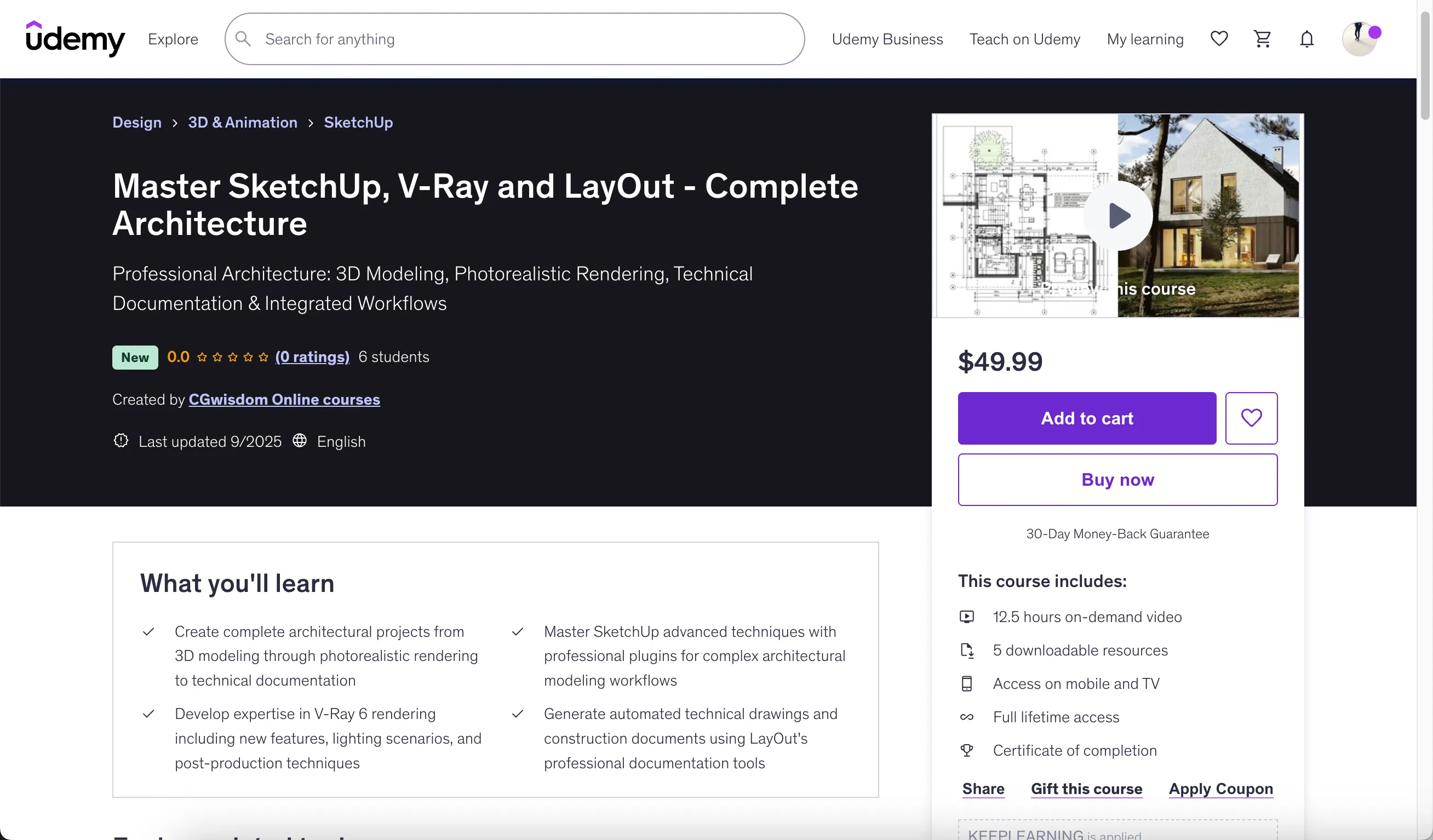
Master SketchUp, V-Ray and LayOut - Complete Architecture
Course Overview
This comprehensive course teaches you to master the complete architectural visualization and documentation pipeline using SketchUp for intuitive 3D modeling, V-Ray 6 for professional rendering, and LayOut for automated technical documentation.
Course Details:
- Rating: 0.0 (New course)
- Students: 6 students
- Created by: CGwisdom Online courses
- Last updated: September 2025
- Price: S$19.98
- Included materials: 12.5 hours video, 5 downloadable resources, mobile/TV access, lifetime access, certificate of completion
Learning Objectives
By the end of this course, you will be able to:
- Complete full architectural projects from concept to documentation
- Master advanced SketchUp techniques for architectural modeling
- Create photorealistic renders with V-Ray 6
- Generate professional technical documentation with LayOut
- Implement industry-standard workflows used by professional architects
- Utilize essential plugins to enhance SketchUp's capabilities
- Develop efficient file organization and project management skills
Requirements
- Basic knowledge of SketchUp interface and fundamental 3D modeling concepts
- Familiarity with SketchUp basics including navigation, drawing tools, and component creation
- Elementary understanding of 3D modeling software and architectural drawing principles
- Beginner to intermediate SketchUp skills with willingness to learn advanced architectural workflows
Course Description
Master the complete architectural visualization and documentation pipeline using the industry's most accessible yet powerful software combination. This comprehensive course teaches you to create photorealistic visualizations and professional technical drawings through one complete single-family house project, demonstrating real-world workflows that practicing architects use daily.
Integrated Architectural Software Mastery
This course focuses on the synergy between three essential architectural tools: SketchUp for intuitive 3D modeling, V-Ray 6 for professional rendering, and LayOut for automated technical documentation. Unlike courses that teach software in isolation, you'll learn how these programs work together to create a seamless workflow from initial concept to final presentation.
Real-World Project Foundation
Work through an authentic two-story, 140-square-meter single-family house project - exactly the type of commission you'll encounter in professional practice. This realistic scale and complexity ensures you develop skills that transfer directly to your career, whether you're working independently or within an architectural firm.
SketchUp Advanced Modeling Techniques
Discover SketchUp's full potential beyond basic modeling. Master efficient workflows for architectural detailing, complex geometry creation, and model organization that maintains performance even in large projects. Learn professional modeling standards that ensure your models are both visually impressive and technically sound for construction documentation.
Strategic Plugin Integration
Expand SketchUp's capabilities with essential plugins that professional architects rely upon. Master BezierSpline for complex curved elements, FredoCorner for architectural filleting, Component Stringer for repetitive element placement, and Skatter 2 for sophisticated landscape development. These tools transform SketchUp from a basic modeler into a comprehensive architectural design platform.
V-Ray 6 Professional Rendering
Harness the latest V-Ray 6 features specifically designed for architectural visualization. Master new tools like Enmesh for efficient repetitive geometry, procedural cloud systems for realistic skies, and Camera clipping for architectural sections. These cutting-edge features place you ahead of professionals still using outdated rendering techniques.
Multi-Scenario Lighting Mastery
Create compelling visualizations across different times of day and weather conditions. Learn tested lighting setups that work reliably across various architectural projects - from warm morning light that highlights building details to dramatic evening scenes that showcase interior lighting design. These proven techniques eliminate the guesswork from architectural lighting.
LayOut Professional Documentation
Transform your 3D models into professional construction documents using LayOut's automated drawing generation. Master scaled drawing production, line weight control, dimensioning systems, and print preparation - all generated automatically from your SketchUp model. This workflow eliminates redundant drafting while maintaining professional drawing standards.
Advanced V-Ray Post-Production
Complete your visualization pipeline entirely within V-Ray using advanced post-production techniques that eliminate dependence on external software. Master Cryptomatte masking for precise element selection, color grading for mood enhancement, and professional finishing techniques that elevate your renders to portfolio quality.
Who This Course Is For
- Architects and designers wanting to master complete project workflows from modeling to documentation
- SketchUp users ready to advance their skills with professional rendering and technical drawing capabilities
- Architecture students and professionals seeking to integrate visualization with construction documentation
- Design professionals wanting to streamline their workflow using integrated SketchUp Pro suite tools
Course Structure
Course Introduction and Setup
Basic Drawing and Editing Tools
Organization and Components
Advanced Modeling Techniques
- Carpentry - pull along (13:12)
- Stairs - intelligent scaling (07:41)
- Cut with - roof construction (06:33)
- Flip Along - Mirror Reflection (05:01)
Essential Plugins and Extensions (6 lectures • 45min)
- V-Ray UV Mapping Tools (07:46)
- Downloading and installation (06:13)
- Bezier Spline - tiles (09:00)
- FredoCorner - beveling (07:48)
- Component Stringer - Gutter Chains (06:59)
- Useful Plugins (06:47)
Textures and Materials (5 lectures • 31min)
- Plane Tool (05:55)
- Color, and Texture (07:19)
- Basics of Texturing (06:14)
- Seamless - what does it mean (04:31)
- Where to Look for Textures (07:25)
Model Resources and Management (5 lectures • 25min)
- 3D Warehouse (06:49)
- ModelUp (02:27)
- Chaos Cosmos (05:26)
- LayOut (06:08)
- Popular 3D Portals (04:33)
SketchUp Advanced Features (3 lectures • 20min)
- Basics of working in SketchUp (08:29)
- CleanUp3 (03:59)
- Proxies and External Models (07:28)
LayOut Documentation (13 lectures • 1hr 17min)
- Introduction (03:16)
- Send to LayOut (06:08)
- Scale (05:33)
- Axes (06:49)
- Hatching (07:17)
- 2D and 3D Tags (05:33)
- Layers (04:12)
- Dimensioning (08:11)
- Labels (05:45)
- Ready Shapes (07:08)
- Pages (06:49)
- Details (05:41)
- Saving and Export (05:05)
V-Ray Rendering Fundamentals (8 lectures • 55min)
- Introduction to V-Ray (03:17)
- Diffuse (07:48)
- Binding (03:07)
- Reflection (08:45)
- Bump (04:43)
- Displacement (11:35)
- Refraction (07:53)
- PBR Maps (07:55)
Additional Sections
The course includes 8 more sections covering advanced topics and project implementations.
Instructor Information
CGwisdom Online courses
Instructor Profile:
- 4.3 Instructor Rating
- 1,288 Reviews
- 7,455 Students
- 39 Courses
We are CG Wisdom, a team passionate about computer graphics, design, and modern technologies. Our focus is on practical training in 3ds Max, SketchUp, Blender, as well as creative tools powered by artificial intelligence. We believe learning should be both inspiring and accessible, which is why we share our knowledge in a clear and engaging way. Our mission is to help students develop their skills, bring creative projects to life, and achieve their personal goals with confidence.
Download Links
If you encounter any issues with the download links, please contact us via WhatsApp for direct assistance.