Unity Tutorial for Absolute Beginners
Last updated: Oct 20 2025
https://www.udemy.com/course/unity-tutorial-for-absolute-beginners/?couponCode=KEEPLEARNING
Overview
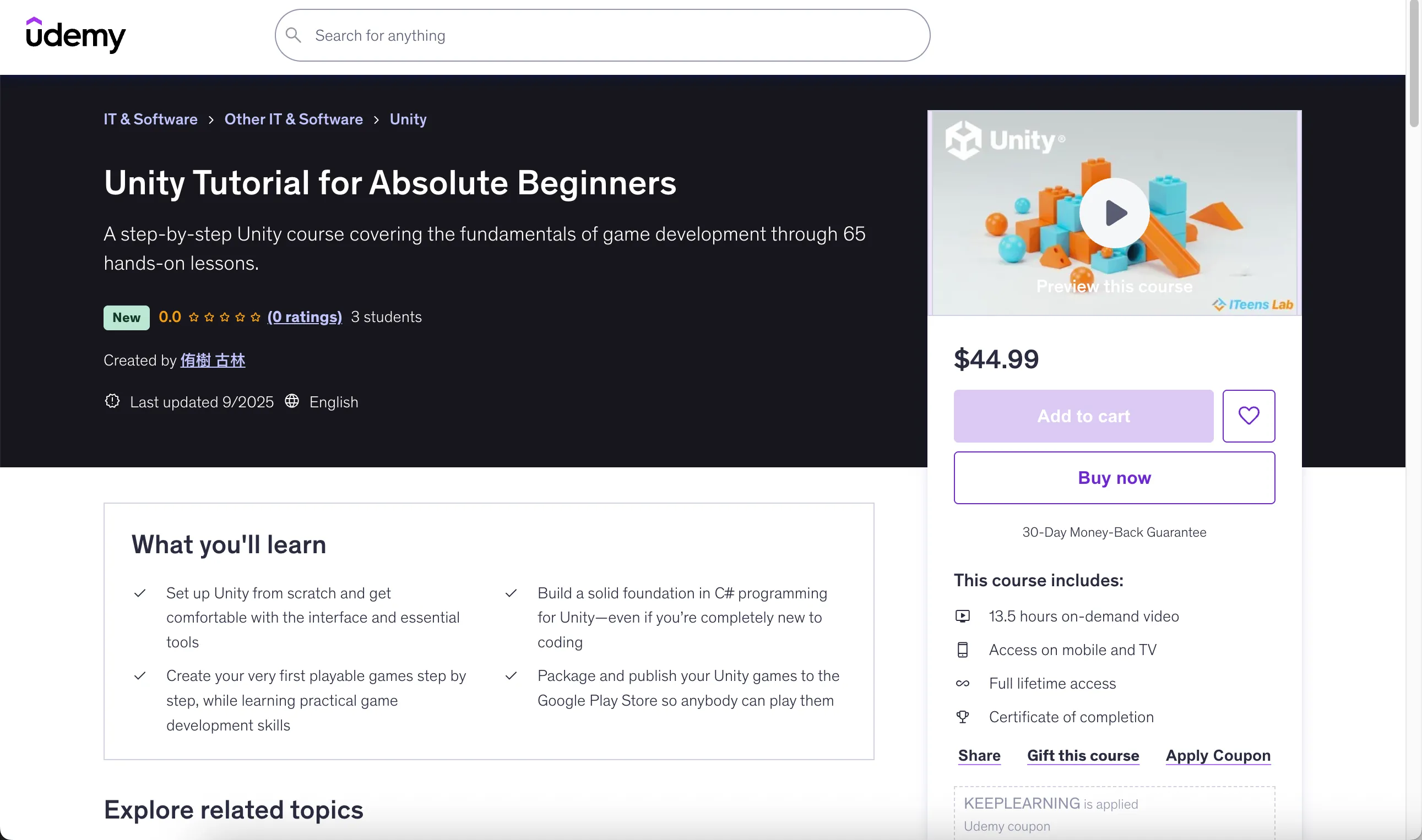
A step-by-step Unity course covering the fundamentals of game development through 65 hands-on lessons.
This course is part of the official curriculum of the online IT school ITeens Lab from Japan. Because of that, this video course is a converted version from Japanese to English.
It is specifically designed for learners with zero coding experience—so even absolute beginners are welcome!
What You'll Learn
- Set up Unity from scratch and get comfortable with the interface and essential tools
- Build a solid foundation in C# programming for Unity—even if you're completely new to coding
- Create your very first playable games step by step, while learning practical game development skills
- Package and publish your Unity games to the Google Play Store so anybody can play them
Course Features
Course Content
- 13.5 hours on-demand video
- Access on mobile and TV
- Full lifetime access
- Certificate of completion
Requirements
- Basic computer skills (such as file management and installing software)
- A computer with moderate performance specifications capable of running Unity smoothly
Course Rating
0.0 (0 ratings) | 3 students
Course Structure
Course Content
13 sections • 66 lectures • 13h 17m total length
Section 1: Course Introduction (2 lectures • 25 min)
- Intro to Unity for Absolute Beginners (05:58)
- Unity 6 and Unity ~2022 What's Different? (18:43)
Section 2: Unity Installation and Basic Operations (2 lectures • 26 min)
- Let's Get Ready to Use Unity (18:48)
- Exploring the Basic Operations (06:55)
Section 3: Programming Basics in Unity (8 lectures • 1 hr 43 min)
- Let's Write Some Code (15:03)
- Moving Objects (15:35)
- Adjusting Object Movement Speed (15:14)
- Adjusting Object Movement Direction (17:07)
- Removing Objects (14:06)
- Adding Physics to Objects (12:42)
- Controlling Objects with the Keyboard (06:53)
- Changing Object Colors and Materials (06:18)
Section 4: Essential Programming for Game Development (10 lectures • 1 hr 55 min)
- Disappear on Collision (11:11)
- Cloning Objects with Prefabs (10:08)
- Firing a Ball Using the Space Key (11:05)
- Defeating Enemies by Shooting Balls (09:47)
- Game View and Layout (05:37)
- Understanding Object Parent-Child Relationships (09:15)
- Displaying Text with Canvas (07:43)
- Changing Canvas Text Through Scripting (10:25)
- Updating the On-Screen Score with Scripts (06:11)
- Building a Simple Complete Game (33:26)
Section 5: Let's Create a More Advanced Game (13 lectures • 3 hr 21 min)
- Using Random Numbers (12:16)
- Using a Timer (07:31)
- Advanced Use of Random Numbers and Timers (10:17)
- Further Exploring Random Numbers and Timers (17:11)
- Creating a Game Over Screen (17:20)
- Showing "Game Over" When the Time Limit Is Reached (25:32)
- Controlling Collision Detection with Colliders (07:02)
- Moving Objects Upon Entering a Zone (15:56)
- Preventing Double Jumps (12:44)
- Building a Complete Game with the Skills You've Learned (45:38)
- Adding Background Music and Sound Effects (09:04)
- Understanding Audio Listeners in Your Game (07:40)
- Exporting Your Game and Uploading to Unity Play (12:51)
Section 6: Let's Learn How to Use the Asset Store (2 lectures • 20 min)
- Using the Asset Store (07:05)
- Using a Downloaded Asset in Your Project (12:48)
Section 7: Let's Explore Advanced Flag Techniques (2 lectures • 15 min)
- Enhancing Characters with Flags (09:12)
- Making Characters Power Up Upon Collecting Items (06:05)
Section 8: Let's Learn the Basics of Animation (4 lectures • 45 min)
- Creating an Animation (11:26)
- Combining Two Animations with the Animation Controller (08:36)
- Controlling Animations with Scripts (Part 1) (10:32)
- Controlling Animations with Scripts (Part 2) (14:09)
Section 9: Let's Learn the Basics of Particle Systems (3 lectures • 25 min)
- Using Particle Systems (07:35)
- Creating an Explosion Effect with Particle Systems (07:27)
- Creating a Fireworks Effect with Particle Systems (09:49)
Section 10: Let's Learn the Basics of Scene Transitions (2 lectures • 18 min)
- Transitioning from Title to Game Scene (12:59)
- Switching Scenes with a Button Click (05:20)
3 more sections included in the course
Course Description
Have you ever thought:
"I can follow along with tutorials and copy the sample code, but when I try to create something on my own… I get stuck"?
If so, this course is for you.
Our curriculum is carefully structured to help you truly understand what you're doing, practice repeatedly, and gradually gain the confidence to write code and build projects on your own.
By the time you finish, you'll feel the satisfaction of "I can create this myself!"
Course Outline
#1-#38: Foundations (Lecture 3-39)
- Installing Unity and learning the essential operations
- Basic coding in Unity (C#)
- How to create simple games
#39-#65: Intermediate Level (Lecture 40-66)
- Adding animations and visual effects
- Creating more polished and complex movements
By completing this course, you'll not only gain technical skills but also the confidence to continue exploring game development on your own, turning your creative ideas into real interactive experiences.
Since Standard Assets is no longer maintained or supported, video #36 "How to Use Standard Assets" has been removed.
Who This Course Is For
- Beginners in programming
- Beginners in Unity
- Anyone who wants to learn how to write code on their own
- Anyone who wants to create games with Unity
- Anyone dreaming of making their own 3D games
- Complete beginners who want to start learning Unity
- Anyone interested in creating their first games without prior game development experience
Instructor
- 4.7 Instructor Rating
- 67 Reviews
- 459 Students
- 3 Courses
We run an online school "ITeens Lab" that teaches programming and IT to elementary, junior high school, and high school students.
Based on more than 10 years of teaching experience, we specialize in teaching students and super beginners in Unity.
Background
- Graduate of Kyushu University, Department of Art and Information Design
- 2013: Plady Co., Ltd., IT Department Vocational Training Instructor, Manager
- 2014-present: Representative of Kids Programming School ITeens Lab
Frequently Asked Questions
Is this course suitable for complete beginners?
Yes, this course is specifically designed for learners with zero coding experience—so even absolute beginners are welcome!
What programming language will I learn in this course?
You will learn C# programming for Unity development, starting from the basics even if you're completely new to coding.
Will I be able to publish my games after taking this course?
Yes, you will learn how to package and publish your Unity games to the Google Play Store so anybody can play them.
Is the course content in English?
Yes, this video course is a converted version from Japanese to English as it's part of the official curriculum of the online IT school ITeens Lab from Japan.
🚀Direct Download Link
Contact us on 💬WhatsApp for premium access and support.