Introduction to Dynamic Body Mechanic/Camera Animation
Last updated: Oct 21 2025
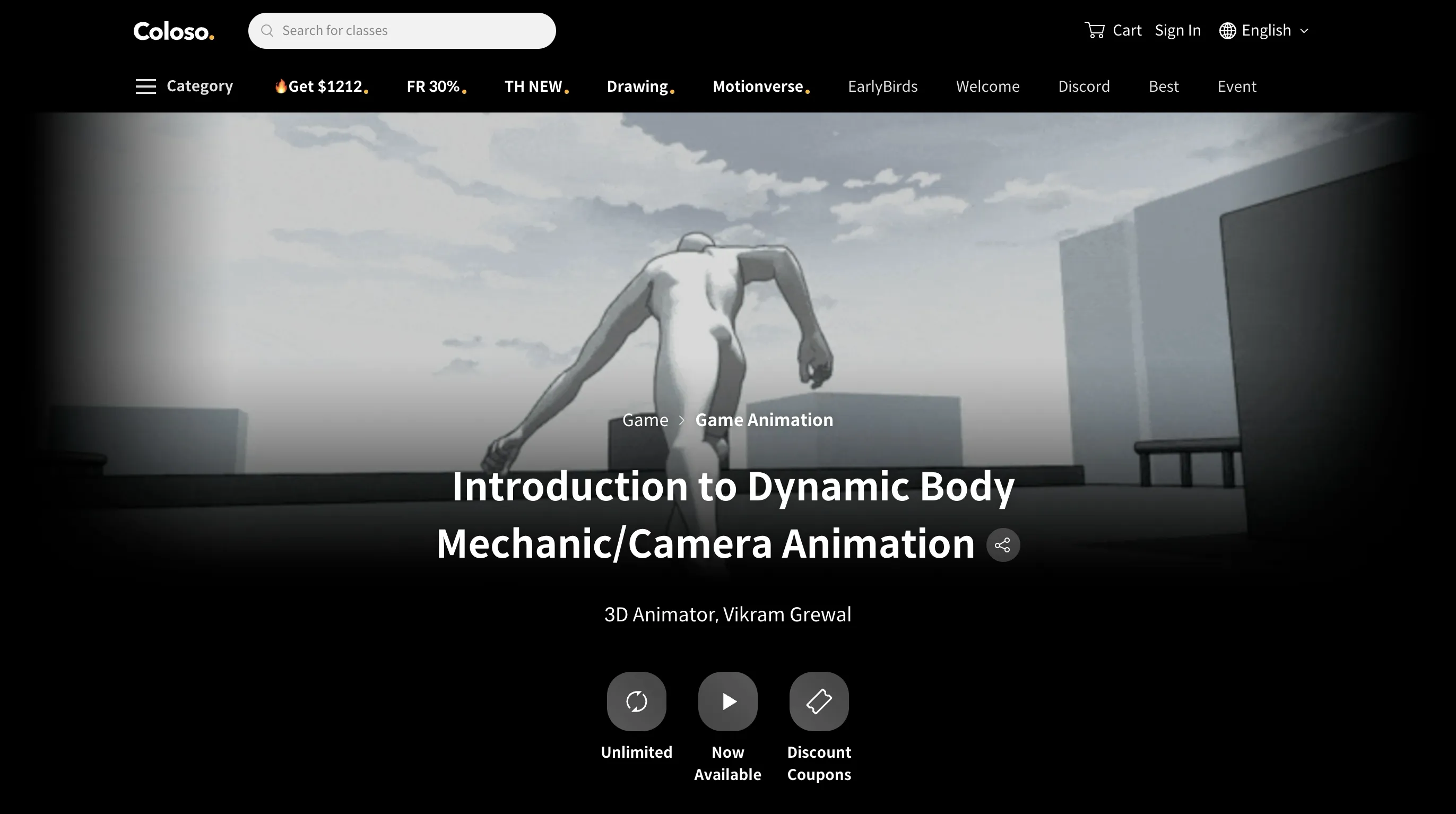
link:https://coloso.global/en/products/3danimator-vikramgrewal-us
About This Course
Learn to create dynamic animations by mastering essential animation principles. This course is specifically designed for beginner and intermediate animators, offering a strong foundation in creating dynamic, stylized character movements with effective camera tracking and flow.
Instructor: 3D Animator, Vikram Grewal
Course Features
- Learn essential animation principles such as weight, timing, and spacing
- Focus on how these elements affect character movement and interaction with environment
- Analyze real-world reference materials and effective techniques from animated works
- Master dynamic character movements with effective camera tracking
- Understand how to apply insights to create believable, engaging movement
What You'll Learn
- Learning the Fundamentals: Learn the primary animation principles that will be used throughout the course workflow
- Strong Character Posing: Push character rigs in creative ways to create clean and readable silhouettes within Maya
- Building a Scene: Build a project scene and create simple environments to work off of
- Understanding Choreography Techniques: Going over different sources of animation reference from films and games to understand what goes into crafting an action scene
- Blocking and Splining: Going through the process of blocking and splining after creating layouts for scenes
- General Workflow: Understanding the general workflow within Autodesk Maya and using some tools like Studio Library and DreamWall Picker
Requirements
- Autodesk Maya (required program for this course)
- Basic understanding of animation principles is helpful but not required
Description
Animation becomes much easier and more intuitive when you have a solid grasp of the fundamentals. 3D animator Vikram Grewal has designed this class specifically for beginner and intermediate animators, offering a strong foundation in creating dynamic, stylized character movements with effective camera tracking and flow. By breaking down complex actions into manageable, step-by-step processes, this class serves as the perfect guide to building confident and compelling animation.
Over the course of 20 classes, you'll dive into essential animation principles such as weight, timing, and spacing—focusing on how these elements affect the way characters move and interact with their environment. You'll also analyze real-world reference materials and explore effective techniques used in other animated works, learning how to apply those insights to your own animations to create believable, engaging movement. With Vikram Grewal's guidance, animation won't feel like a daunting challenge, but an enjoyable and rewarding process that brings your ideas to life.
Target Audience
- Beginner and intermediate animators
- Those looking to improve their understanding of animation fundamentals
- Artists wanting to learn dynamic character movements with effective camera tracking
Course Content
Section 01: Orientation and Maya Overview
- Meet your instructor, Vikram Grewal and learn about the overview of this class
Section 02: Core Principles of Animation
- Introduction to the Principles of Animation - Present the foundational animation principles (such as squash & stretch, timing, anticipation, etc.) and their importance
- Bouncing Ball Exercise - Hands-on animation of a bouncing ball, applying squash & stretch and proper timing to convey weight (starting with a simple up-and-down bounce)
- Bouncing Ball with Obstacles and Weight Variations - Advance the ball exercise by having the ball interact with obstacles (e.g. bouncing over a box) and adjust timing for heavy vs light balls
- Applying Camera Movement - Initial demonstration of Maya's camera and how to add basic camera movement in a scene
Section 03: Basic Animation Exercises
- Introduction to Character Rigs and Controls - Going over a traditional biped rig showing all general controls, IK and FK overview, introduction to studio library
- Walk Cycle Exercise - Plan and set up the primary poses of a walk/run cycle (contact, down, passing, up positions) for a character focusing on balanced weight transfer posture
- Run Cycle Exercise - Making a run cycle that flows easy, with efficient workflow
- Jumps and Physical Actions - Animate a character performing a jump or similar action to understand force and weight: crouching anticipation, explosive takeoff, mid-air hang time, and landing impact
Section 04: Animation Process and Camera Workflows
- Constraints and Object Interaction - Techniques for animating character interacting with props (picking up/letting go of objects) when using constraints and parenting in Maya
- What Goes into Building a Dynamic Scene - Showing examples and personal inspirations - The idea of "tagging" actions - Do and dont's, visual clarity/focus, and force perspective techniques
- Creating Storyboards - Learn to sketch storyboards from the story idea: visualize key moments and camera angles in a sequence of panels to plan out the animation
- Laying Out Your Animation Scene - Setting up your project scene and referencing your rigs to layout your initial poses and set up from your boards
- Blocking and Solidifying Strong Character Posing Part 1 - Defining poses and moving forward with the layout created
- Blocking and Solidifying Strong Character Posing Part 2 - Exploring more poses with more definition
- Applying Inbetweens Throughout Spline Process Part 1 - Creating inbetweens from the blocking phase and spining out the movement with usage of the graph editor
- Applying Inbetweens Throughout Spline Process Part 2 - Graph editor deep dive with details and inbetweens
Section 05: Final Step and Next Moves
- Polishing Your Animation and Iteration Process - Tips for reviewing and refining your animation: seeking feedback, identifying areas to improve, and iterating to reach a polished final result
- Rendering and Playblasting Your Work - Learn how to playblast (preview render) animation for review and output a basic render of your scene - Discuss presentation techniques for animated shots
- Course Conclusion and Next Steps - Recap the key takeaways from the course - Final thoughts and advice on continued practice and learning paths in animation beyond this class
Class Exercises
- Ball Bouncing Weight Exercise
- Walk/Run Cycle
- Camera Animation
- Weight Mechanic Test
- Constraints
- Jump Exercise
- Blocking and Splining
- Simple Environment Geo Building
- Rendering
Course Highlights
- How to Tag Movement Actions: Knowing how and when to sequence different body mechanic actions together to create a scene of flow throughout the animator's scene
- Applying Focus With the Camera: Learning to stabilize the camera with ease in/out actions to frame the choreography as readable and clear to the viewer
- Creating Appealing Poses: Pushing character rigs to create strong key poses through the layout process. Techniques include force perspective
Instructor
Vikram Grewal is a 3D animator located in Metro Vancouver with 3+ Years of experience in the animation industry with a passion for creating and animating dynamic body mechanic. He's also known for his personal animation work shared around his socials which prominently feature a sense of high energy camera motion and snappy character animation with strong posing techniques.
Current: 3D Gameplay Animator at Curiomatic
Previous Experience:
- 3D Animator and Layout Artist at Atomic Cartoons
- 3D Animator at Stellar Creative Lab
- Junior 3D Animator at Mainframe
🚀Direct Download Link
Contact us on 💬WhatsApp for premium access and support.