How to Create a Movie in Unreal Engine 5 Beginners Edition
Last updated: Dec 2022
This content was last updated on December 2022. The information and techniques described in this article reflect the most current best practices for Unreal Engine 5 animation at the time of publication.
Overview
WARNING I Had to create an entire section for this course since Epic Games changed things when they released the final version of Unreal Engine 5 in April 5. So with that being said you can follow along if you have the older Unreal Engine 5 Early Access or the Official Unreal Engine 5 version.
Getting alot of questions regarding the motion capture part of this course. I will provide you with 2 FBX files containing the motion capture in this course. You will not need a suit to follow this course.
Thank you for checking out my How to make a movie in Unreal Engine 5 Beginners Edition Course.
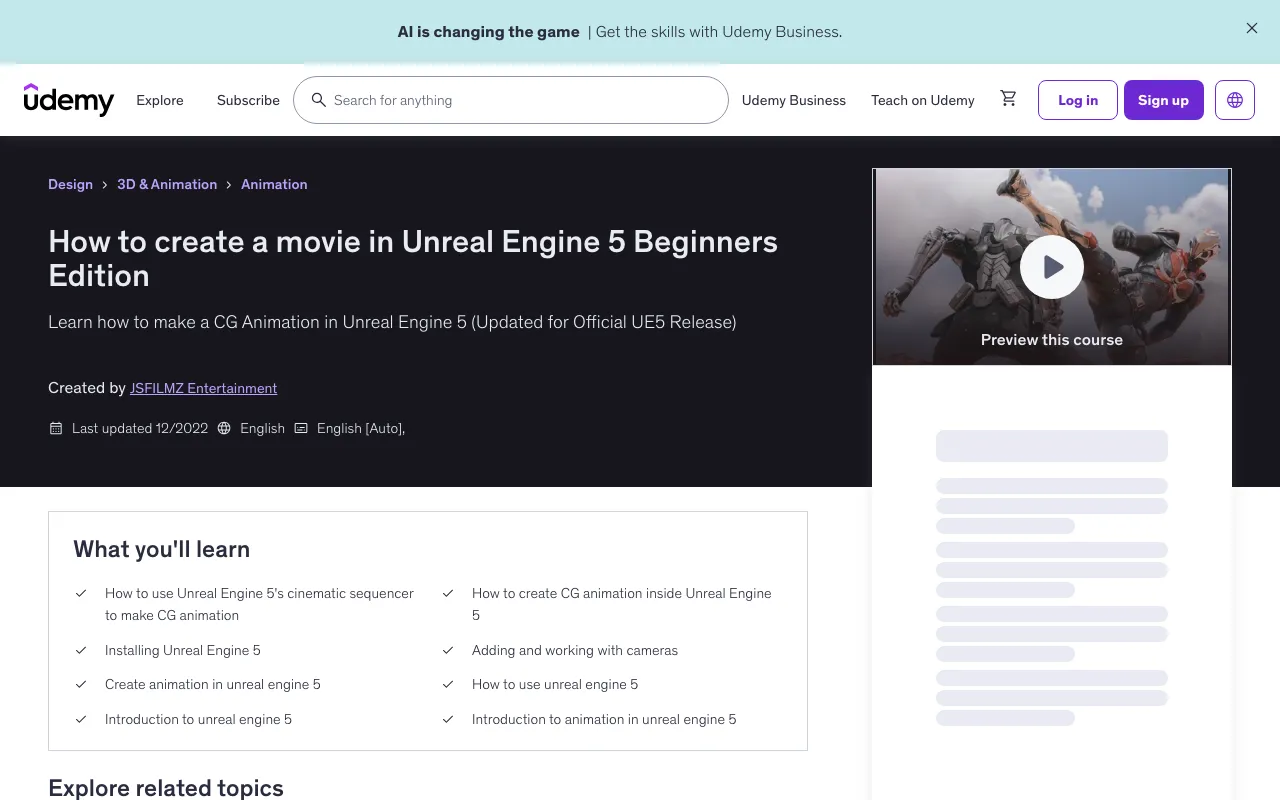
In this 2.4 hour course, you will learn to install Unreal Engine 5 and create a short action movie in Unreal Engine 5 using free Metahumans and free AAA 3d characters from the Epic Marketplace.
From the past I have used free animations from the Epic Marketplace but this time around, I was fortunate enough to acquire professional grade action motion capture animation from James Croak and his team of talented stuntman Christopher Troy and Braxton McAllister. Although just a disclaimer, the motion capture animations I provide in this course (2 FBX files) are only for educational use and cannot be used commercially. Also, if you have purchased one of my past courses, I listed what you will learn from this course so that you won't have to pay for something you already know.
Like always I truly appreciate your support if you decide to purchase this course. Thank you!
Recommended Hardware Specs: Windows 10 64 Bit, 12-core CPU at 3.4 GHz, with an NVIDIA RTX 2080 or AMD Radeon 5700 XT graphics card or higher, and 64 GB of system RAM,atleast 500GB of hard drive space. If you own an Apple computer I am sorry but I am not familiar with Mac computers so I do not know if it works with Unreal. Additionally, I will be using Davinci Resolve to view the final movie but any NLE will work. Lastly to follow along with the facial motion capture portion of the course will require you to have an Iphone device that has truedepth technology which I believe is Iphone X and up.
What You'll Learn
- How to use Unreal Engine 5's cinematic sequencer to make CG animation
- How to create CG animation inside Unreal Engine 5
- Installing Unreal Engine 5
- Adding and working with cameras
- Create animation in unreal engine 5
- How to use unreal engine 5
- Introduction to unreal engine 5
- Introduction to animation in unreal engine 5
Requirements
- Computer that can run Unreal Engine 5 and Epic Games Metahuman Creator Tool
- NLE software that can import png sequences
- Operating System Windows 10 64-bit Processor Quad-core Intel or AMD, 2.5 GHz or faster Memory 8 GB RAM Video Card/DirectX Version DirectX 11 or DirectX 12 compatible graphics card
- 12-core CPU at 3.4 GHz, with an NVIDIA RTX 2080 or AMD Radeon 5700 XT graphics card or higher, and 64 GB of system RAM 500GB Hard Drive Space
Course Content
Introduction
- Part 1: Installing Unreal Engine 5 Preview 17:41
Part 2: Part 2: Migrating projects
- Part 2: Migrating projects 22:25
Part 3: Importing motion capture data
- Part 3 50:41
Part 4: Working with Metahumans Indoor
- Part 4 19:28
Part 5: Cyborg scene outdoors
- Part 5 44:26
Contact us on 💬WhatsApp for premium access and support.
🚀Direct Download Link
No direct download links available for this resource.