Last updated: Sep 2025
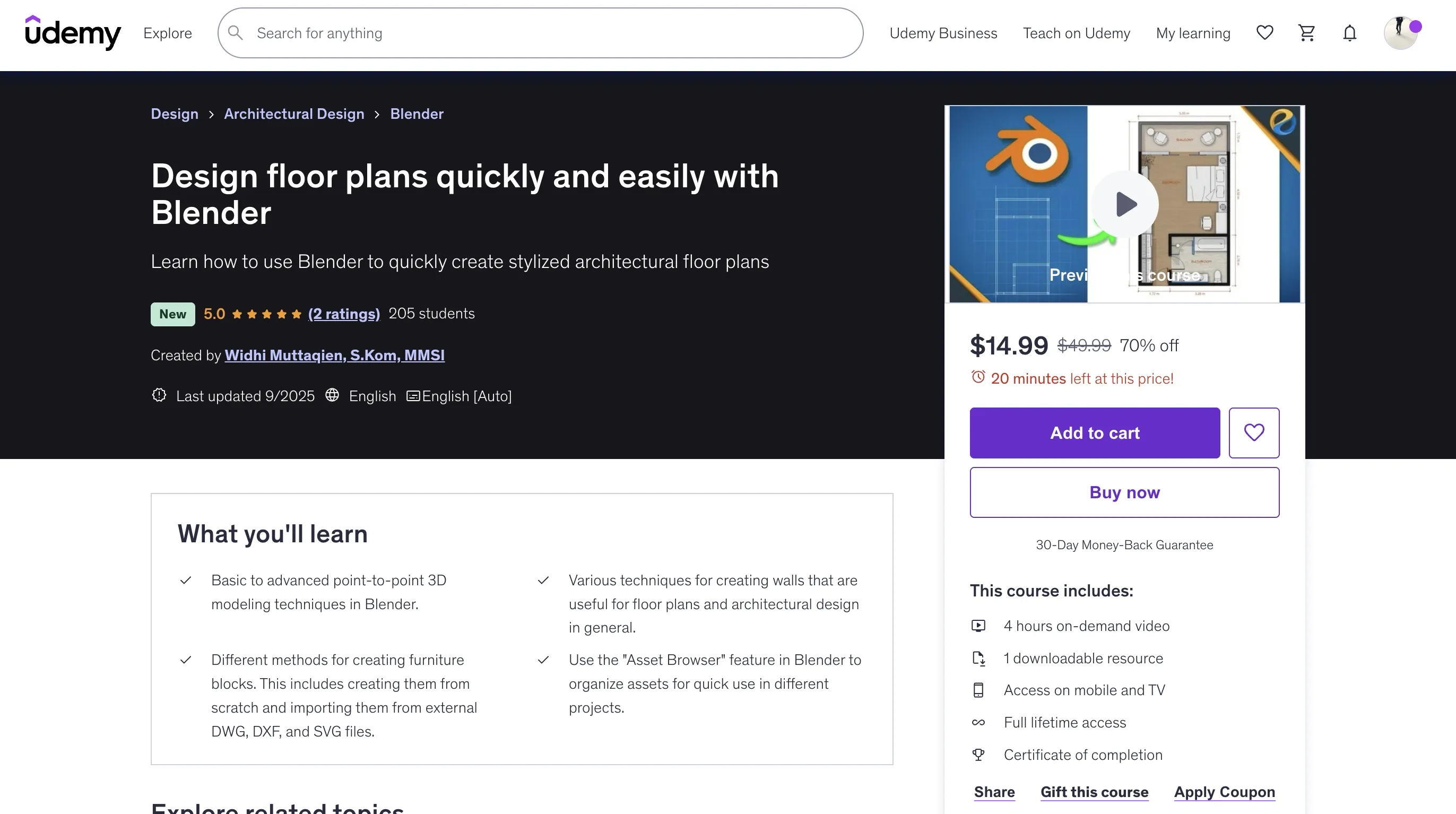
Design Floor Plans Quickly and Easily with Blender
Overview
This comprehensive course teaches you how to use Blender to quickly create stunning architectural floor plans. You'll learn everything from basic to advanced point-to-point 3D modeling techniques, creating walls, furniture blocks, and organizing assets using the Asset Browser feature.
- Basic to advanced point-to-point 3D modeling techniques in Blender
- Various techniques for creating walls useful for floor plans and architectural design
- Different methods for creating furniture blocks from scratch and importing from external DWG, DXF, and SVG files
- Use the Asset Browser feature in Blender to organize assets for quick use in different projects
- Camera settings and adding labels and dimensions to floor plans
Requirements
- A computer capable of running Blender application
- Have a standard mouse with a scroll wheel
- A full-size keyboard with a numpad
Why Use Blender for Floor Plans?
Cost-Efficient
Blender is free or more cost-efficient. With Blender, you can replace a lot of expensive tools, such as CAD software, image editing software, 3D modeling software, rendering plugins, and so on. Unlike web apps with limited features in free tiers, Blender provides unlimited professional capabilities at no cost.
Precision
Blender is precise. Unlike many 2D vector graphic software that are not geared towards architectural drawings, Blender can handle measurement units precisely. The floor plans you create in Blender will be useful for conceptual drawings, client presentations, and as the basis for 3D modeling.
Fast Rendering
Rendering a floor plan in Blender is insanely fast. You can render a 4K resolution in just a fraction of a second. The workflow for creating floor plans is also very fast due to features like the Asset Browser.
Course Content
Introduction
- Introduction
- Exercise files and conventions
- Macro overview
Point-to-point Modeling
- Preparations
- Point-to-point modeling basics
- Point-to-point modeling intermediate
- Point-to-point modeling advanced
Walls, Windows, and Doors
- Creating walls method 1
- Creating walls method 2
- Windows and Doors
- Adding depth and color
- Workbench render settings
- UV Mapping and texture
Furniture Blocks
- Wardrobe
- Bed, nightstands, and lamps
- Line Art effect
- Adding surfaces to furniture blocks
- Tables and counters
- Creating a toilet using a reference
- Creating a bathroom sink using a reference
- Importing CAD drawings part 1
- Importing CAD drawings part 2
- Importing CAD drawings part 3
- Glasses and mirror
- Transferring data across files
- Using the Asset Browser part 1
- Using the Asset Browser part 2
Labels and Dimensions
- Camera settings and adding labels
- Adding dimensions
Benefits of This Approach
-
Asset Library: Once you set up your furniture blocks and materials in the Asset Browser, you can quickly drag and drop assets into your scene. Most of the time when creating floor plans, you only need to create walls and floors.
-
Import Capabilities: You don't need to create all furniture blocks from scratch. You can download them from the web in DWG, DXF, or SVG formats.
-
Line Effects: You can easily generate a nice-looking line effect that has a hand-drawing feel to it using grease pencil strokes with a "line-art" modifier. You can specify thickness, colors, line styles, and more to match your own style.
Who This Course Is For
- Architects and interior designers who need a free alternative software solution for designing floor plans
- Lecturers in architecture or civil engineering who want to quickly and easily create floor plans without paying expensive subscription fees
- Students of architecture or interior design who want to learn how to use Blender to create floor plans
🚀Direct Download Link
Contact us on 💬WhatsApp for premium access and support.