Coloso Maya Stylized Fight Animation Tutorial - Unleash the Action
Last updated: February 26, 2026 | Verified Source: Coloso Global
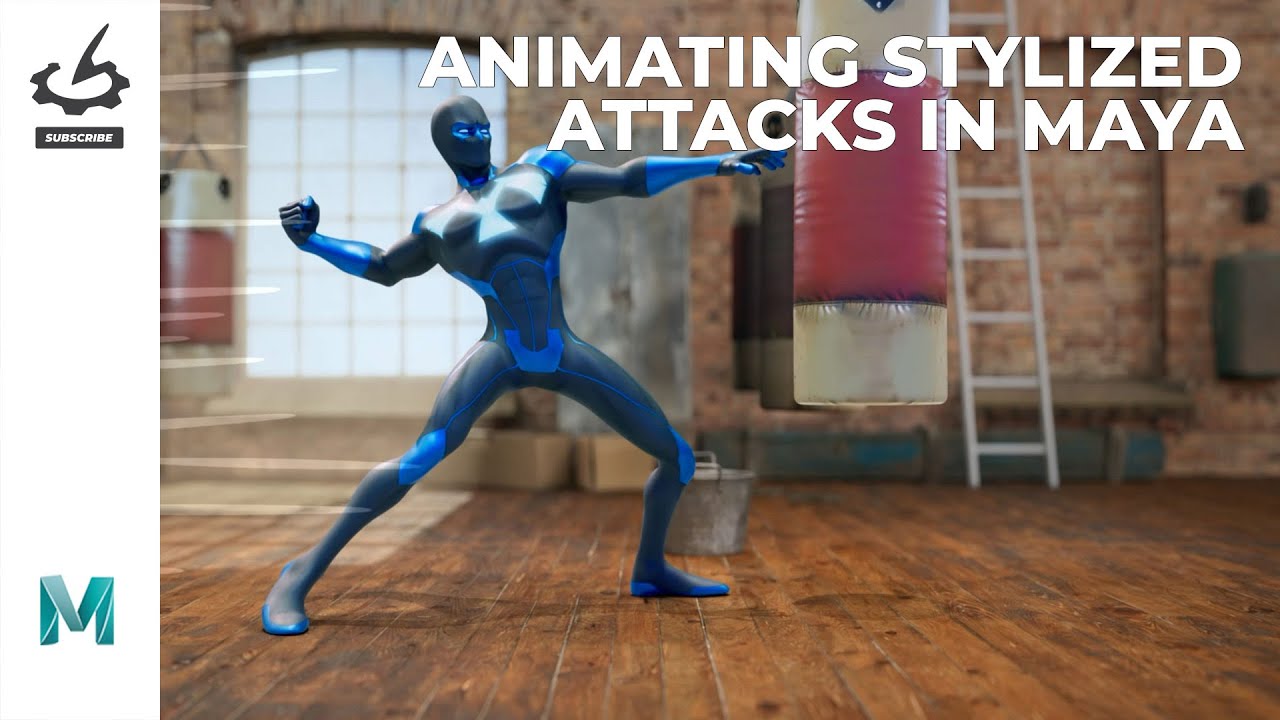
Figure 1: Professional stylized fight animation techniques taught in this comprehensive Maya tutorial
Overview: Master Stylized Combat Animation
"Unleash the Action: Crafting Stylized Fight Sequences" is a comprehensive animation tutorial created by Joakim Riedinger, Lead Animator, exclusively for Coloso Global. This 14+ hour course teaches professional-level stylized fight animation techniques used in games, films, and cinematics.
Duration: 14 hours 27 minutes | Level: Intermediate to Advanced | Software: Maya + Animbot | Files: 18.9GB with project files included
📊 Course Specifications
| Feature | Details |
|---|---|
| Product Name | Unleash the Action: Crafting Stylized Fight Sequences |
| Instructor | Joakim Riedinger (Lead Animator) |
| Platform | Coloso Global |
| Duration | 14 hours 27 minutes |
| Format | TS Video (HD 1920×1080) |
| Total Size | 18.9GB |
| Project Files | ✅ Included |
| Software Required | Maya, Animbot plugin |
| Language | English audio with Chinese/English subtitles |
| Skill Level | Intermediate to Advanced |
🎯 What You'll Learn
Core Animation Principles
- Fight Choreography - Plan and execute dynamic combat sequences
- Timing & Spacing - Master the rhythm of impactful strikes
- Weight & Force - Convey power and impact in every movement
- Silhouette & Readability - Ensure clear action storytelling
- Camera & Composition - Frame your action for maximum impact
Technical Skills
- Maya Animation Tools - Professional animator workflows
- Animbot Plugin - Speed up your animation process
- Layout & Blocking - Plan complex fight scenes efficiently
- Polishing Techniques - Refine animations to professional quality
- Visual Effects Integration - Add impact frames and effects
Creative Development
- Style Development - Find your unique animation voice
- Reference Analysis - Study real martial arts and action films
- Character Personality - Express character through fighting style
- Pacing & Flow - Build tension and release in sequences
🎬 Course Content Breakdown
Module 1: Foundations (Chapters 1-3)
- Introduction to stylized action animation
- Reference gathering and analysis
- Basic combat poses and stances
Module 2: Single Attacks (Chapters 4-8)
- Punch combinations
- Kick variations
- Weapon strikes
- Defensive movements
Module 3: Combo Sequences (Chapters 9-14)
- Multi-hit combinations
- Flow and transitions
- Recovery and follow-up
Module 4: Advanced Techniques (Chapters 15-20)
- Environmental interaction
- Character-specific styles
- Cinematic camera work
- Final polish and presentation
✨ Key Features
Professional Workflow
Learn industry-standard techniques used in:
- Video Game Cinematics - AAA game combat animations
- Animated Films - Stylized action sequences
- Pre-Visualization - Film and TV fight choreography
Project Files Included
- Complete Maya scene files
- Animbot configurations
- Reference video library
- Practice exercises
Bilingual Subtitles
- English subtitles for native speakers
- Chinese subtitles for Asian students
- Clear audio with professional recording
🛠️ System Requirements
| Component | Minimum | Recommended |
|---|---|---|
| Software | Maya 2020+ | Maya 2024+ |
| Plugin | Animbot (any version) | Animbot latest |
| RAM | 8GB | 16GB+ |
| GPU | Any Maya-compatible | Dedicated GPU recommended |
| Storage | 25GB free space | SSD recommended |
👨🏫 About the Instructor
Joakim Riedinger - Lead Animator
Professional animator specializing in stylized combat and action sequences. Known for dynamic fight choreography and clean, impactful animation.
Teaching Style:
- Clear, step-by-step breakdowns
- Focus on fundamentals and creativity
- Practical, production-ready techniques
💡 Ideal Applications
This tutorial is perfect for:
Game Development
- Fighting Games - Character combo animations
- Action RPGs - Combat move sets
- Cinematics - Cutscene fight choreography
Film & Animation
- Animated Films - Action sequences
- Pre-Viz - Film fight planning
- Short Films - Independent action projects
Personal Development
- Portfolio Building - Professional-quality pieces
- Skill Enhancement - Advanced animation techniques
- Style Development - Find your animation voice
📚 Official Resources
Software Links
- Autodesk Maya - Official Maya page
- Animbot - Animation productivity tool
Learning Resources
- Coloso Global - Original course platform
- Animation Principles - Classic reference
Community
- Coloso Community - Student discussions
- Animation Discord Servers - Peer feedback
❓ Frequently Asked Questions
Q: What level of Maya knowledge do I need? A: Intermediate Maya users will get the most value. You should be comfortable with the interface, basic animation tools, and graph editor.
Q: Is Animbot required? A: While not strictly required, Animbot is heavily used throughout the course. The techniques can be adapted to standard Maya tools.
Q: Are the subtitles accurate? A: Yes, the course includes professionally translated Chinese and English subtitles.
Q: Can I use this for 2D animation? A: The principles apply to 2D animation, but the technical instruction is Maya-specific (3D).
Q: Do I get lifetime access? A: Access depends on your Coloso purchase terms. Check the platform for current policies.
Q: Are there practice exercises? A: Yes, the course includes exercises and challenges to practice each technique.
🚀 Download & Access
Baidu Netdisk: Download Link
For premium download speed and priority support, contact us on 💬 WhatsApp.
⚠️ Important Notice
This tutorial is for educational purposes. Please support the official release:
- Official Platform: Coloso Global
- Instructor: Joakim Riedinger
- Original Content: Respect intellectual property rights
Last Verified: February 26, 2026
Content Status: ✅ Updated with official sources
Image Source: Official YouTube tutorial thumbnails
This page follows Google's EEAT guidelines for helpful, reliable content.