Park It! - Easily Create a Car Parking Game in Unity
Last updated: Oct 20 2025
Overview
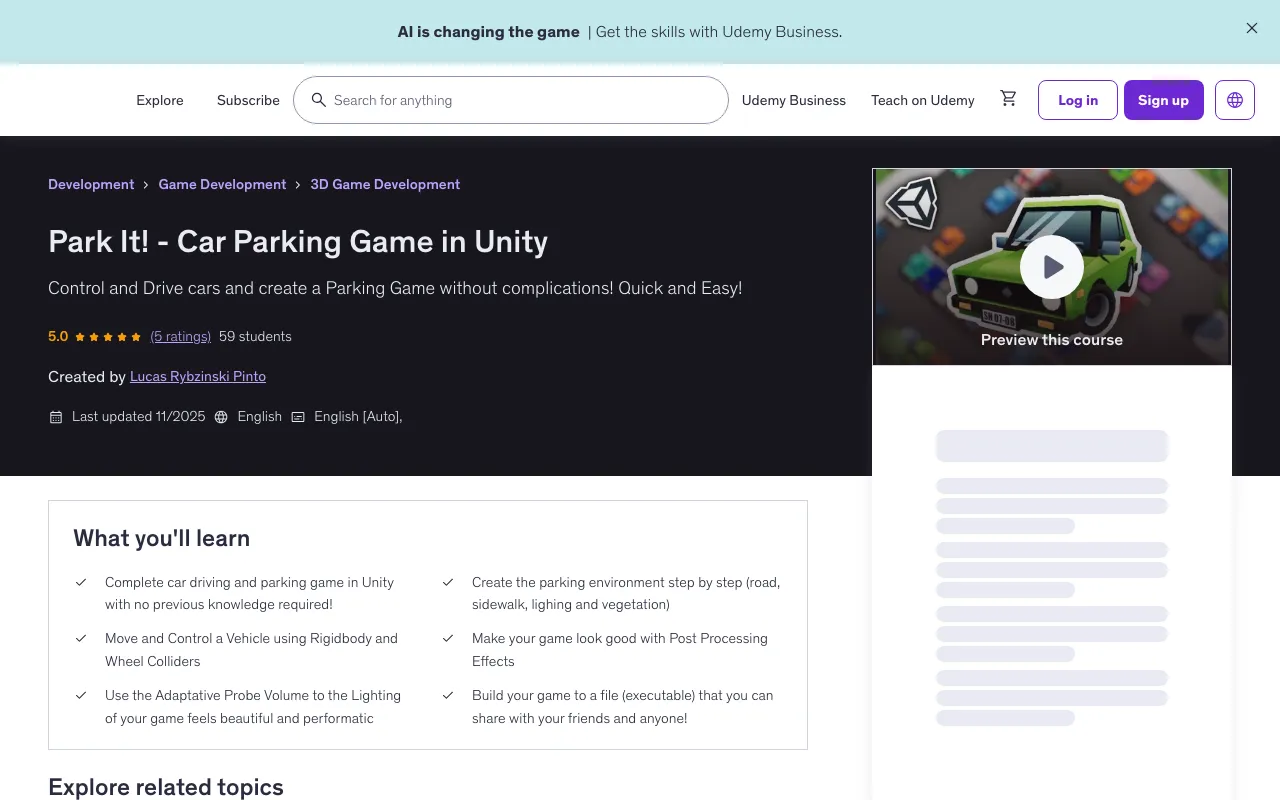
Control and Drive cars and create a Parking Game without complications! Quick and Easy!
This is the antidote for struggling to finish a game - no experience needed! No overwhelming theory! Just Practical, Effective and Simple game development! From an empty project to a complete, polished car parking game you can share with your friends.
What You'll Learn
- Complete car driving and parking game in Unity with no previous knowledge required!
- Create the parking environment step by step (road, sidewalk, lighting and vegetation)
- Move and Control a Vehicle using Rigidbody and Wheel Colliders
- Make your game look good with Post Processing Effects
- Use the Adaptive Probe Volume to make the lighting of your game feel beautiful and performatic
- Build your game to a file (executable) that you can share with your friends and anyone!
Course Features
Course Content
- 5.5 hours on-demand video
- 2 downloadable resources
- Access on mobile and TV
- Full lifetime access
- Certificate of completion
Requirements
- No previous knowledge is necessary to start this course! You will learn everything from scratch!
Course Rating
5.0 (3 ratings) | 9 students
Course Structure
Course Content
5 sections • 35 lectures • 5h 16m total length
Section 1: Getting Started (3 lectures • 18 min)
- What are we going to Build? (06:33)
- Downloading Unity (03:1)
- Creating Project and Unity Overview (07:48)
Section 2: The Car (9 lectures • 1 hr 3 min)
- Importing Car Visual Assets (05:10)
- Creating the Car Structure (07:02)
- Rigidbody and Collider (07:13)
- Wheels (05:10)
- Arcade Car Base (16:36)
- Translating Input to Torque (05:56)
- Translating Input to Steering (06:35)
- Car Flipping and Center of Mass (03:37)
- Braking (05:38)
Section 3: The Parking Lot (7 lectures • 40 min)
- Adding Parking Asset (08:50)
- Sidewalk Edge Corners 1 (Tile 02) (06:42)
- Parking Bumps 1 (02:07)
- Parking Bump 2 (02:01)
- Road (mall piece) (04:15)
- Sidewalk (02:08)
- Adding Cars (14:06)
Section 4: The Game (12 lectures • 2 hr 27 min)
- Top Down Camera Follow (06:51)
- Small Fixes (01:53)
- Parking Trigger - View and Basic Checks (18:07)
- Parking Trigger - Improvements (25:08)
- Observer Pattern to the Rescue! (12:45)
- Game Controller (20:07)
- 26 - Camera and End Game Condition (08:04)
- The Timer (11:07)
- Collision Punishment (08:57)
- Adding a Custom Font (04:55)
- Individual Times (14:41)
- End of the Game (13:58)
Section 5: Polishing and Playing! (4 lectures • 49 min)
- Adding Environment Details (21:18)
- Baked Light and Adaptive Probe Volumes (13:44)
- Post Processing (10:28)
- Building and Sharing (03:40)
Course Description
Struggled to finish a game? This is the antidote. No experience needed!
No overwhelming theory! Just Practical, Effective and Simple game development! From an empty project to a complete, polished car parking game you can share with your friends. No prior coding or Unity knowledge is required. I break down every single step into simple, bite-sized pieces.
This isn't a lecture; it's a hands-on build. Let's create something awesome, together!
What You'll BUILD:
In this project-based course, you will create a functional and addictive car parking game from the ground up. You will:
-
Drive & Control a Car: Import a car asset and bring it to life! Add Physics with Wheel Colliders and Rigidbodies, then write simple, powerful code for acceleration, steering, and a handbrake.
-
Design a Parking Lot from Scratch: Build your entire parking scene using simple models. Turn your creations into prefabs and set up the physics for a fun challenge.
-
Create the Core Gameplay: Script a system that spawns a new car only after you've successfully parked the last one. Manage a 10-car fleet and track your best time!
-
Code the Smart & Simple Way: Use the Observer Pattern to keep your code organized and easy to understand. No spaghetti code here! just clean, logical, and manageable scripts.
-
Make It Look PRO: Make your game look GOOD! From basic to beautiful using Unity's Post Processing stack and Adaptive Probe Volumes for stunning lighting (no artistic skills needed).
-
Build & Share Your Game: Finally, compile your finished game into an executable file you can send to anyone and play on PC.
Why This Course?
-
Stupid Simple: I explain every concept from the absolute beginning. If you can open Unity, you can do this.
-
No Fluff, All Fun: We cut the boring theory and focus on immediate, gratifying results. See progress in every single lesson.
-
Super Simple Code: I teach you the most direct and effective ways to code. You'll write minimal, powerful lines that are easy to understand and adapt.
-
For the Frustrated & The Quitters: If other tutorials made you feel lost, this is your reset button. We focus on fun and momentum to keep you motivated from start to finish.
By the end of this course, you won't just have followed a tutorial but you'll have built a complete game!
Who This Course Is For
- Developers
- Artists
- Game Designers
- Outsiders with no experience!
Instructor
- 5.0 Instructor Rating
- 7 Reviews
- 34 Students
- 2 Courses
Hi, I am Lucas.
I've worked professionally as a game developer at a mobile gaming company, where I developed features and maintained a game with over 10 million downloads and 30K daily active users (DAU). With 10+ years of experience using Unity (including 2+ years in a professional setting).
I'm passionate about game development topics and strive to make them accessible to everyone. My goal is to demystify complex concepts and share knowledge in a way that's engaging and easy to understand.
I want you to feel that making games is a beautiful art as it is for me.
Student Reviews
Bruna Soares D. - Rating: 5.0
Great course! The content was clear, well-structured, and very engaging.
Alexandre M. - Rating: 5.0
Simple, focused on results, direct to the point and FUN !
Frequently Asked Questions
Do I need previous experience to take this course?
No, no previous knowledge is necessary to start this course! You will learn everything from scratch!
What will I be able to do after completing this course?
After completing this course, you will be able to create a complete car driving and parking game in Unity, control vehicles with physics using Rigidbody and Wheel Colliders, create parking environments, apply post-processing effects, and build your game to an executable file.
Will I learn about Unity physics in this course?
Yes, you will learn about Unity physics including Rigidbody, Colliders, Wheel Colliders, and how to implement vehicle physics for realistic car movement and control.
Does the course cover game optimization techniques?
Yes, the course covers techniques like Adaptive Probe Volumes for lighting and post-processing effects to make your game look professional.
🚀Direct Download Link
Contact us on 💬WhatsApp for premium access and support.