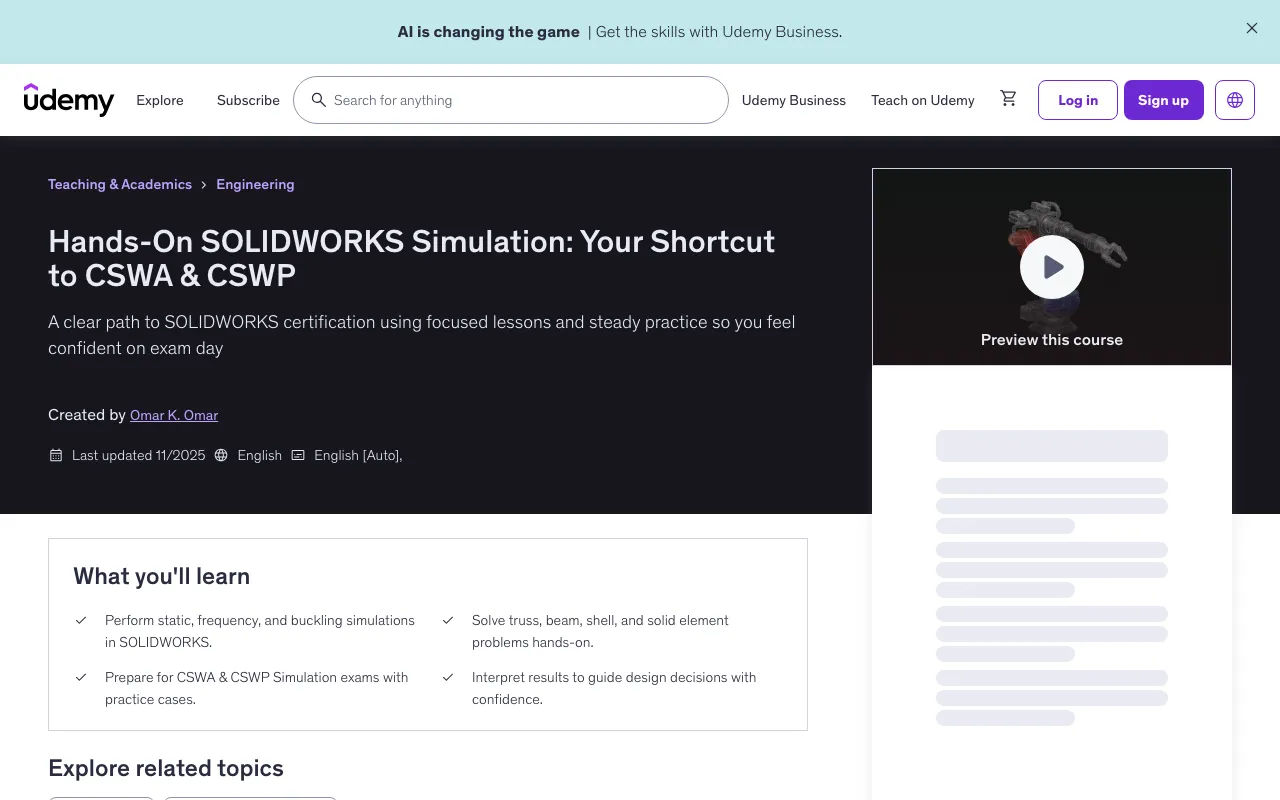
Hands-On SOLIDWORKS Simulation: Your Shortcut to CSWA & CSWP
Last updated: Oct 14 2025
This tutorial was last updated on Oct 14 2025. For the most current information, please check the original source.
Overview
This hands-on course teaches the fundamentals of Finite Element Analysis using SOLIDWORKS Simulation, starting with clear concepts of how parts deform, vibrate, and buckle, then moving into practical tools and workflows. You will set up static, frequency, and buckling studies, create reliable meshes, apply loads and fixtures, define bonded and contact conditions including remote loads, run solutions, and interpret results such as von Mises stress, displacement, factor of safety, mode shapes, and buckling factors.
- Perform static, frequency, and buckling simulations in SOLIDWORKS
- Solve truss, beam, shell, and solid element problems hands-on
- Prepare for CSWA & CSWP Simulation exams with practice cases
- Interpret results to guide design decisions with confidence
Requirements
- Basic knowledge of engineering or mechanical concepts is helpful but not required
- Access to SOLIDWORKS (Standard, Premium, or Student Edition) with Simulation add-in
- A computer capable of running SOLIDWORKS smoothly
Target Audience
- Engineering students preparing for CSWA & CSWP Simulation certification
- Mechanical engineers who want to apply SOLIDWORKS Simulation in real projects
Course Content
Course Outline
Course Sections
- Introduction & Getting Started - 5 lectures • 8min
- Fundamentals of Simulation (Basics) - 7 lectures • 30min
- CSWA Simulation Preparation - 8 lectures • 26min
- CSWP Simulation Preparation - 7 lectures • 29min
Detailed Content
Introduction & Getting Started
- Course Overview (01:00)
- What is SOLIDWORKS Simulation? (02:12)
- Quiz (5 questions)
- Types of Mechanical Structures (01:50)
- Conditions for Rigid-Body Equilibrium (02:50)
- The Main Goal (00:22)
- Quiz (5 questions)
Fundamentals of Simulation (Basics)
- Define Problem (01:20)
- Element Types (02:49)
- Truss Element Analysis - Case Study (09:35)
- Beam Element Analysis - Case Study (08:28)
- Solid Body Analysis - Case Study (03:55)
- Frequency Analysis (01:22)
- Frequency Analysis - Case Study (02:59)
- Quiz (12 questions)
CSWA Simulation Preparation
- Failure Prevention (02:38)
- Solid Body Analysis - Case Study (03:14)
- Thin vs Thick Shells (00:46)
- Shell Element Analysis - Case Study (06:47)
- Adaptive Meshing (01:34)
- Remote Load (01:10)
- Quiz (8 questions)
- Remote Load Analysis - Case Study (05:34)
- Connections & Interaction Setup - Case Study (04:46)
- Quiz #VIP (14 questions)
CSWP Simulation Preparation
- Beam & Truss Analysis - Case Study (09:28)
- Buckling Analysis - Case Study (03:01)
- Soft Spring (01:01)
- Plate with Hole Analysis - Case Study (06:26)
- Quiz (5 questions)
- Top Lid Frequency Analysis - Case Study (04:35)
- Simple Gear and Shaft Problem - Hand Calculation (01:41)
- Simple Shaft and Bolts Problem - Hand Calculation (02:39)
- Quiz #VIP (7 questions)
Instructor
Omar K. Omar - Mechanical Engineer
Omar Omar is a Mechanical Engineering specializing in finite element method FEM and engineering simulation. He holds an MSc and BSc in Mechanical Engineering. He published multiple research papers in solid mechanics and FEM. He is skilled in SOLIDWORKS, ANSYS, MATLAB, and 3D printing. His work spans teaching virtual engineering, modeling and simulation, mechanical principles, and materials labs, where he emphasizes hands-on learning and guides students toward professional certifications.
Download Links
Hands-On SOLIDWORKS Simulation: Your Shortcut to CSWA & CSWP |