Master Photorealistic Bathroom Visualization in Blender
Last updated: Sep 2025
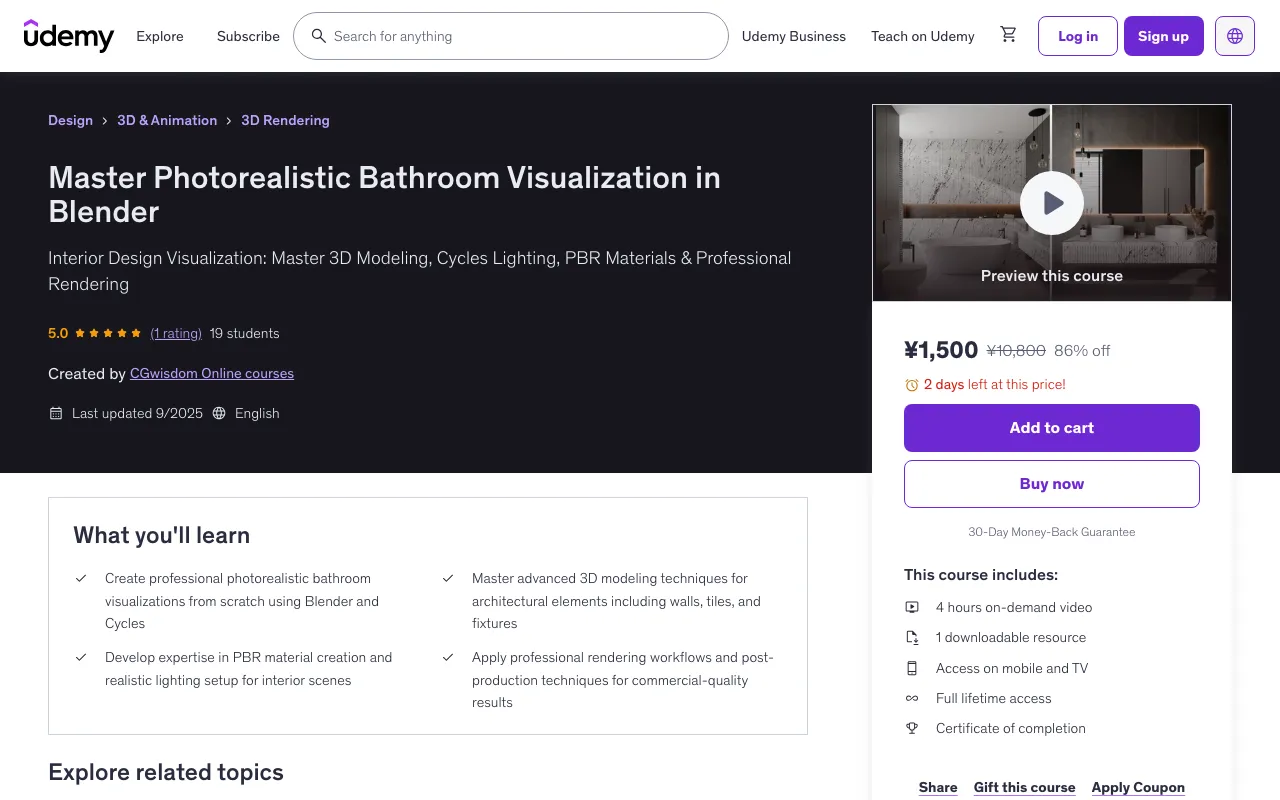
Overview
This comprehensive course is designed to teach you professional bathroom rendering techniques using Blender's powerful Cycles engine. Whether you're an aspiring architectural visualizer or looking to enhance your existing 3D skills, this course will guide you through every step of creating stunning, photorealistic bathroom scenes.
What You'll Learn
- Create professional photorealistic bathroom visualizations from scratch using Blender and Cycles
- Master advanced 3D modeling techniques for architectural elements including walls, tiles, and fixtures
- Develop expertise in PBR material creation and realistic lighting setup for interior scenes
- Apply professional rendering workflows and post-production techniques for commercial-quality results
Course Features
- 4 hours on-demand video
- 1 downloadable resource
- Access on mobile and TV
- Full lifetime access
- Certificate of completion
- Basic computer skills and willingness to learn 3D visualization techniques
- Access to a computer capable of running Blender (free software)
- No prior 3D experience required - course covers fundamentals
Course Content
Course Outline
Introduction (6 lectures • 39min)
- Changes in Blender Program
- Importing DXF Template
- Wall Modeling
- Modeling Tiles
- Boolean Function in Tile Editing
- Scene Arrangement
Scene (3 lectures • 26min)
- Model Import
- Furnishing the Scene
- Addon Blenderkit
Materials (7 lectures • 33min)
- General Information
- PBR Textures
- Mirror
- Glass
- Corrections of Materials in Imported Models
- Displaying Colors in Viewport
- Mapping
Cameras (3 lectures • 17min)
- Cameras in the Scene
- DOF Setting
- Timeline Setting
Lights (16 lectures • 1hr 33min)
- General Information
- Daylight Natural Lighting with Sun
- Lighting the Scene from the Outside
- Additional Shadows from the Tree
- Natural Daylight without Sun
- Artificial Lights - General Information
- Lighting from the lamp
- Lighting from the Mirror - Method 1
- IES Lighting
- Emission Material - LED Lighting
- Lighting from the mirror - method 2
- Light Linking
- Light Groups
- Light groups - setting
- Light Groups - Work with Elements
- Example of another scene
Render (5 lectures • 29min)
- Test and Final Settings
- Denoiser Settings
- Glare Node Settings
- Postproduction
- Davinci Resolve
Full Description
Description
Master Photorealistic Bathroom Visualization in Blender + Cycles Transform your 3D visualization skills with this comprehensive course designed to teach you professional bathroom rendering techniques using Blender's powerful Cycles engine. Whether you're an aspiring architectural visualizer or looking to enhance your existing 3D skills, this course will guide you through every step of creating stunning, photorealistic bathroom scenes. What You'll Master Advanced Architectural Modeling Techniques Begin your journey by mastering the fundamentals of bathroom-specific modeling. You'll discover efficient methods for constructing walls that serve as the foundation of any bathroom space. The course places special emphasis on creating detailed wall and floor tiles, teaching you professional techniques for cutting precise holes and trimming edges while maintaining complete editability throughout your workflow. This approach ensures your models remain flexible and easily modifiable at any stage of development. Seamless Asset Integration Learn to efficiently expand your scenes by importing external models into Blender. While many assets come in native .blend format with pre-configured materials, you'll also master working with universal formats like .obj and .fbx files. This knowledge allows you to quickly populate your scenes with additional elements without starting from scratch, significantly accelerating your workflow. Professional Material Creation Dive deep into the world of Physically Based Rendering (PBR) as you learn to create and edit realistic materials. The course covers essential techniques for working with PBR textures, ensuring your surfaces respond authentically to light. You'll tackle challenging materials including reflective surfaces and complex glass materials, elevating the realism and professional quality of your visualizations. Masterful Lighting Design Lighting forms the cornerstone of this course, representing the most crucial aspect of achieving convincing visualizations. Explore the various lighting types available in Blender and understand how parameter adjustments affect your overall scene. Learn to skillfully combine multiple light sources to create compelling compositions. The course demonstrates both daytime and evening lighting scenarios using artificial light sources, enabling you to craft different moods and atmospheres that bring your visualizations to life. Cycles Rendering Optimization While Blender's built-in Cycles rendering engine might initially appear complex due to its numerous settings, you'll discover that only a handful are truly essential for most projects. This course reveals which parameters matter most and what common pitfalls to avoid, making the rendering process both accessible and efficient for your workflow. Cinematic Depth of Field Effects Master the artistic technique of depth of field to create more engaging visualizations. This powerful tool allows you to direct viewer attention to specific scene elements, adding a professional cinematic quality to your renders that sets them apart from amateur work. Advanced Lighting Control Explore cutting-edge features like Light Groups, which prove invaluable when working with multiple artificial light sources. This functionality enables you to adjust scene lighting without time-consuming re-renders, dramatically improving your workflow efficiency. Additionally, learn about Light Linking capabilities that allow you to exclude specific objects from lighting or focus entire lights on particular elements, creating unique effects suitable for various creative situations. Basic Animation Fundamentals Expand your skillset with essential animation techniques. Understand keyframe principles and timeline navigation to create smooth camera movements that showcase your bathroom designs. The course also covers animation rendering and basic editing using the free DaVinci Resolve software, enabling you to create dynamic presentations that captivate your audience. Professional Post-Production Complete your visualization journey with comprehensive post-production techniques. Learn valuable approaches both within Blender and using external software like Affinity Photo. These finishing touches will give your visualizations that extra polish, emphasizing important details and improving overall aesthetic appeal to create truly professional results. Course Benefits This complete bathroom visualization course covers every aspect from initial concept to final presentation. Special attention has been given to lighting techniques, which are fundamental to achieving high-quality, convincing results. Upon completion, you'll possess the skills necessary to create commercial-grade bathroom visualizations that stand out in today's competitive market. The course combines theoretical knowledge with hands-on practice, ensuring you not only understand the techniques but can apply them confidently to your own projects. Each lesson builds upon previous concepts, creating a logical learning progression that accommodates both beginners and those looking to refine their existing skills. Ready to elevate your 3D visualization capabilities? Enroll today and discover how to create breathtaking bathroom visualizations that showcase true professional quality and artistic vision.
Target Audience
- Beginner to intermediate 3D artists interested in architectural visualization and interior design rendering
- Architects and interior designers wanting to create their own visualizations
- Freelancers looking to expand their skillset in architectural rendering
- Anyone passionate about 3D modeling and realistic rendering techniques
🚀Direct Download Link
Contact us on 💬WhatsApp for premium access and support.