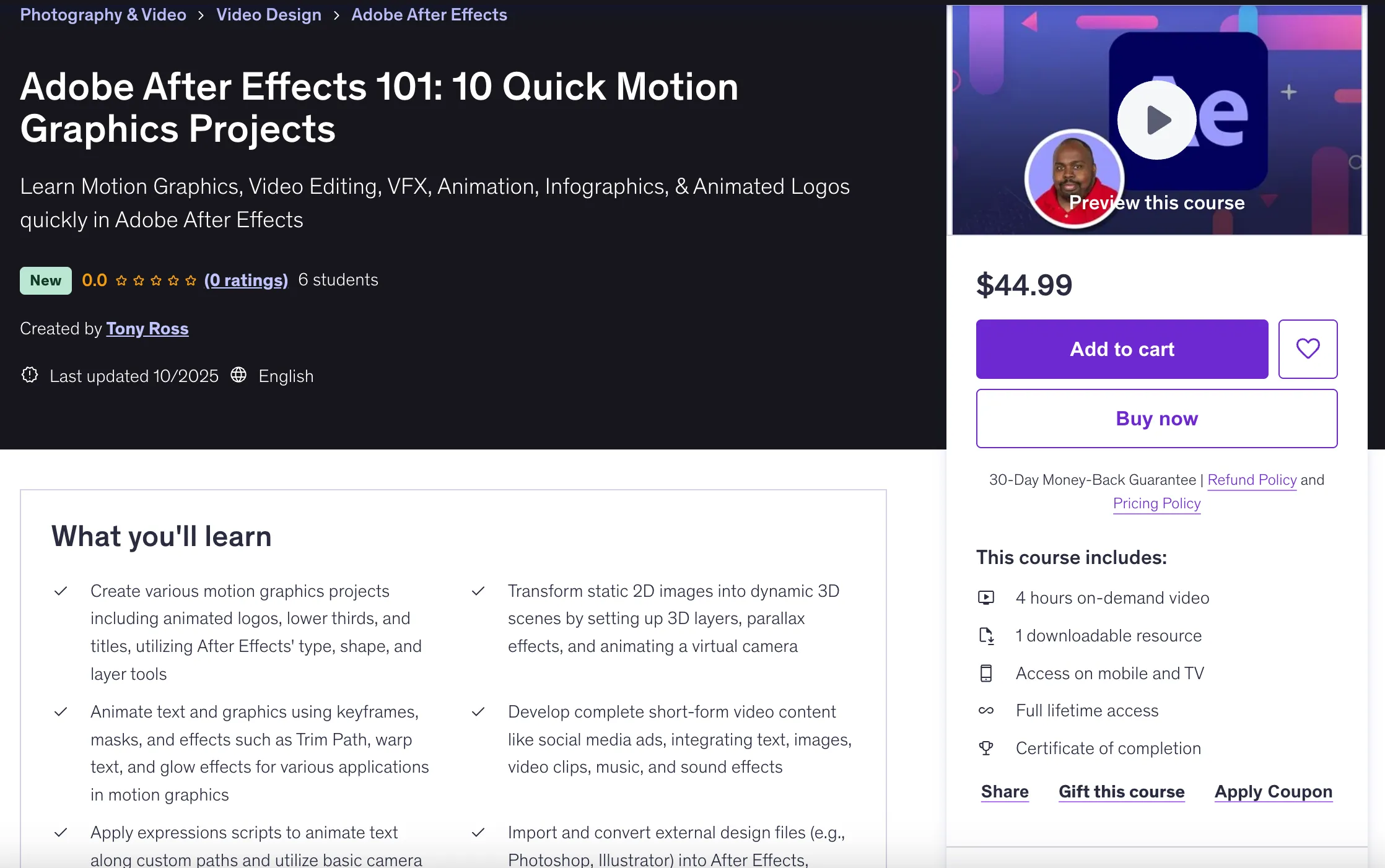
Adobe After Effects 101: 10 Quick Motion Graphics Projects
Last updated: Oct 17 2025
Overview
Learn Motion Graphics, Video Editing, VFX, Animation, Infographics, & Animated Logos quickly in Adobe After Effects. This course offers 10 hands-on projects to help you master Adobe After Effects efficiently.
Perfect for beginners eager to learn Adobe After Effects and motion graphics quickly with practical, project-based learning.
What You'll Learn
- Create various motion graphics projects including animated logos, lower thirds, and titles, utilizing After Effects' type, shape, and layer tools
- Transform static 2D images into dynamic 3D scenes by setting up 3D layers, parallax effects, and animating a virtual camera
- Animate text and graphics using keyframes, masks, and effects such as Trim Path, warp text, and glow effects for various applications in motion graphics
- Develop complete short-form video content like social media ads, integrating text, images, video clips, music, and sound effects
- Apply expressions scripts to animate text along custom paths and utilize basic camera tracking techniques to integrate effects onto tracked objects
- Import and convert external design files (e.g., Photoshop, Illustrator) into After Effects, leveraging their capabilities for animation and styling
Course Requirements
- Access to Adobe After Effects software
- Basic computer literacy
- No prior After Effects experience required
- Familiarity with Adobe Illustrator and Photoshop is helpful but not mandatory
Course Content
Introduction
Introduction (3 lectures • 16min)
- Introduction - 03:14
- After Effects Workspace and Overview - 11:52
- Here are the Support Files for this After Effects course - 00:44
Project 1
Project 01: Squares & Square Company Logo (6 lectures • 28min)
- Intro to Squares Project - 0:36
- Creating & Animating Shape Layers - 06:42
- Adding Easy Ease to your Animations - 04:53
- Working with Type and Animating The Square Company logo - 05:11
- Animating Scale and Rotation Properties - 06:02
- Offsetting and Staggering Animation and Layers - 04:31
Project 2
Project 02: Creating a Simple Lower Third Motion Graphic (5 lectures • 28min)
- Intro to Lower Third Project - 00:41
- Creating Type and Shape Layers - 09:25
- Using the Scale Property to Animate a Line - 04:18
- Animating the Type - 10:01
- How to Reverse an Animation or Keyframes - 03:45
Project 3
Project 03: Creating a Title using Text Animation Presets (5 lectures • 13min)
- Creating a Title Intro - 00:27
- Adding your Type Layer - 04:54
- Adding Type Animation Presets to your Text - 03:00
- Customizing Text Animation Presets - 02:53
- How to Reverse Keyframes in After Effects - 01:38
Project 4
Project 04: A Rainy Day: Revealing Text and Adding Rain to a Scene (5 lectures • 19min)
- Importing and Editing Video in After Effects - 03:24
- Adding a Layer Mask to Text & Animating the Mask Path - 05:20
- Using an Overlay Video and Blending Mode to add Rain to the Scene - 03:57
- Adding a Color Solid and Blending Modes to create Color Effects to Your Scene - 03:17
- Importing Sound to an After Effects Composition - 03:12
Project 5
Project 05: Hand Writing Animation (5 lectures • 24min)
- Hand Writing Animation Intro - 00:30
- Importing Illustrator Files - 01:37
- Converting a Illustrator Layer to a Shape Layer - 05:33
- Using Trim Paths settings to Create a Writing Effect - 07:48
- Adding Drop Shadows and Effects to Your Handwriting Animation - 08:44
Project 6
Project 06: Create a Kinetic Type Animation (8 lectures • 33min)
- Kinetic Type: Bee Greeting Intro - 0:35
- Working with Layers and Artboards in Illustrator to prep files for After Effects - 01:13
- Importing an Illustrator file as a Composition - 02:50
- Adding Layers in After Effects and Setting Anchor Points - 07:43
- Animating the Kinetic Type - 05:10
- How to have an Object (Bee) Follow and Orient to a Path - 04:18
- Animating the Bees Path Using Trim Paths - 08:12
- Staggering and Offsetting Animations - 02:52
Project 7
Project 07: Creating a Vertical Social Media Ad (5 lectures • 24min)
- Chips Social Media Ad intro - 00:33
- Setting Up Composition and Shape Layers - 07:28
- Importing PNGs into After Effects - 03:09
- Animating and Using a Shortcut to Stagger and Offset Your Layers - 05:34
- How to Parent-Child Layers and Track Mattes in After Effects - 07:10
Project 8
Project 08: How to Turn a 2D Photo into a 3D Scene (5 lectures • 26min)
- Importing a Layered Photoshop file as a Composition - 06:20
- Creating 3D Layers and Moving in Z Space - 05:01
- Adding a Camera Layer to Your Composition - 03:30
- Animating the Camera and Null in Z-Space - 07:26
- Adding Rain to the Scene by Adding a Video Overlay - 03:42
Project 9
Project 09: Animating Type on a Path (1 lecture • 2min)
- Importing the Video - 01:49
Course Projects
This course includes 10 quick, hands-on projects:
- Squares & Square Company Logo: Working with shape layers and type animation
- Simple Lower Third Motion Graphic: Creating professional broadcast elements
- Title with Text Animation Presets: Using After Effects' built-in animation tools
- Rainy Day Scene: Revealing text with masks and adding environmental effects
- Hand Writing Animation: Creating write-on text effects with Illustrator files
- Kinetic Type Animation: Advanced text animation with path following
- Vertical Social Media Ad: Creating mobile-optimized motion graphics
- 2D to 3D Scene: Converting photos to 3D with parallax effects
- Type on a Path: Animating text along custom paths
- Additional project (not detailed in provided content)
Target Audience
- Beginners eager to learn Adobe After Effects and motion graphics quickly
- Aspiring video editors, animators, graphic designers, and marketers
- Individuals interested in project-based learning
- Anyone looking to create animated logos, social media ads, infographics, titles, or 3D photo effects
Instructor
Tony Ross - Video Trainer, Instructor, and Author specializing in teaching complex software using practical projects in simple steps. With over 2 decades of experience, Tony's tutorials have been featured on Creative Cow, Adobe, Toon Boom, GoMediazine, Infinite Skills, and O'Reilly. He is also a Lynda.com author.
Course Features
- 4 hours of on-demand video
- 1 downloadable resource
- Access on mobile and TV
- Full lifetime access
- Certificate of completion
- Project files provided
Technical Details
- Course Duration: 3h 53m total length
- Total Lectures: 53
- Total Sections: 12
- Skill Level: Beginner
- Language: English
- Last Updated: October 2025
🚀Direct Download Link
Contact us on 💬WhatsApp for premium access and support.
link:https://www.udemy.com/course/adobe-after-effects-for-beginners-10-quick-motion-graphics-projects/