Create Custom After Effects Plugins with ChatGPT
Last updated: Oct 21 2025
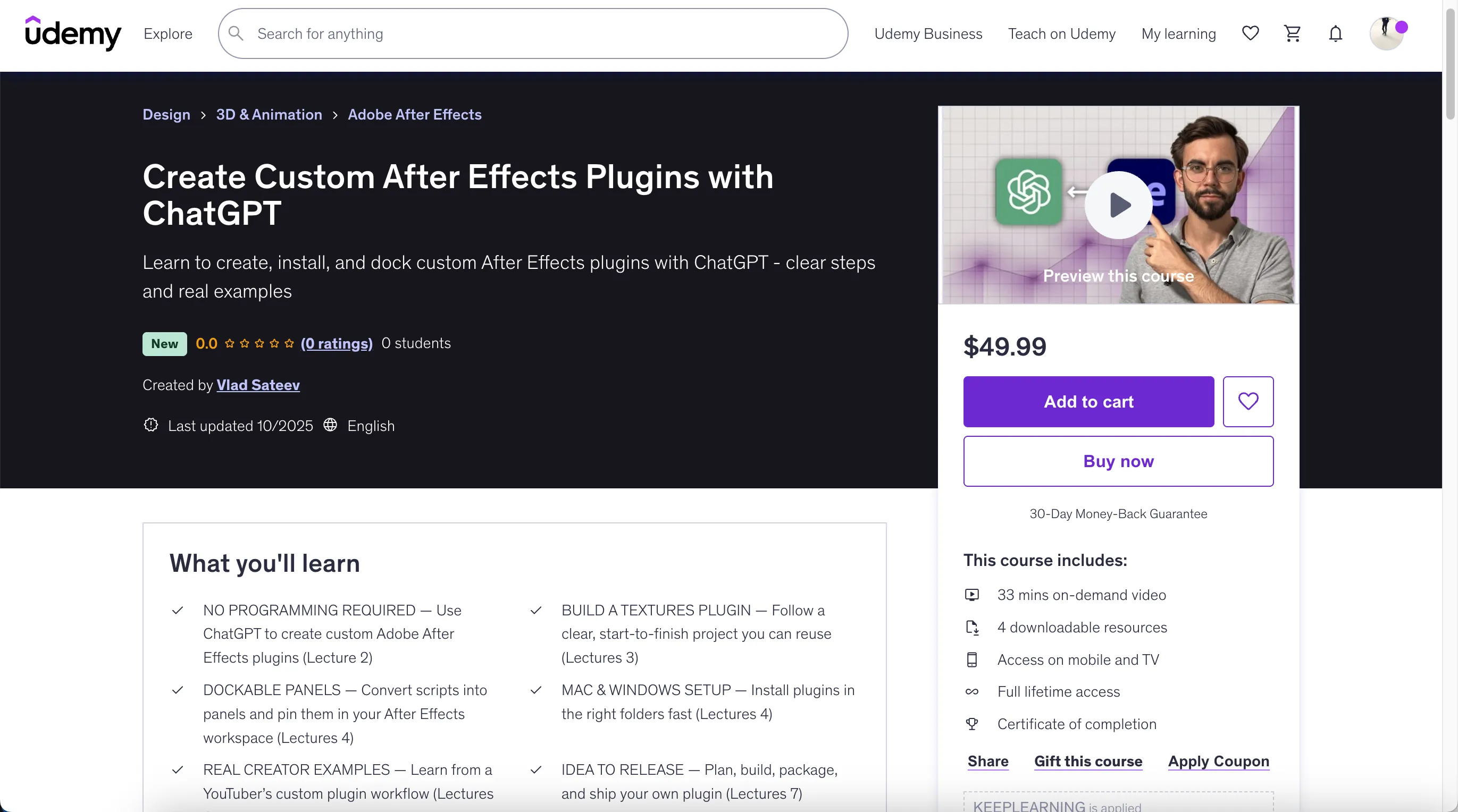
https://www.udemy.com/course/adobe-after-effects-plugins/?couponCode=KEEPLEARNING
What You'll Learn
- NO PROGRAMMING REQUIRED — Use ChatGPT to create custom Adobe After Effects plugins
- BUILD A TEXTURES PLUGIN — Follow a clear, start-to-finish project you can reuse
- DOCKABLE PANELS — Convert scripts into panels and pin them in your After Effects workspace
- MAC & WINDOWS SETUP — Install plugins in the right folders fast
- REAL CREATOR EXAMPLES — Learn from a YouTuber's custom plugin workflow
- IDEA TO RELEASE — Plan, build, package, and ship your own plugin
- REUSABLE PROMPTS — Use AI prompt templates to generate scripts fast
Requirements
- Access to Adobe After Effects
- Access to ChatGPT
Description
Build your first After Effects plugin—even if you can't code. In this course, you'll use ChatGPT to create a custom tool, install it as a dockable panel, and launch a plugin you can reuse or sell.
You'll learn how plugins fit into real video editing workflows, why they save time and money, and how to turn one idea into a practical textures plugin. Then you'll install it correctly on Mac and Windows, pin it in your workspace, and study a real YouTuber example to see what's possible. Finally, you'll build and ship your own plugin in a guided capstone.
No fluff, no jargon—just the exact prompts, files, and steps you need.
By the end, you'll have a working After Effects plugin, installed as a panel, plus the skills to build more for motion graphics and 3D animation projects, and even offer them to clients or online.
What you'll be able to do
- NO PROGRAMMING REQUIRED — Use ChatGPT to create custom Adobe After Effects plugins
- BUILD A TEXTURES PLUGIN — Follow a clear, start-to-finish project you can reuse
- DOCKABLE PANELS — Convert scripts into panels and pin them in your workspace
- MAC & WINDOWS SETUP — Install plugins in the right folders fast
- REAL CREATOR EXAMPLES — Learn from a YouTuber's custom plugin workflow
- IDEA TO RELEASE — Plan, build, package, and ship your own plugin
- REUSABLE PROMPTS — Use AI prompt templates to generate scripts fast
You literally have nothing to lose and so much to gain.
Enroll now and turn After Effects from "I wish I had a plugin" into "I built the plugin I needed."
Who This Course Is For
- After Effects users who want to create plugins without coding
- Video editors who want to speed up their editing workflow with custom tools
- Motion designers looking to automate repetitive tasks in After Effects
- Freelancers who want to deliver unique solutions for client projects
- Creators who want to customize Adobe After Effects for their own style
Course Content
Overview
Introduction to After Effects Plugin Creation with ChatGPT
- Welcome! Start here (1:23)
- Why Plugins Matter and How ChatGPT Transforms After Effects (2:08)
Practical Plugin Project: Building a Textures Plugin in After Effects
- Step-by-Step Project — Building and Packaging a Textures Plugin (15:27)
- Installing & Docking Your Plugins Like a Pro (2:50)
- Best Practices for Organizing and Naming Your After Effects Plugins (3:51)
- After Effects Plugin: Import Templates Instantly with ChatGPT (2:58)
Real Examples of Custom After Effects Plugins on YouTube
- How a YouTuber Built and Showcased Custom Plugins (2:21)
Capstone Project: Create and Launch Your Own After Effects Plugin
- Capstone Challenge — Plan, Build, and Launch Your Own Plugin with ChatGPT (1:16)
- Last Step! (0:49)
Details
Course Details:
- Duration: 33 minutes
- Lectures: 9
- Includes: 4 downloadable resources
- Access: Mobile and TV
- Certificate: Included
🚀Direct Download Link
Contact us on 💬WhatsApp for premium access and support.