Complete 3D Godot 4 Game Development Course
info
Last updated: Oct 2025
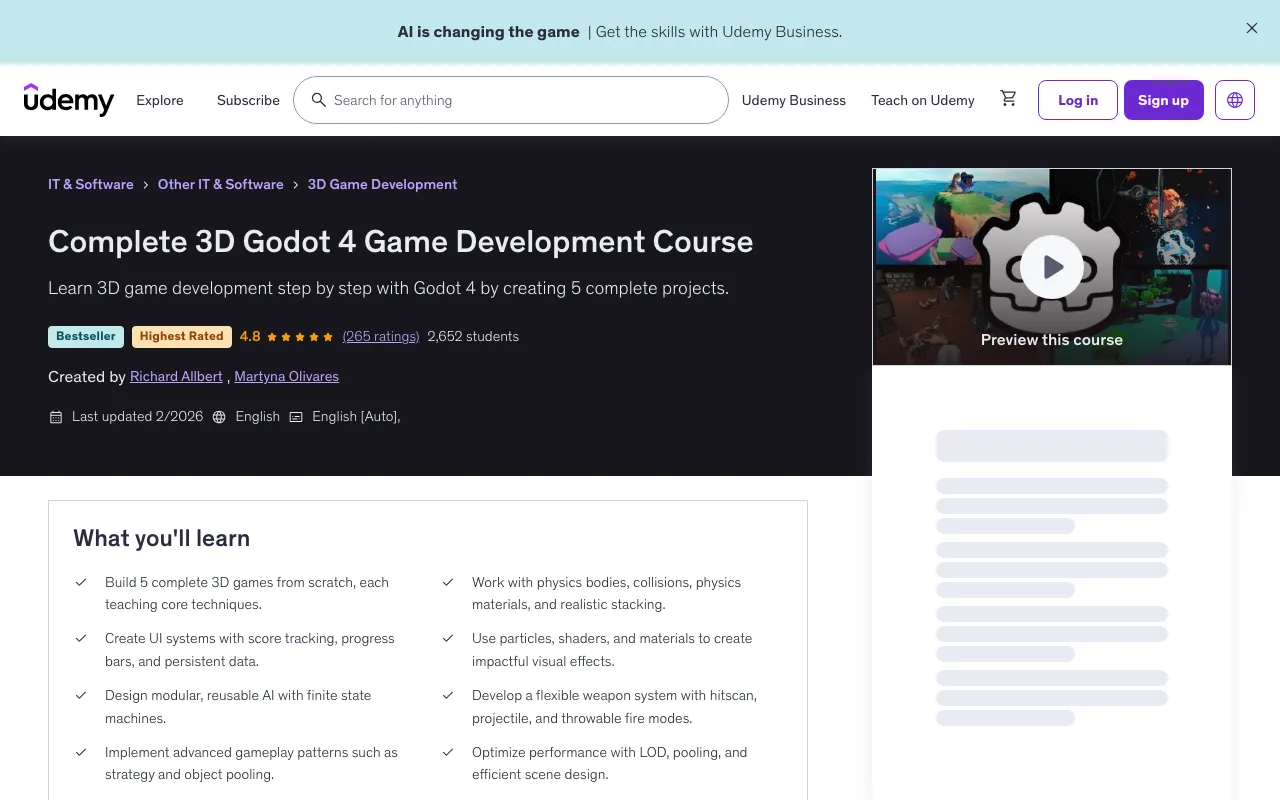
Overview
This comprehensive course will guide you through the entire process of building 3D games in Godot 4, from the very foundations to advanced systems used in professional projects. You'll create five complete 3D games, each designed to teach you new skills and techniques.
What You'll Learn
- Build 5 complete 3D games from scratch, each teaching core techniques
- Work with physics bodies, collisions, physics materials, and realistic stacking
- Create UI systems with score tracking, progress bars, and persistent data
- Use particles, shaders, and materials to create impactful visual effects
- Design modular, reusable AI with finite state machines
- Develop a flexible weapon system with hitscan, projectile, and throwable fire modes
- Implement advanced gameplay patterns such as strategy and object pooling
- Optimize performance with LOD, pooling, and efficient scene design
- Master GDScript fundamentals, classes, inheritance, signals, and node lifecycles
- Understand the Godot 4 editor, nodes, scenes, and scripting basics in 3D
Course Features
What's Included
- 60.5 hours on-demand video
- 241 downloadable resources
- Access on mobile and TV
- Full lifetime access
- Certificate of completion
Requirements
- A computer capable of running Godot 4
- No prior 3D experience required — everything is explained from the ground up
- Some basic programming knowledge is useful, but not essential
Course Content
Course Outline
Introduction (2 lectures • 4min)
- Promotional video
- Promotional video (a bit longer)
Preflight (5 lectures • 9min)
- 01 - Is this course for you?
- 02 - For beginners
- 03 - Godot Versions
- 04 - How do I get help?
- 05 - Our Approach
Foundations (26 lectures • 3hr 38min)
- 01 - Foundations Preview
- 02 - What is Godot?
- 03 - This section
- 04 - Setting up
- 05 - Running a scene
- 06 - Navigating a scene
- 06a - Vector 3
- 07 - Movement Positioning
- 08 - Scene Objectives
- 09 - Nodes, scenes, trees
- 10 - Resources
- 11 - Materials
- 12 - Materials Override
- 13 - Environment
- 14 - Position, Global Position
- 15 - Scale
- 16 - Transform Basis
- 17 - Jealous capsule
- 18 - Scripting Translate
- 19 - Global Translate
- 20 - Rotation x, y, z
- 21 - Rotation
- 22 - Rotation Local
- 23 - Rotation Global
- 24 - Aiming
- 25 - End
Getting to know GDScript and Godot (19 lectures • 5hr 12min)
- 01 - Basics - Intro
- 02 - Basics - Script Setup
- 03 - Basics - Basic Types
- 04 - Basics - Operators
- 05 - Basics - Control Flow
- 06 - Basics - Dictionaries / Lists
- 07 - Basics - Functions
- 08 - Basics - String Formatting
- 09 - Basics - Enums match and constants
- 10 - Basics - Review of Foundations
- 11 - Godot - What are classes?
- 12 - Godot - What is inheritance?
- 13 - Godot - Making our own types
- 14 - Godot - Adding properties and methods
- 15 - Godot - Getters and Setters
- 16 - Godot - Statics
- 17 - Godot - Inheritance
- 18 - Godot - Lifecycles
- 19 - Godot - Signals
Godot 4.5+: Preload Uid Setting (1 lecture • 2min)
- Preloads with paths and uids
Game 1: Endless Jumper - Sky Pogo (36 lectures • 6hr 19min)
- 01 - Sky Pogo Preview
- 02 - Sky Pogo Outline
- 03 - Aspect resolution
- 04 - Environment
- 05 - Platform Scene
- 06 - Player Scene Physics
- 06a - Frame Rates
- 07 - Player Bouncing
- 08 - Platform Vanish
- 09 - Platform Animation
- 10 - Platform Animation Vanish
- 11 - Platform Collisions
- 12 - Platform Timing
- 13 - Spawner Scene
- 14 - Spawning Platforms
- 15 - Player Model
- 16 - Player Animation
- 17 - Player Movement
- 18 - Signal Hub
- 19 - Camera Movement
- 20 - Restarting the Game
- 21 - Inheriting Scenes
- 21a - Platform Models
- 22 - Random Platforms
- 23 - Music Effects
- 24 - Falling Effect
- 25 - UI Canvas Anchoring
- 26 - UI Canvas Layout
- 27 - Game UI
- 28 - Player Height
- 29 - Hud Score
- 30 - Score Persistence
- 31 - Game Over
- 32 - Pausing the Tree
- 33 - End of Section (almost)
- 34 - Project Settings
Game 2: Jenga (sort of) (31 lectures • 4hr 49min)
- Jenga (sort of) Preview
- 01 - Jenga (sort of) Intro
- 02 - RigidBody3D
- 03 - RigidBody3D - properties
- 04 - RigidBody3D - code
- 05 - Game Outline
- 06 - Game Scene
- 07 - Mesh Textures
- 07a - A brief word on Color Space
- 08 - Lighting Basics
- 09 - Basic Game Lights
- 10 - Texture Maps
- 11 - Falling Brick
- 12 - Brick Function Review
- 13 - Brick Signals
- 14 - Signal Hub
- 15 - Spawner Outline
- 16 - Movement
- 17 - Spawner Logic Outline
- 18 - Spawner Logic
- 19 - Spawning Bricks
- 19a - Camera
- 20 - UI
- 21 - Game Over
- 22 - Scoring
- 23 - Hud Game Over
- 24 - Scaling Difficulty
- 25 - High Score Persistence
- 26 - Encrypting Scores
- 27 - Sound and Music
- 28 - Summary
Input Handling (6 lectures • 33min)
- Input Handling Preview
- 01 - Introduction
- 02 - Callback order
- 03 - UI Input Filtering
- 04 - Manual Handling
- 05 - Wrap Up
Game 3: Platformer - Granny's Capers (80 lectures • 15hr 2min)
- Platformer Preview
- 00 - Part 2 Approach
- 01 - Common Tools
- 02 - Project Setup
- 03 - Project Review - Optional
- 04 - Scene Navigation
- 05 - Main Animations
- 06 - Animation Tree
- 07 - Animation Method Calls
- 08 - Particles
- 09 - Player
- 10 - Player Outline
- 11 - Player Debug Collision
- 12 - Player Basic Movement
- 13 - Player Rotation
- 14 - Player Jump
- 15 - Animation Outline
- 16 - Animation Tree
- 16a - OPTIONAL - Materials Overview
- 16b - OPTIONAL - Particles Overview
- 17 - Game Sequence Outline
- 18 - Pickup Scene
- 19 - Pickup Logic
- 20 - Pickup Tracker Outline
- 21 - Pickup Tracker
- 22 - Hud Pickups
- 23 - Key
- 24 - Hud Tween
- 25 - Exit Door
- 26 - Exit Logic
- 27 - Level Complete
- 27a - Utility Scenes
- 28 - Enemies Overview
- 29 - Pumpkin
- 30 - Pumpkin Logic
- 31 - Ghost
- 32 - Ghost Logic
- 33 - Vampire Coffin
- 34 - Vampire Coffin Logic
- 35 - Vampire Character
- 36 - Vampire Character Logic
- 37 - Vampire Complete
- 38 - Turret
- 39 - Turret Logic
- 40 - Turret Bullet
- 41 - Turret Bullet Logic
- 42 - Turret Shoot
- 43 - Fireball
- 44 - Fireball Logic
- 45 - Shooting
- 46 - Create a Fireball
- 47 - Damage Overview
- 48 - Collider
- 49 - Damage Collider
- 50 - Hurt Box
- 51 - Collider Setup
- 52 - Fireball Collisions
- 53 - Coming up
- 54 - Explosion
- 5 - Player Sounds
- 56 - Player Health
- 57 - Player Dies
- 58 - Moving Platform PF
- 59 - Moving Platform
- 60 - Bomb Outline
- 61 - Bomb Scene
- 62 - Completing the Bomb Scene
- 63 - Scenery
- 64 - Scenery Collisions
- 65 - Bounce Button
- 66 - Joints
- 67 - Rope Bridge
- 68 - Score Effect
- 69 - Score Manager
- 70 - High Score Display
- 71 - High Scores
- 72 - Optional - Moving Platform Meshes
- 73 - Spring Arm
- 74 - Level Switch
- 75 - End of Section
Game 4: Shooter - Space Ace (53 lectures • 11hr 22min)
- Space Ace Preview
- 01 - Space Ace Outline
- 02 - Setup
- 03 - Sky Rotation
- 04 - Player Scene
- 05 - Player Movement
- 06 - OPTIONAL Shaders, UV Panning
- 06a - OPTIONAL Shaders Masking, Fading
- 06b - OPTIONAL Shaders Fresnel Glow
- 06c - OPTIONAL Shaders Vertex displacement
- 07 - Shaded Wall
- 08 - Shaded Wall Fade
- 09 - Shaded Wall Box
- 10 - Player Camera
- 11 - Simple Effects
- 12 - Gun Scene
- 13 - Laser Scene
- 14 - Object Pooling
- 15 - Life Timer
- 16 - Laser Start/Stop
- 17 - Object Pool Implementation
- 18 - TIE Fighter Intro
- 19 - TIE Fighter Basics
- 20 - TIE Fighter Logic
- 21 - TIE Behaviours
- 22 - TIE Turn and Shoot
- 23 - TIE Loss of Control
- 24 - TIE Shoots
- 25 - Hit Box
- 26 - TIE Explosion Effect
- 27 - TIE Explosion
- 28 - Hit Box Explosion
- 29 - Asteroid Scene
- 30 - Asteroid Material
- 31 - Asteroid Explode
- 31a - Asteroid Explosion Ring
- 31b - Asteroid Explosion Fire
- 31c - Asteroid Explosion Stars
- 32 - Spawning
- 33 - Spawning Fighters
- 34 - Pausing
- 35 - Stats
- 36 - Impacts
- 37 - Health Bar
- 38 - Health Bar Logic
- 39 - Game Over
- 40 - Shield
- 41 - Power Up Shader
- 42 - Power Up Logic
- 43 - Power Up Detection
- 44 - Camera Shake
- 45 - Score
- 46 - Summary
Game 5: FPS - Quack Lite (15 lectures • 2hr 45min)
- Quack Lite Preview
- 01 - Quack Lite Outline
- 02 - Player Scene
- 03 - Player Movement
- 04 - Player Camera
- 05 - Weapon Scene
- 06 - Weapon Script
- 07 - Hitscan Weapons
- 08 - Projectile Weapons
- 09 - Throwable Weapons
- 10 - Weapon Switching
- 11 - Enemy AI
- 12 - Finite State Machine
- 13 - Performance Optimization
- 14 - Summary
- 15 - Conclusion
Full Description
Description
Making 3D games can seem overwhelming at first — but with Godot 4, it's more accessible than ever. This course will guide you through the entire process of building 3D games in Godot 4, from the very foundations to advanced systems used in professional projects. Along the way, you'll create five complete 3D games, each designed to teach you new skills and techniques:
- Sky Pogo – an endless jumper where you'll learn physics, animation, UI, and persistence
- Brick Stacker – a physics-based stacking game, covering rigidbodies, lighting, and progressive difficulty
- Granny's Capers – a full 3D platformer with enemies, animation trees, particles, and custom editor tools
- Space Ace – an endless space shooter with visual shaders, object pooling, the strategy pattern, and immersive sound
- Quack Lite – a complete FPS inspired by Quake, featuring modular AI with finite state machines, a flexible weapon system, multiple enemy types, powerful effects, and performance optimization We'll also take focused detours into core skills like GDScript programming, Godot's scene and node system, and input handling, so you can approach each project with confidence. By the end, you'll not only know how to make games in Godot 4 — you'll have a toolkit of reusable patterns, scalable systems, and visual effects that you can bring into your own projects. Whether you're brand new to 3D or coming from 2D development, this course will give you the skills to create complete, polished games from scratch!
Target Audience
- Beginners who want to learn 3D game development with Godot 4
- 2D developers looking to transition into 3D
- Indie developers who want to understand scalable systems and reusable design patterns
- Anyone who wants to build polished, playable 3D games step by step
🚀Direct Download Link
Get Premium Download Speed Without any Limitations!
Contact us on 💬WhatsApp for premium access and support.