Blender Modelling for Beginners Course
Last updated: Sep 2023
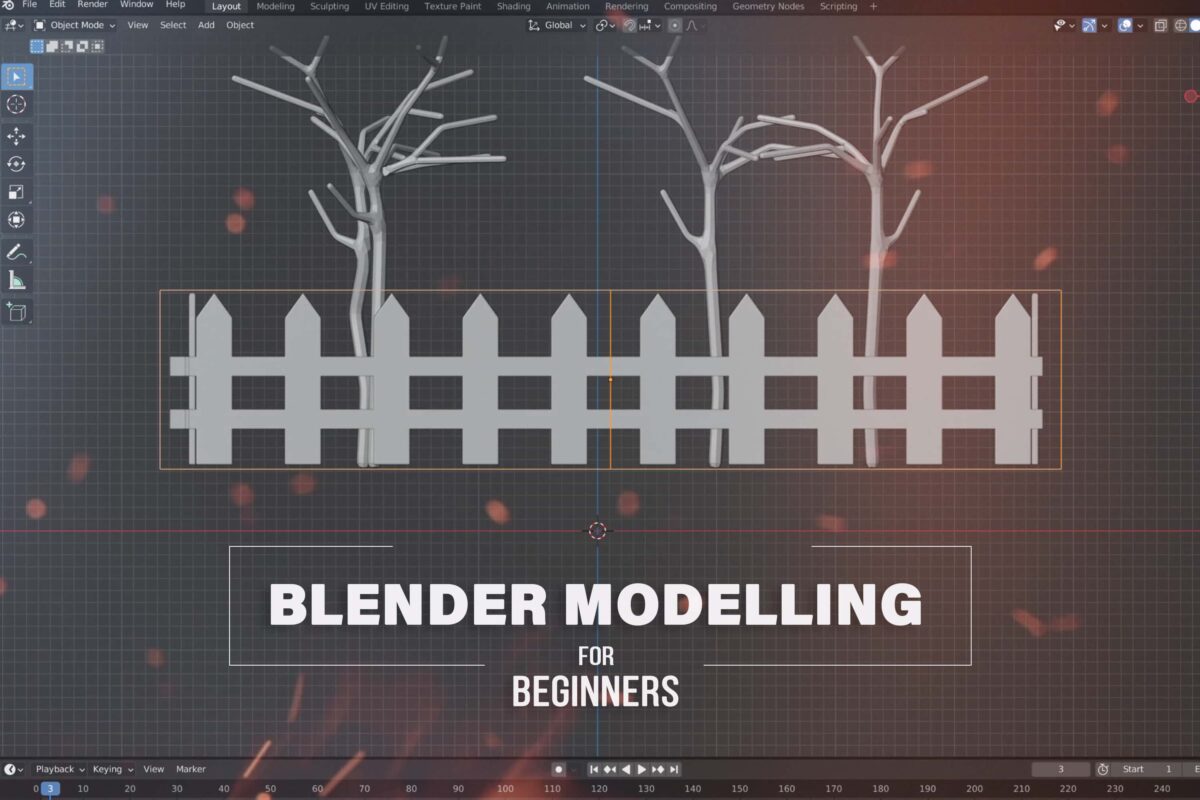
📋 Overview
Unlock the gateway to 3D creativity with our Blender Modeling for Beginners Course. Whether you're an aspiring 3D modeler, game developer, or simply someone fascinated by the world of 3D modeling, this course is your comprehensive introduction to the powerful and versatile Blender software.
Designed for beginners, this course starts with the basics, guiding you through the interface and essential tools of Blender. You'll learn foundational concepts such as object manipulation, modifiers, basic modeling techniques, and the principles of 3D space.
✅ What You'll Learn
- Introduction to Blender: Familiarize yourself with Blender's interface and navigation controls
- Object Manipulation: Learn how to move, rotate, and scale objects within 3D space
- Basic Modeling Techniques: Explore fundamental modeling tools such as extrusion, beveling, subdivision, and many more
- Modifiers: Dive into the world of modifiers and discover how they can enhance your modeling workflow
- Project-Based Learning: Apply your skills to real-world projects, from creating simple objects to designing more complex structures
🛠️ Requirements
- Blender software
- Computer capable of running Blender
- Basic computer skills
🎯 Who This Course Is For
- Aspiring 3D modelers
- Game developers
- Anyone fascinated by the world of 3D modeling
- Beginners with no prior experience in Blender
📚 Course Content
Course Structure
- 36 Lessons (4h 40m)
- Compatible with Blender
- Commercial license available
Complete Learning Path
Introduction Section
- Introduction
- Selection and Movement
- Loop Cut, Extruding Tool and Inset Tool
- Normal Vectors and Shade Smooth
Modifiers Section
- Array and Bevel Modifiers
- Boolean Modifier
- Cleanup After Boolean Modifier
- Boolean Cleanup
- Build and Decimate Modifiers
- Edge Split and Mask Modifiers
- Multiresolution Modifier
- Remesh Modifier
- Screw Modifier
- Skin Modifier
- Solidify Modifier
- Subdivision Surface and Triangulate Modifier
- Weld and Wireframe Modifier
- Armature and Cast Modifiers
- Curve and Displace Modifiers
- Hook and Laplacian Deform Modifiers
- Lattice Deform and Mesh Deform Modifiers
- Shrinkwrap Modifier
- Simple Deform and Smooth Modifier
- Surface Deform Modifier
- Warp Modifier
- Wave Modifier
Advanced Techniques
- Snapping Tool – Part 1
- Snapping Tool – Part 2
- Hard Surface, Subdivision Surface Modeling and Sculpting
- Joining Objects and Proportional Editing Tool
- Normal Vector
- Pivot Point
- How To Use Text In Blender
- Topology
- Final Episodes (Example 1)
- Final Episodes (Example 2)
🚀 Features
- 36 Lessons (4h 40m)
- Commercial license available
- Project-based learning approach
- Step-by-step instructions
- Real-world applications
💡 Course Benefits
This comprehensive introduction to Blender software covers everything from basic interface navigation to advanced modeling techniques. You'll learn how to use modifiers to quickly add detail, create complex shapes, and streamline your modeling process. The project-based learning approach ensures you can apply your skills to real-world projects.
🧰 Tools Used
- Blender
- Various modifiers and tools within Blender
📈 Learning Outcomes
By the end of this course, you'll have:
- A solid understanding of Blender's interface and navigation
- Knowledge of object manipulation techniques
- Skills in basic and advanced modeling techniques
- Experience with various modifiers
- Ability to create simple to complex 3D models
- Foundation for further 3D modeling learning
🚀 Direct Download Link
Contact us on 💬WhatsApp for premium access and support.