Last updated: Oct 21 2025
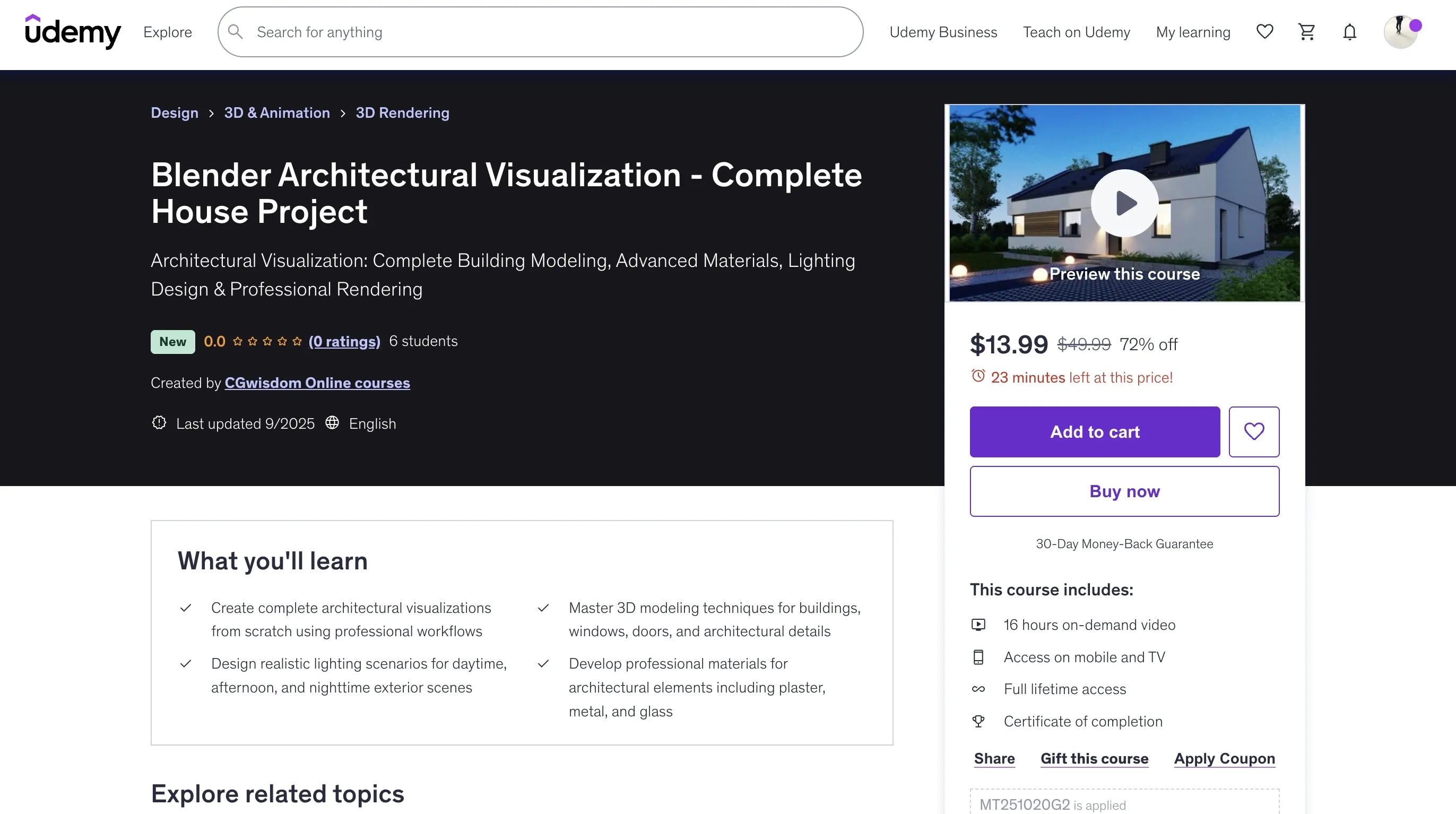
Blender Architectural Visualization - Complete House Project
Architectural Visualization: Complete Building Modeling, Advanced Materials, Lighting Design & Professional Rendering
This course includes 16 hours on-demand video, access on mobile and TV, full lifetime access, and a certificate of completion.
What you'll learn
- Create complete architectural visualizations from scratch using professional workflows
- Master 3D modeling techniques for buildings, windows, doors, and architectural details
- Design realistic lighting scenarios for daytime, afternoon, and nighttime exterior scenes
- Develop professional materials for architectural elements including plaster, metal, and glass
Requirements
- No prior Blender experience required - comprehensive guidance from first launch to final render
- Basic computer skills and willingness to follow step-by-step project-based learning
- Access to Blender (free software) and recommended: Affinity Photo for post-production
Course Content
Getting Started with Blender
- Introduction (3:07)
- First Launch of Blender (3:25)
- Interface (2:46)
- Navigation (1:40)
- Units (4:31)
- Views (7:31)
- Cursor (4:03)
- Origin (4:39)
Basic Object Operations
- Adding Objects (3:03)
- Moving, Rotating, Scaling (5:59)
- Copying objects (4:40)
- Photos (7:32)
- Keyboard Shortcuts (5:42)
3D Modeling Fundamentals
- Vertex, Edge, Polygon (7:29)
- Division of solids into smaller elements (5:48)
- Insert and Extrude Functions (5:03)
Modifiers
- Array Modifier (5:43)
- Bevel Modifier (7:58)
- Mirror Modifier (5:19)
- Solidify Modifier (3:14)
- Subdivision Surface Modifier (5:34)
Workspace Customization
- Add-ons (6:01)
- Creating Your Own Keyboard Shortcuts (3:50)
- Creating Your Own Workspaces (10:34)
Background & Site Preparation
- Import of Backgrounds (13:15)
- External Wall Modeling (20:59)
- Internal Wall Modeling (5:21)
- Window Modeling (15:07)
- Door Modeling (28:28)
Architectural Details
- Modeling Roof Tiles and Ridge Tiles (24:35)
- Gutter Modeling (20:03)
- Chimney Modeling (25:57)
- Sheet Metal Processing Modeling (11:16)
- Modeling Parapets - edit (4:46)
- Pergola Beam Modeling (12:13)
- Import of Additional Roof Elements (15:24)
- Terrace Modeling (15:23)
- Modeling of Facade Boards (6:07)
- Scene Arranging (7:07)
Site Development
- Scene Arranging (9:58)
- Curb Modeling (29:39)
- Modeling Retaining Walls (2:35)
- Modeling of sidewalk plates (4:49)
- Fence Modelling (15:54)
- Modeling a Gate and Door (10:26)
Materials Creation
- Plastic Material (14:35)
- Metal Material (3:56)
- PBR Material (20:54)
- Glass Material (6:11)
- Leaf Material (6:44)
Texturing & Mapping
- Mapping (16:09)
- Creating Materials (45:48)
- Displacement (17:18)
- Differentiating brightness (17:32)
Course Description
Master professional architectural visualization by creating a stunning single-family house from start to finish. This comprehensive course combines 3D modeling fundamentals with advanced rendering techniques, guiding you through every step of producing photorealistic exterior visualizations using Blender and Cycles.
Build Real-World Architectural Skills
This project-based course centers around developing a complete single-family house visualization, providing you with practical experience that directly translates to professional architectural work. You'll gain confidence working on real-world projects while building an impressive portfolio piece that showcases your newly acquired skills.
Professional 3D Modeling Techniques for Architecture
Learn essential architectural modeling workflows by constructing your house from the ground up. Starting with basic building masses and progressing to intricate details, you'll master techniques that professional architects and visualization artists use daily. Working primarily from DWG reference drawings, you'll develop precision modeling skills while creating windows, doors, chimneys, and other architectural elements. Each modeling exercise demonstrates proven techniques and establishes fundamental principles for efficient architectural modeling.
Strategic Asset Integration and Management
While high-quality free 3D models are abundant online, every architectural project requires custom elements unique to its design. This course teaches you when to model from scratch versus when to leverage existing assets effectively. Master seamless model import workflows for various file formats including native .blend files with pre-configured materials, as well as universal formats like .obj and .fx that expand your asset library options.
Advanced Architectural Materials and Texturing
Develop expertise in creating realistic building materials that respond authentically to light and environmental conditions. Explore PBR (Physically Based Rendering) workflows specifically tailored for architectural visualization. Master challenging materials including realistic plaster finishes, metal fixtures, glass surfaces, and various building materials. Learn alpha texture techniques for creating complex architectural details like decorative elements and landscape features. The course includes guidance on sourcing professional-quality textures and setting up materials for optimal rendering performance.
Professional Lighting Design for Exteriors
Lighting forms the foundation of convincing architectural visualization, often determining the success or failure of your final images. This course emphasizes natural lighting scenarios crucial for exterior architectural work. Master the creation of compelling daytime lighting that showcases architectural details, warm afternoon lighting that creates inviting atmospheres, and dramatic nighttime illumination that highlights artificial lighting fixtures and interior glimpses.
Camera Work and Cinematic Techniques
Learn professional camera placement and composition techniques that architectural photographers and visualization artists employ. Understand how different focal lengths and camera angles affect the perception of architectural spaces. Master Depth of Field (DOF) techniques to create focal points and guide viewer attention through your compositions, adding professional polish to your final images.
Cycles Rendering Optimization
Navigate Blender's powerful Cycles rendering engine with confidence, focusing on settings and techniques specifically valuable for architectural visualization. Learn to balance render quality with production timelines, utilizing denoising technology to achieve clean results efficiently. Understand how to optimize complex architectural scenes for both preview renders and final high-resolution output.
Professional Post-Production Workflows
Complete your visualization pipeline with post-production techniques that elevate your renders from good to exceptional. Using Affinity Photo, learn color correction, contrast enhancement, and detail refinement methods that professional visualization studios employ. These finishing techniques often make the difference between amateur and professional-looking results.
Who Will Benefit Most
This course is specifically designed for individuals seeking to enter or advance in architectural visualization. Whether you're an architect wanting to create your own visualizations, a designer looking to expand service offerings, or someone passionate about 3D graphics with architectural interests, this training provides the focused skills you need.
Perfect for Career Development
Architects and interior designers will find immediate application for these skills in their professional practice. The ability to create compelling visualizations enhances client communication, improves project presentations, and can significantly differentiate your services in competitive markets.
No Prerequisites Required
The course assumes no prior Blender experience and starts with fundamental concepts. However, basic computer skills and patience for learning new software are essential. The instructor guides you through each step with clear explanations suitable for complete beginners.
Why Choose Blender for Architectural Visualization
Blender's open-source nature provides exceptional value for architectural professionals. Unlike expensive commercial alternatives, Blender offers professional-grade capabilities completely free, with licensing that allows unlimited commercial use of your work. This makes it an ideal choice for independent professionals, small firms, and anyone wanting to minimize software costs while maximizing creative capabilities.
The software's active development ensures regular improvements and new features, while its growing adoption in the architectural community means increasing resources, tutorials, and community support. This course positions you to take full advantage of these benefits while building skills that remain valuable as the software continues evolving.
Start your architectural visualization journey today and develop the skills needed to create stunning, professional-quality exterior renderings that impress clients and advance your career in architectural design and visualization.
Who this course is for:
- Architects, interior designers, and aspiring 3D artists wanting to create professional exterior visualizations
- Professionals wanting to expand services with in-house architectural visualization capabilities
- Students and freelancers seeking to build impressive 3D portfolio pieces
- Anyone passionate about architectural design and photorealistic 3D rendering
- Design professionals looking to master industry-standard free visualization software
🚀Direct Download Link
Contact us on 💬WhatsApp for premium access and support.