Character Design and Illustration: The Licker in the Womb
Last updated: Nov 2017
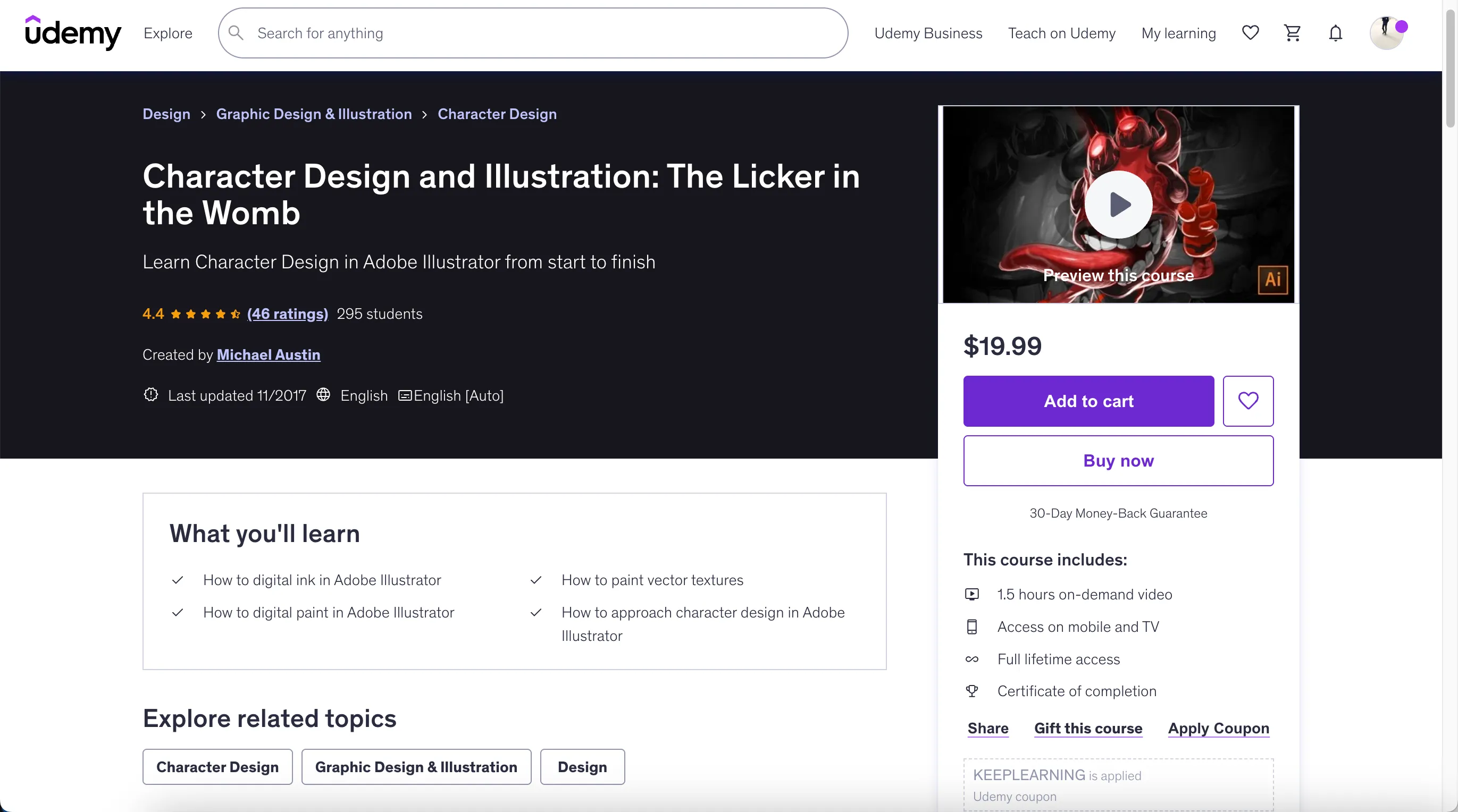
Are you looking to start your career in character design? Are you looking for a way to hone your digital art skills? In this course, you will learn how to digital paint in Adobe Illustrator. I'll walk you through the entire process from start to finish.
The techniques I'm using in this video series can be carried over into many other painting applications. The methods I'm using are particular to Adobe Illustrator. This video will focus primarily on how to digital paint in the broadest sense so we can apply the knowledge to any other process as we see fit.
Digital painting in Adobe Illustrator allows you to adapt your character design for many uses and sizes. Since vectors are scalable and do not pixelate when resized.
- How to digital ink in Adobe Illustrator
- How to paint vector textures
- How to digital paint in Adobe Illustrator
- How to approach character design in Adobe Illustrator
- Render a unique character design
- how to create brushes
- how to build line art and texture
- how to work with highlights and shadows
- how to develop a value scale with vectors
- how to make the character design process as pain free as possible
- and much more!
- 1.5 hours on-demand video
- Access on mobile and TV
- Full lifetime access
- Certificate of completion
Course content
- Character Design Foundation (6 lectures • 26min)
- Introduction to the Character Design Course (01:31)
- Brush Creation and Basic Inking (07:51)
- The Art of Inking: How to Layer Your Inks (07:29)
- Getting Started with the Warp Tool (04:43)
- Color Correction and Value Structures (02:09)
- Working with Blend Brushes (02:36)
- Digital Painting and Character Design (10 lectures • 47min)
- Character Design Theory: Using Blend Brushes as a Foundation (05:26)
- Basic Rendering with Blind Brushes (Brushes without a Stroke) (07:17)
- Using Blind and Blend Brushes Together (04:10)
- Recoloring the Character (04:33)
- Basic Texturing and Editing (03:58)
- Adding "POP" to the Character Design (03:17)
- Painting Effects (04:39)
- Refining the Effects (02:47)
- Finishing the Effects (02:52)
- Wrapping Up the Character Design (08:03)
- Background Design and Idealization (5 lectures • 23min)
- Exploring the Background Design (06:09)
- Creating Dynamic Lighting (03:09)
- Creating a Secondary Character Design (04:38)
- Adding Atmosphere to the Secondary Character Design (03:01)
- Final Wrap-Up (05:33)
- Adobe Illustrator CS6 or higher
- Students who wish to learn Character Design and Illustration in Adobe Illustrator
- Anyone who wants to learn how to develop character design in Adobe Illustrator
- Anyone who wishes to learn advanced brush techniques
🚀Direct Download Link
Contact us on 💬WhatsApp for premium access and support.