Creating Fire and Smoke Simulations in Houdini and Axiom - Complete Course
Last updated: Oct 14 2025
Overview
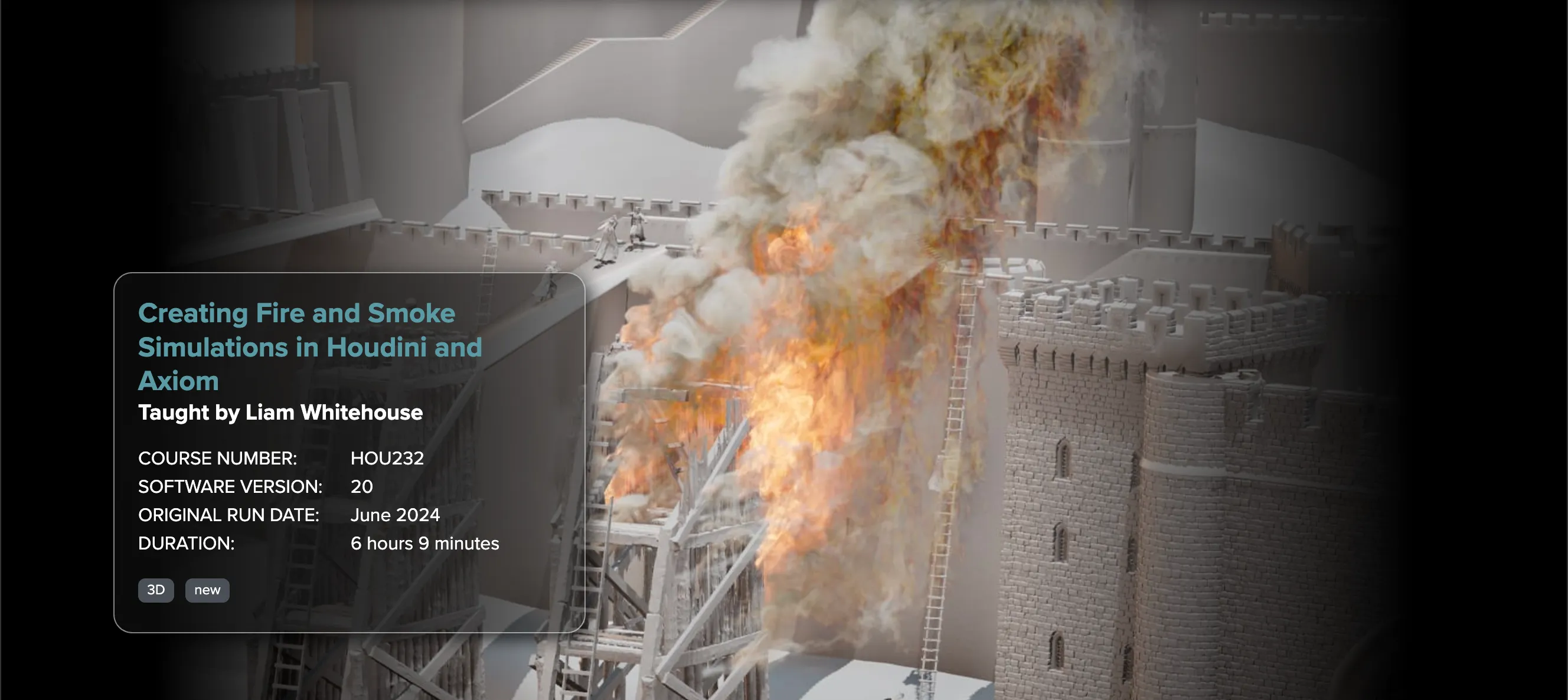
This course, taught by Liam Whitehouse, covers how to create detailed fire and smoke pyro simulation effects for a destroyed wooden siege tower, for a warfare scene set in medieval Europe. It covers Houdini Pyro workflow in detail for sourcing, creating pyro attributes, simulation and adjustment of simulations, visualising sims using the pyro bake volume, and setup of materials and rendering pyro sims using Karma XPU.
It also covers the new Axiom GPU sparse solver which is a very fast and efficient simulation plugin which can dramatically reduce simulation times for Houdini pyro fx simulations at high detail.
Instructor
Liam Whitehouse is an Australian based Senior VFX artist who has been in the 3D industry since 203. He has worked on various projects over the past 21 years including most recently environments in The Fall Guy, underwater environments in Aquaman 2, Lindon forests in The Rings Of Power, photorealistic canyon environments for The Falcon and the Winter Soldier on Disney Plus, and the hollow earth environments for Godzilla vs Kong, as well as photogrammetry rocks in Avatar 2.
Course Details
Course Details
HOU232 | | Duration | 6 hours 9 minutes | | Original Run Date | June 2024 | | Level | Intermediate | | Instructor | Liam Whitehouse | | Software Version | Houdini 20 | | Software | Houdini, Axiom, Karma XPU, Solaris |
Skills Covered
- Houdini Pyro workflow
- Axiom GPU sparse solver
- Sourcing techniques
- Pyro attributes creation
- Simulation adjustment
- Pyro bake volume visualization
- Material setup for pyro
- Rendering with Karma XPU
- Influence fields
- Wind and turbulence setup
Key Features
- Real-world Project - Detailed fire and smoke effects for a destroyed wooden siege tower
- Axiom GPU Solver - Learn the new fast and efficient simulation plugin
- Professional Workflow - Industry-standard techniques from Senior VFX artist
- Comprehensive Coverage - From sourcing to rendering pyro simulations
- Advanced Techniques - Influence fields, advection, and secondary simulations
Course Structure
Class 1: Introduction
An overview of the content covered in the course and how to carefully setup the correct matching version of Houdini, Axiom GPU pyro solver, Labs tools and Open Colour IO ACES colour management. This will ensure complete interoperation with all software for the simulation and rendering of all classes.
Class 2: Overview of different Pyro nodes and example setups
In Houdini there are many different nodes used for pyro simulation and setup. We cover key terminology and workflows including sourcing, setup of particles, pyro source attributes, rasterising particles, the pyro solver, adding noise and detail, enhancements, burn, visualising flames, caching to disk and pyro bake visualisation prior to rendering.
Class 3: Setting up detailed smoke pyro simulation and sourcing
This class covers the most important elements of pyro simulation by creating a detailed smoke simulation from scratch and then adding on all the elements step by step to learn how they work. We cover sourcing, setup of particle attributes, rasterizing particles to volumes, pyro simulation settings to create a detailed billowing smoke, by adjusting wind, turbulence, shredding and temperature, and finally a visualisation of the smoke using the pyro bake volume output.
Class 4: Setting up fire simulation with fast realistic movement
Tips and tricks to setup detailed, sharp, fast-moving fire which avoids a soft slow motion cgi fire appearance that is all too common in VFX. We look at how to setup quickly dissipating pyro as well as adjusting speed, sub-steps, and turbulence to create a realistic fire that can match real world reference footage. We also setup the temperature and falloff to create defined clear edges of the fire and connect it with Karma XPU pyro shaders in the final steps.
Class 5: Pyro material setup overview and rendering in Karma XPU
Once our fire and smoke is simulated and cached to disk we can read it into Solaris stage and setup our MaterialX pyro shaders onto our smoke and fire and add lights and a camera to render in KarmaXPU on our GPU. We will adjust our directional light, env lighting using HDRI's to create different looks.
Class 6: Intro to Axiom GPU Solver and integration with Pyro FX
Overview of Axiom which is an industry leading sparse GPU-accelerated volumetric fluid solver for visual effects that tightly integrates with the Houdini Pyro system. Introduction to creating a smoke simulation using axiom and various settings to generate detailed smoke.
Class 7: How to use sourcing and influencefields to affect simulations
As well as emitting detailed smoke and fire you can also use fields to affect the attributes of the axiom pyro simulation, including temperature, velocity, wind, pressure and fuel. We look at how to affect these parameters using influence fields and influence custom VDB objects.
Class 8: Sourcing the Axiom fire with noise for the siege tower
We create a sophisticated system for sourcing the fire onto surfaces and objects so that it has a hot and turbulent centre and cooler edges. We also setup an animated procedural noise to produce different scales and shapes of realistic flames for our simulation.
Class 9: Created fast moving, detailed fire
In this class we go through all the axiom simulation settings to create photoreal fire. This includes the sourcing settings, turbulence, disturbance and bouyancy as well as the scale and speed of noise and all other settings.
Class 10: Creating smoke simulation using advection from the fire simulation
After creating our photoreal high resolution fire, we next create separate smoke with a different resolution and a different speed which is advected by the fire. Because smoke is softer and also larger in volume and area, it can be advantageous to separate the smoke from the fire to create independent simulations which can be approved separately.
🚀Direct Download Link
Contact us on 💬WhatsApp for premium access and support.