Learn to Code With The Complete Unity 2D Masterclass
Last updated: Oct 14 2025
This tutorial was last updated on Oct 14 2025. For the most current information, please check the original source.
Overview
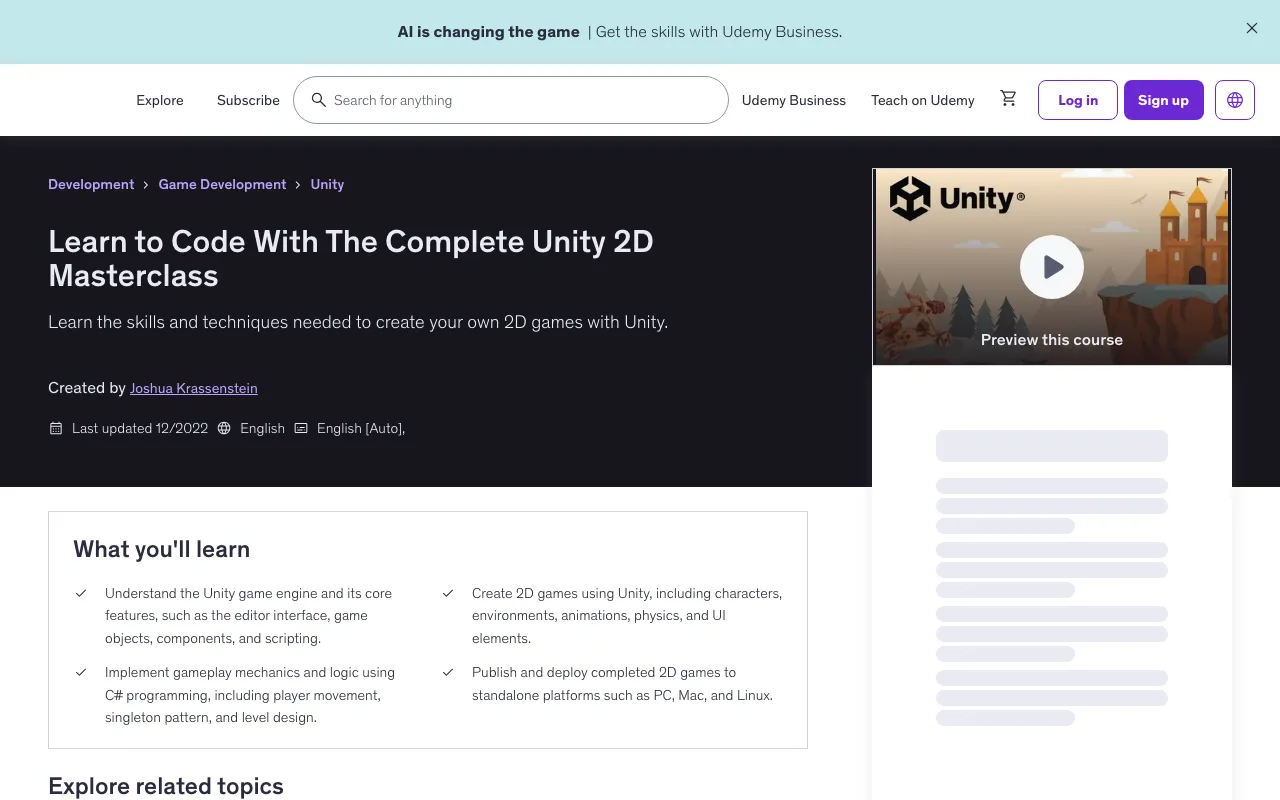
Learn the skills and techniques needed to create your own 2D games with Unity. This course is designed to teach you everything you need to know to create your own 2D games using Unity, a popular game engine used by thousands of developers around the world.
- Understand the Unity game engine and its core features, such as the editor interface, game objects, components, and scripting
- Create 2D games using Unity, including characters, environments, animations, physics, and UI elements
- Implement gameplay mechanics and logic using C# programming, including player movement, singleton pattern, and level design
- Publish and deploy completed 2D games to standalone platforms such as PC, Mac, and Linux
Requirements
- No programming experience required. You will learn everything you need to know by taking this course.
Target Audience
- Beginner and intermediate Unity developers who want to strengthen their knowledge in the 2D realm.
Course Content
Course Outline
Course Sections
- Introduction To Unity - 8 lectures • 36min
- The Unity Editor - 7 lectures • 43min
- Scripting In Unity - 6 lectures • 38min
- Number Math Game - 14 lectures • 1hr 33min
- Block Breaker Game - 21 lectures • 2hr 19min
- 2D Physics Catapult Game - 44 lectures • 6hr 21min
Detailed Content
Introduction To Unity
- Introduction to Unity (00:23)
- Opening a 2D Project (05:45)
- Setting Up the Project Properties (07:31)
- Explaining Unity's Windows (06:30)
- The Asset Store (03:39)
- The Package Manager (04:20)
- Setting Up Folder Organization (04:19)
- Editor Window Layouts (03:33)
The Unity Editor
- Introduction to The Unity Editor (00:19)
- The Basic Toolbar (09:34)
- Creating GameObjects (09:51)
- Converting GameObjects to Prefabs (04:49)
- Attaching Scripts to GameObjects (08:10)
- Creating Builds for PC (06:37)
- Tips and Tricks (03:35)
Scripting In Unity
- Introduction to Unity Scripting (00:26)
- Creating Your First C# Script (03:54)
- Explaining The Common Script Methods (09:56)
- Setting Variables From Within The Unity Inspector (07:37)
- Using the Singleton Pattern for Easy Accessibility (06:57)
- An Intro to Scriptable Objects (08:54)
Number Math Game
- Introduction to Your First Unity Game (00:22)
- Number Math Game Project Setup (04:50)
- Equation Manager (04:06)
- Create UI for Math Problems (11:22)
- UI Manager (07:03)
- Removing A Number and Adding User Input (06:25)
- Checking for the Correct Answer (04:13)
- Adding a Visible Score (06:11)
- Adding a Timer Countdown (06:17)
- Highscore System (09:59)
- Displaying the Highscores (11:24)
- Play Again and Quit Buttons (05:25)
- Add the Starting Countdown (06:54)
- Final Polish and Effects (08:57)
Block Breaker Game
- Introduction to the Block Breaker Game (00:23)
- Project Setup and Saving the Scene On Play (10:08)
- Creating the GameObjects (09:50)
- The Ball Script (06:23)
- Configuring Ball Collisions (06:47)
- The Brick Script (06:14)
- The Paddle Script (04:21)
- Spawning the Ball on the Paddle (06:01)
- Adding a Ball Trail (03:16)
- Your First Particle System (06:39)
- The Brick Manager (11:43)
- Losing Lives (05:15)
- The Game Manager (08:55)
- Creating the In Game UI (04:03)
- The UI Manager (06:05)
- Adding a Pause Menu (10:15)
- Creating Reusable Menu Buttons (04:55)
- Set Up GameOver (06:05)
- Adding the Main Menu and Script (06:56)
- Sounds and an Audio Manager (09:20)
- Export and Playtesting (05:08)
2D Physics Catapult Game
- Introduction for the Physics Catapult Game (00:25)
- Setting Up The Catapult Project (14:08)
- Adding SaveOnPlay and EditorDecorator Scripts (20:28)
- Finishing the TransformReset Script (12:54)
- The Catapult Prefab (07:14)
- The Cannonball Prefab (03:30)
- The Ball Manager (05:14)
- The Catapult Script (08:59)
- The Cannonball Script (03:49)
- Adding Force to the Cannonball (03:52)
- Resetting the Cannonball (05:22)
- Changing the Launch Trajectory (05:59)
- Intro to Tilemap Systems (06:07)
- Importing and Creating a Ground Rule Tile (14:24)
- Creating the Plank Prefabs (06:41)
- The Level Manager (04:39)
- The Plank Script (08:04)
- The Camera Movement System (08:51)
- The Score Manager (07:53)
- Creating the Enemy (10:21)
- Enemy Animation System (15:46)
- Enemy Animation Events (03:33)
- Beginning Level Camera Movement (04:19)
- The Dust Manager (04:32)
- Creating a Dust Prefab (09:00)
- In-Game UI Design (08:32)
- The UI Manager (15:30)
- The Pause Screen (13:20)
- Scripting the Pause Menu (07:01)
- The Game Manager (06:03)
- Victory and Defeat Screens (15:04)
- Camera Effects - Fade In / Fade Out (06:37)
- Creating the Game's Levels (16:28)
- The Main Menu (09:05)
- Adding Parallax to the Main Menu (02:44)
- Level Select Screen (07:31)
- Options Screen (05:34)
- The Main Menu Script (14:11)
- Scripting the Options Menu (06:56)
- Switching Between Level Select and Each Level (13:56)
- Object Physics Materials (03:36)
- Saving and Loading Scores (05:08)
- The Audio Manager System (24:17)
- Exporting Game for Standalone Releases (03:25)
Instructor
Joshua Krassenstein - Game Developer, Instructor, and Father
Hi, my name is Josh and I'm a game developer with over 6 years of experience in the industry. I have worked on a variety of game projects, including 2D platformers, puzzle games, and action-adventure games.
I am a father of two kids, and in my free time, I love to spend time with my family and play games with them. I also enjoy streaming my game development process on Twitch.
I am passionate about helping others learn and get into game development and design. I believe that anyone with the desire to create games can do so with the right guidance and resources. That's why I have decided to create courses on Udemy, to share my knowledge and experience with aspiring game developers.
I am always ready and willing to help anyone who has questions or needs support. If you're ready to start your journey in game development, join me in this course and let's create some amazing games together!