Revit Architecture Complete Building Design & Documentation
Last updated: Sep 2025
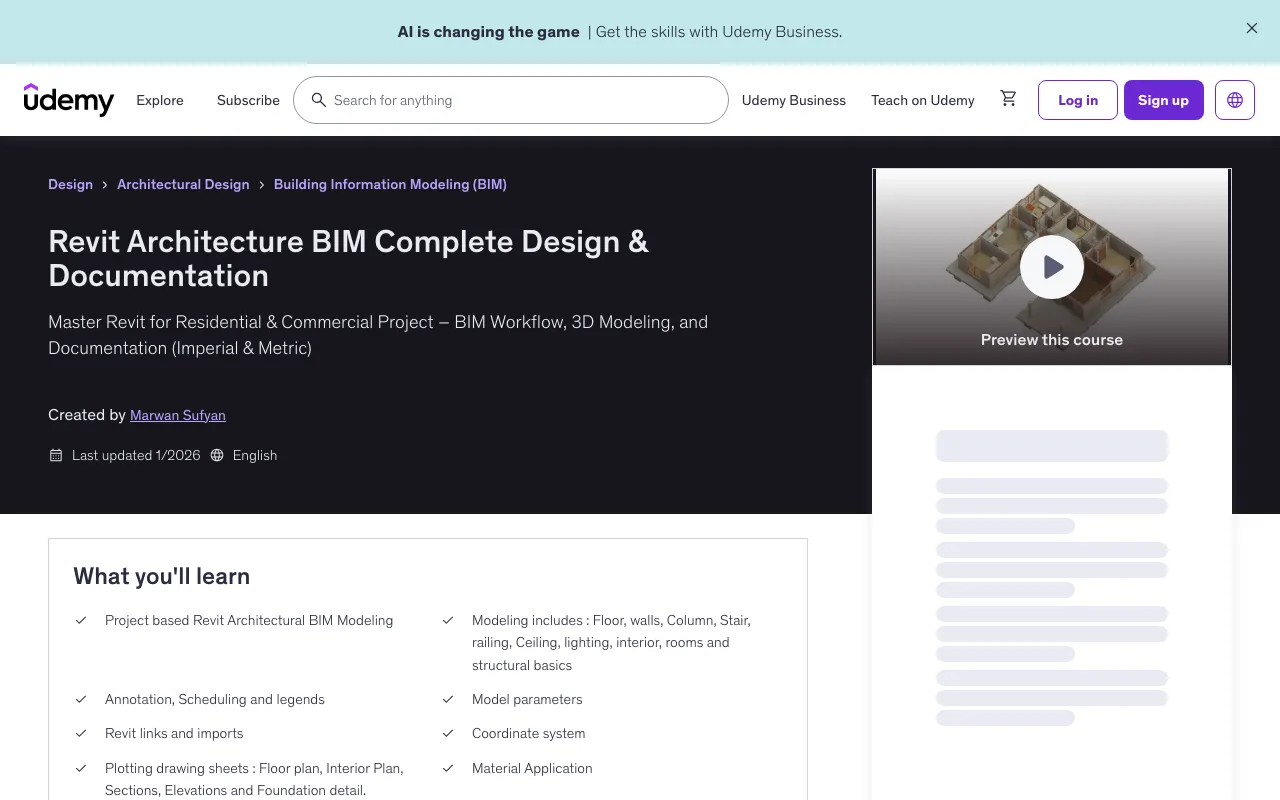
Overview
This comprehensive course is designed for AutoCAD Draftsmen, Site Supervisors, Engineers, Quantity Surveyors, Architects, and construction professionals seeking to master Building Information Modeling (BIM) workflows, 3D modeling, and detailed documentation. Gain hands-on skills in residential and commercial project design using both imperial and metric units.
What You'll Learn
- Learn step-by-step architectural BIM modeling in Revit from beginner to advanced levels with practical, project-based exercises
- Develop complete architectural BIM models including floor development, stairwells, railings, ceiling lighting, interior design elements, rooms, and structural basics
- Master annotation, scheduling, and legends creation for professional BIM documentation
- Explore advanced topics such as model parameters, Revit links and imports, project phasing, and coordinate systems
- Produce industry-standard architectural drawings like floor plans, sections, elevations, foundation details, and interior plans with polished presentation
- Apply materials, lighting, and rendering techniques within Revit to create realistic architectural visualizations
- Post-Production Rendering Enhanced by AI
- Work on real-time project scenarios for practical insight and confidence in professional environments
Course Features
- 15 hours on-demand video
- 10 downloadable resources
- Access on mobile and TV
- Full lifetime access
- Certificate of completion
- Fundamental knowledge of Revit modeling skills
Course Content
Course Outline
Introduction (2 lectures • 3min)
- Course Overview
- About me
PROJECT SETUP (3 lectures • 9min)
- Project information
- Project Units
- Autodesk Revit Content
GROUND LEVEL DEVELOPMENT (13 lectures • 46min)
- Creating Levels
- Creating Grids
- Creating Columns and Walls
- Identifying Plaster Issues at Columns
- Plastering Around Columns
- Column Placement
- Architectural Column Placement
- Exterior Wall Creation
- Interior Wall Creation
- Door Placement
- Arch Placement
- Window Placement
- Fanlight Placement
FLOOR CREATION (8 lectures • 4min)
- Creating Floors
- Creating Floor Layers
- Joining Floors to Walls
- Custom Floor Finishes Method1 Part 1
- Custom Floor Finishes Method1 Part 2
- Custom Floor Finishes Method2
- Custom Floor Finishes Method3 Part 1
- Custom Floor Finishes Method3 Part 2
UPPER FLOOR LEVEL DEVELOPMENT (9 lectures • 44min)
- Understanding Underlay
- Floor Creation at Level 2
- Walls and Columns
- Roof
- Extrusion Roof
- Fascia Board and Gutter
- Soffit Board Creation
- Gutter Cap
- Down Pipe Creation
STAIRWELL AND RAILING (4 lectures • 17min)
- Staircase Design
- Shaft Creation
- Railing at stair
- Exterior Railing
CEILING AND LIGHTING (8 lectures • 40min)
- Grid Ceiling
- Light fixture placement in grid ceiling
- Fine-tuning the Architectural Space
- Placement of GWB Plain Ceilings
- Model-In-Place Ceiling Design at Dining Area
- Lighting Fixture Installation in GWB Plain Ceiling – Dining and Lobby
- Lighting Fixture Installation in GWB Plain Ceiling – Hall
- Drop Ceiling Design at Hall
INTERIOR DESIGN (14 lectures • 1hr)
- Kids' room
- Bathroom
- Bedroom
- Hall
- Dining room
- Kitchen Base Cabinets
- Kitchen Range and Base Cabinets
- Kitchen Countertop over Base Cabinets
- Kitchen Sink Placement
- Kitchen Wall Cabinets
- Tall Cabinets and Refrigerator Placement
- Closet Design
- Wall wrapping
- Laundry Space Design
ROOMS (3 lectures • 9min)
- Room Creation
- Editing Rooms
- Room Bounding
VISIBILITY & GRAPHIC CONTROL (24 lectures • 1hr 29min)
- Graphic Control
- Object Styles
- Visibility & Graphics – Lines
- Visibility & Graphics – Patterns
- Visibility & Graphics – Transparency & Halftone
- Visibility & Graphics – Detail Level
- Visibility & Graphics – Cut Representation
- Visibility & Graphics – Floor Plan Presentation
- Visibility & Graphics – Section Cut Representation
- Visibility & Graphics – Stair Representation
- Visibility & Graphics – Elevational Representation
- Create and Apply View Template
- Manage View Templates
- Overview of the Underlay Tool
- Underlay in Relation to Ceiling
- Underlay in Roof Views
- Underlay and Shaft Openings
- Overview of the View Range
- View Range: Cut Plane and Top Level
- View Range: Bottom Level and View Depth
- View Range: Floor Behavior
- View Range: Plan Region
- View Range: General Rules and Exceptions
- Level Line Visibility in Elevational Views
Full Description
Description
Revit Architecture Complete Building Design & Documentation
Master Revit for Residential & Commercial Project – BIM Workflow, 3D Modeling, and Documentation (Imperial & Metric)
Boost your career in the building construction industry with expert training in Revit Architecture. This comprehensive course is designed for AutoCAD Draftsmen, Site Supervisors, Engineers, Quantity Surveyors, Architects, and construction professionals seeking to master Building Information Modeling (BIM) workflows, 3D modeling, and detailed documentation. Gain hands-on skills in residential and commercial project design using both imperial and metric units.
Who Should Enroll:
This course is ideal for civil engineering, architecture, and drafting students aiming to become proficient BIM modelers. Professionals in construction, building consultancy, and contracting roles will also benefit from advanced Revit training to enhance project efficiency and accuracy.
Key Course Highlights:
- Learn step-by-step architectural BIM modeling in Revit from beginner to advanced levels with practical, project-based exercises
- Develop complete architectural BIM models including floor development, stairwells, railings, ceiling lighting, interior design elements, rooms, and structural basics
- Master annotation, scheduling, and legends creation for professional BIM documentation
- Explore advanced topics such as model parameters, Revit links and imports, project phasing, and coordinate systems
- Produce industry-standard architectural drawings like floor plans, sections, elevations, foundation details, and interior plans with polished presentation
- Apply materials, lighting, and rendering techniques within Revit to create realistic architectural visualizations
- Post-Production Rendering Enhanced by AI
- Work on real-time project scenarios for practical insight and confidence in professional environments
Instructor Expertise & Support:
Led by Marwan Sufyan, a construction technology and BIM expert with over a decade of industry experience, you will receive clear, detailed instruction and ongoing support. Get prompt answers to your questions in the Udemy Q&A, including video clarifications to deepen your understanding. Get Started Today:
Access free preview videos to assess the course quality. Enroll now with confidence backed by Udemy's 30-day money-back guarantee. Join thousands of satisfied students advancing their skills in architectural AutoCAD drafting and Revit BIM workflows. Take the next step toward professional excellence in building design and construction technology. Enroll now and transform your Revit Architecture skills for successful BIM project delivery.
Target Audience
- Civil engineering, architecture, and drafting students aiming to become proficient BIM modelers
- Aspiring Architectural BIM Modelers seeking to build expert skills
- Professionals in construction, building consultancy, and contracting roles looking to enhance BIM expertise
- BIM modelers who want a complete project-based learning experience in building design and documentation
🚀Direct Download Link
Contact us on 💬WhatsApp for premium access and support.