Learn to Create Advanced Inventory for Any Game with Unity
Last updated: Sep 2025
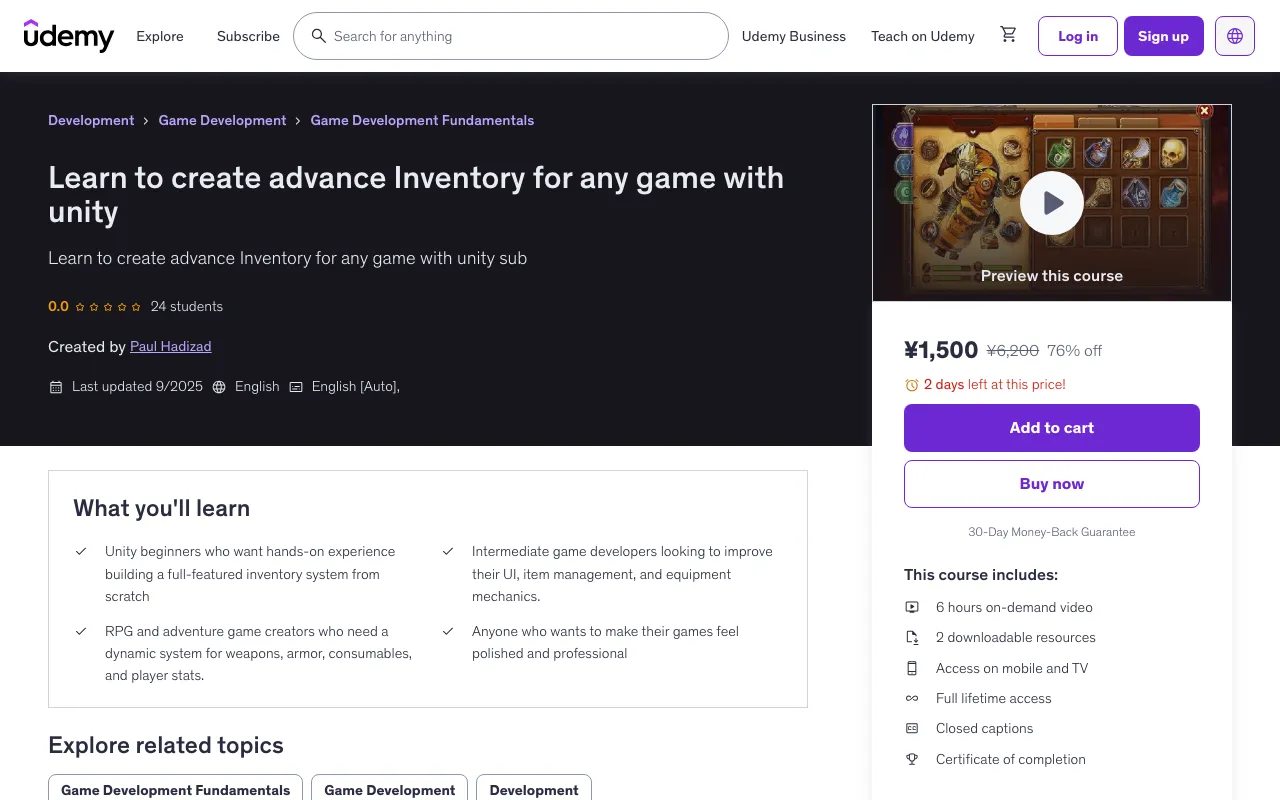
Overview
This course will guide you step by step to create a robust inventory system that handles weapons, armor, consumables, stats, and more—perfect for RPGs, adventure games, or any interactive project. You'll learn how to design an intuitive UI for inventory and equipment management, handle item stacking, weight limits, and sorting, and equip weapons, armor, and accessories while updating player stats in real-time.
What You'll Learn
- Unity beginners who want hands-on experience building a full-featured inventory system from scratch
- Intermediate game developers looking to improve their UI, item management, and equipment mechanics
- RPG and adventure game creators who need a dynamic system for weapons, armor, consumables, and player stats
- Anyone who wants to make their games feel polished and professional
Course Features
- 6 hours on-demand video
- 2 downloadable resources
- Access on mobile and TV
- Full lifetime access
- Certificate of completion
- Basic familiarity with Unity and C#
Course Content
Course Outline
Introduction (2 lectures • 7min)
- Introduction
- New Project
Inventory (18 lectures • 6hr 3min)
- Scriptable object
- Inventory UI Part 1
- Item slot UI
- Inventory UI Part 2
- Inventory UI Part 3
- Inventory script
- Inventory Script part 2
- Save and load inventory
- Calculating stats of equipment items
- Equipment Stats text
- showing differences stats that we get between items
- Item rarity to( Commen,Rare,Legendary,Mystic)
- Item rarity animation
- weight system for items
- Stats manager Script
- Updating stats and UI
- Using Potion and consumable items
- using bow and arrow for shooting
Full Description
Description
Unlock the power of a fully functional inventory system in Unity! This course will guide you step by step to create a robust system that handles weapons, armor, consumables, stats, and more—perfect for RPGs, adventure games, or any interactive project. You'll learn how to:
- Design an intuitive UI for inventory and equipment management
- Handle item stacking, weight limits, and sorting
- Equip weapons, armor, and accessories while updating player stats in real-time
- Unequip weapons, armor, and accessories
- See item quality and how much that item going to add to your stats
- Implement ammo and weapon mechanics, like bows and arrows
- Using resources for shooting
- Using potions and consumable item to regenerate your health
- Save and load inventory data for persistent gameplay
- Provide feedback with dynamic stat displays and color-coded differences By the end of this course, you'll have a polished, reusable inventory system that can be adapted for any game like any kind of RPG game. Whether you're a beginner wanting practical experience or an intermediate developer seeking to level up your Unity skills, this course equips you with the tools to make your games feel professional and immersive. No prior experience with inventory systems is required—just basic Unity and C# knowledge.
Target Audience
- Beginner
🚀Direct Download Link
Contact us on 💬WhatsApp for premium access and support.