Last updated: Aug 2025
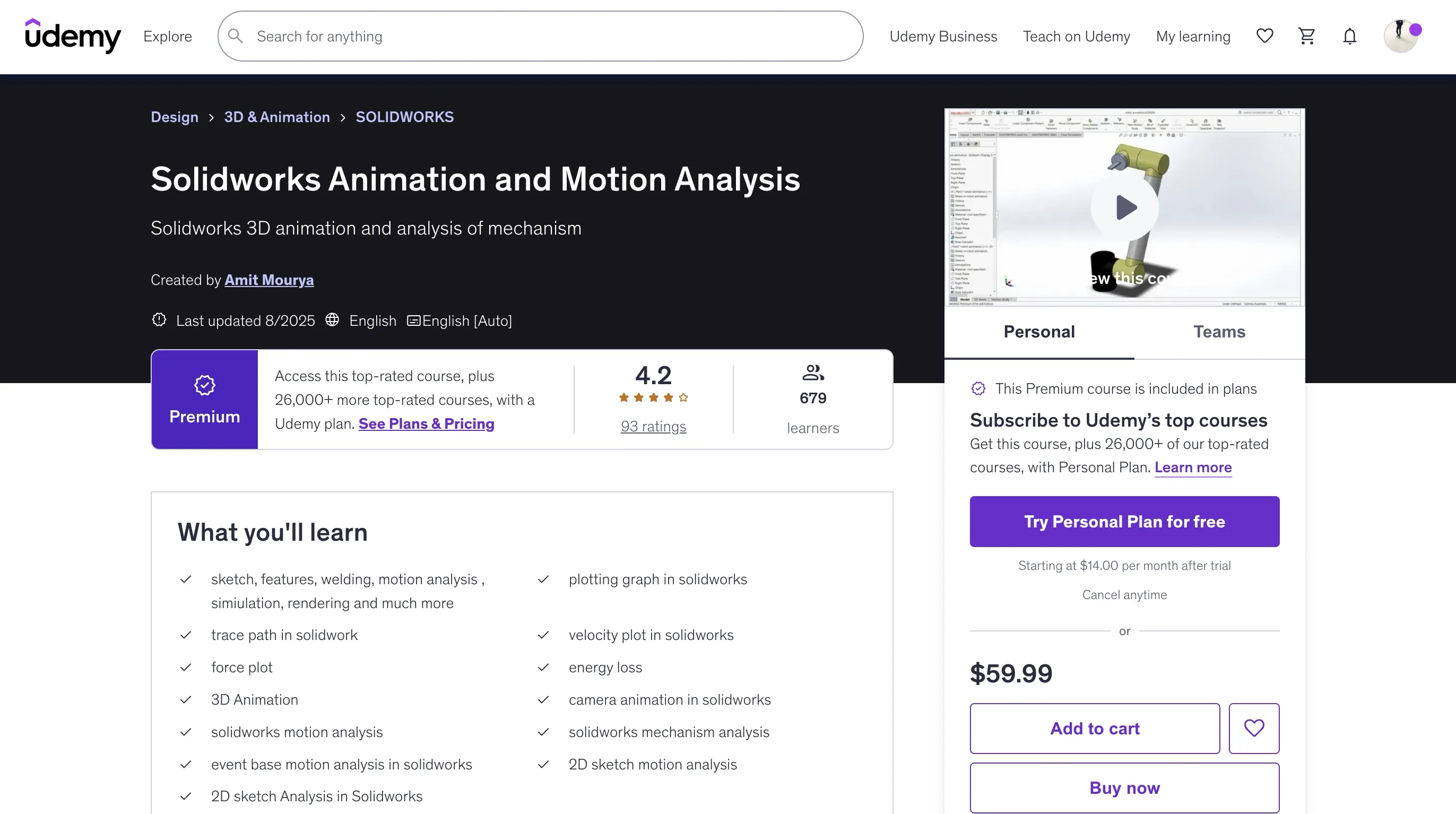
Solidworks Animation and Motion Analysis
https://www.udemy.com/course/solidworks-animation-and-motion-analysis/?couponCode=KEEPLEARNING
Overview
This course is for those who are enthusiastic about learning Solidworks motion analysis but do not have any idea where to start. In this comprehensive course, you will learn everything from basic animation techniques to complex motion analysis of mechanical systems.
- Sketch, features, welding, motion analysis, simulation, rendering and much more
- Plotting graph in solidworks
- Trace path in solidwork
- Velocity plot in solidworks
- Force plot
- Energy loss
- 3D Animation
- Camera animation in solidworks
- Solidworks motion analysis
- Solidworks mechanism analysis
- Event base motion analysis in solidworks
- 2D sketch motion analysis
- 2D sketch Analysis in Solidworks
Requirements
- Must know the basics of solidworks
- Solidworks assembly
- Solidworks mate
- Solidworks part
Course Structure
Animation in Solidworks
- Timeline basics in Solidworks
- Key properties and key frame in solidworks
- Rotate animation
- Explode animation
- Collapse animation
- Appearance change animation
- Spring animation in solidworks
- Degree of Constraint explained
- Offset crank animation in Solidworks
- How to save animation in Solidworks
- Bike Chain Design in Solidworks
Motion Analysis
- Basics of motor in Solidworks
- Path follow animation
- Contact in motion analysis
- Mate Controller
- Cam contact and spring analysis in solidworks
- 2D and 3D vector visualisation in solidworks
- Force, torque and other energy calculation
- Friction force analysis
Project-Based Analysis
- Theo jansen mechanism
- Four bar mechanism analysis in solidworks
- Event base motion analysis and Servo motor
- Simple Car Motion Analysis
- 3D Printer Mechanism in Solidworks
- Peaucellier-Lipkin Inversor
Course Content
Animation in Solidworks
- Important message before we start this course
- Timeline basics in Solidworks
- Key properties and key frame in solidworks
- Rotate animation
- Explode animation
- Collapse animation
- Appearance change animation
- Spring animation in solidworks
- Degree of Constraint explained
- Offset crank animation in Solidworks
- How to save animation in Solidworks
- Bike Chain Design in Solidworks
Motion Analysis
- Basics of motor in Solidworks
- Path follow animation
- Contact in motion analysis
- Mate Controller
- Cam contact and spring analysis in solidworks
- 2D and 3D vector visualisation in solidworks
- Force, torque and other energy calculation
- Friction force analysis
Project base motion analysis in Solidworks
- Theo jansen mechanism promo
- Theo jansen mechanism
- Four bar mechanism analysis in solidworks
- Event base motion analysis and Servo motor
- Simple Car Motion Analysis
- 3D printer Demo
- 3D Printer Mechanism in Solidworks
- Peaucellier-Lipkin Inversor
2D Sketch Motion Analysis
- Basics of Layout and block
- First 2D sketch Motion Analysis
Doubt Solutions
- Motor problem on sphere
- Hiding issue in Solidworks Animation
- Chapter 8 Spring animation issue
- Rotate Cylinder at axis
- Sketch is not updating issue
Common error in solidworks motion analysis and how to resolve them
- Error
- How to resolve error type 1
Key Learning Areas
-
Animation Fundamentals: Learn all the basics and important terms of animation in Solidworks including key properties, timeline, how to change the animation, how to use dimensions to dynamic body deforming spring animation in Solidworks, and fps (frame per second).
-
Motion Analysis: Explore complex motion analysis topics including contacts (why we use contact in motion analysis, how to define its parameters), event-based motion analysis, different types of motor parameters and how to use them, path follow animation in Solidworks, four bar mechanism analysis, torque and power calculation in Solidworks, and graph plotting.
-
Advanced Analysis: Master graph plotting (different kinds of graph plotting like velocity, trace path, acceleration, displacement, and much more), friction force calculation (how to define friction, how to use mate to define friction, how to plot friction force on a graph), and how to control robot arm movement by using mate controller.
Who This Course Is For
- Intermediate solidworks user
🚀Direct Download Link
Contact us on 💬WhatsApp for premium access and support.