The Structured Method of 3D Animation: HUMAN RUN CYCLE
Last updated: Sep 2025
Overview
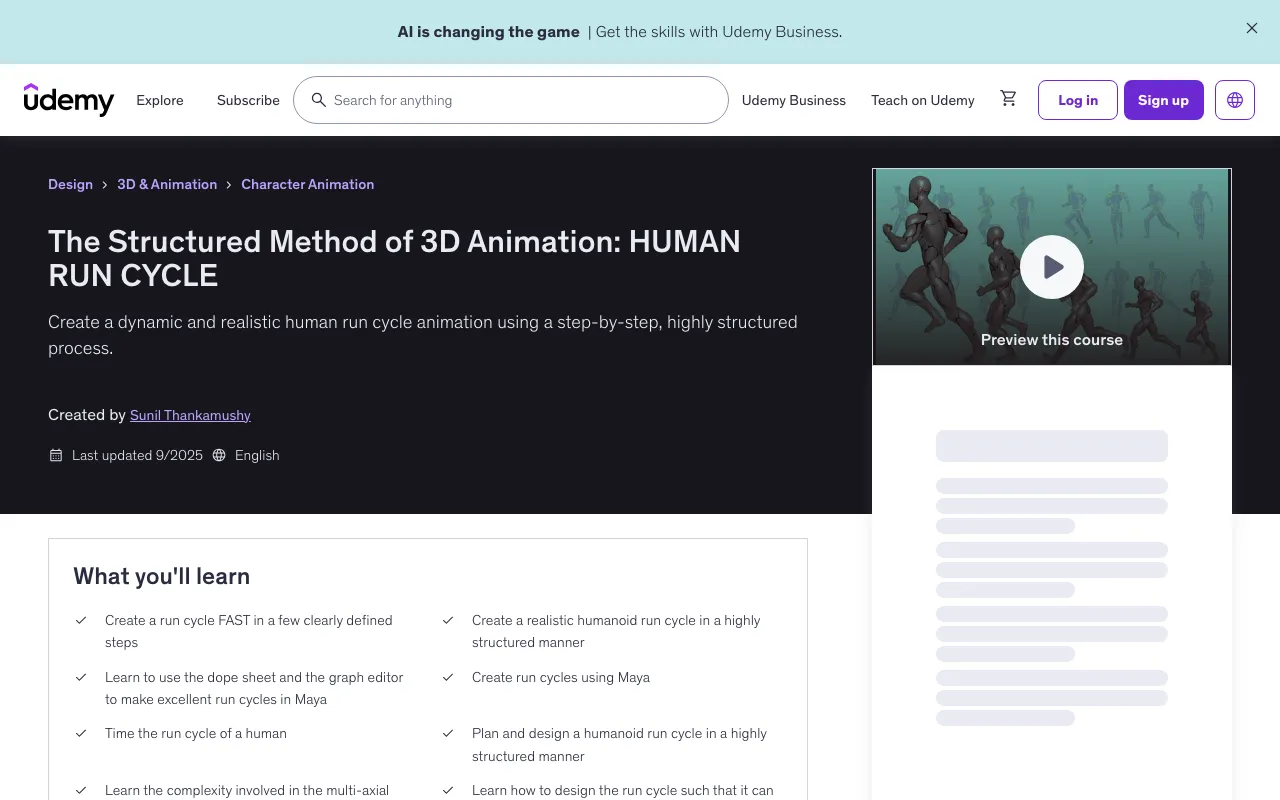
This course will develop your skills to animate a dynamic humanoid run using a clear, structured method designed to strengthen both artistic sensibility and technical execution. The focus is on building a run cycle through a disciplined, layered workflow that mirrors the way professional animators approach complex motion.
What You'll Learn
- Create a run cycle FAST in a few clearly defined steps
- Create a realistic humanoid run cycle in a highly structured manner
- Learn to use the dope sheet and the graph editor to make excellent run cycles in Maya
- Create run cycles using Maya
- Time the run cycle of a human
- Plan and design a humanoid run cycle in a highly structured manner
- Learn the complexity involved in the multi-axial movement of a realistic humanoid run cycle
- Learn how to design the run cycle such that it can be easily edited using curves
Course Features
- 2 hours on-demand video
- 1 article
- 2 downloadable resources
- Access on mobile and TV
- Full lifetime access
- Certificate of completion
- Basic experience having used Maya animation software
- Desire to learn to create run cycles in a highly structured method
Course Content
Course Outline
Introduction (1 lecture • 1min)
- Introduction to the course
Prep work - Downloading and prepping the humanoid rig (3 lectures • 3min)
- Download & prep the Silver Cyborg Maya Rig
- Reference the rig into an empty Maya scene
- Prep the rig to make it more powerful looking, and easier to work with
Prep work - Setting up the Maya scene file for your animation (4 lectures • 5min)
- Preparing the Maya scene layout for character animation
- Set up a ground surface for your character to run over
- Bring in the run cycle reference chart into your Maya scene
- A note on setting up versions of Maya files
Set up "Studio Library" tool to manage animation poses (2 lectures • 3min)
- Set up Studio Library on your computer
- Set up the tool fully - create a Mirror Table in the tool customized for the rig
Creating the Primary Running Pose! (6 lectures • 13min)
- Overview
- Do the Hips and Legs first
- And now the Spine
- Next, the Neck and Head areas
- Now we move on to the Arms
- Great! Let's review the Primary Running Pose we have created
Creating the 3 CONTACT poses (3 lectures • 3min)
- Creating the 2 CONTACT RIGHT poses
- Creating the 1 CONTACT LEFT pose
- Current State of the Run cycle: 3 CONTACT poses
Timing, Stride Length, & Infinity Curves (5 lectures • 8min)
- Defining the timing of the run cycle
- Defining the stride length of the run cycle
- Now lets set all the curves in the scene to infinity!
- Always keep improving the poses! Some udpates to the poses
- Current State of the Run Cycle: Stride Length & Infinity Curves set
The Timing Chart (1 lecture • 1min)
- Review of the Timing Chart
DOWN, UP and FLIGHT poses (8 lectures • 19min)
- Down poses
- Up poses - An overview
- Up poses - Hip & Legs
- Up poses - the other leg
- Up poses - Cleanup the graphs
- Flight poses - An overview
- Flight poses - creating it
- Current State of the Run Cycle: Down Up & Flight Poses
Hip Thrusts & Shifts (5 lectures • 4min)
- Hip Thrusts - an overview
- Hip Thrusts - creating it
- Hip Lateral Shifts- an overview
- Hip Lateral Shifts - creating it
- Current State of the Run Cycle: Hip thrusts & Lateral Shifts
Full Description
Description
Welcome to a structured method of animating a realistic human run cycle. This structured method can be applied to create any humanoid run cycle, with a similar rig. Hello there, In this course, you will develop the skills to animate a dynamic humanoid run using a clear, structured method designed to strengthen both artistic sensibility and technical execution. The focus is on building a run cycle through a disciplined, layered workflow that mirrors the way professional animators approach complex motion. The process begins with establishing a strong and balanced base pose. From there, you will construct the sequence by adding nine key poses that define a natural, believable run cycle. Each stage is designed to emphasize clarity, precision, and control, ensuring that the animation develops with purpose rather than guesswork. By the conclusion of the course, you will have produced a polished run cycle that demonstrates rhythm, strength, and personality—qualities that elevate an animation from functional to expressive. Beyond the poses themselves, you will learn to refine movement through curve editing, achieving smoother transitions and more nuanced motion. You will also practice effective use of the dope sheet to manage timing and maintain clarity across the workflow. This structured approach will enhance both confidence and efficiency, sharpening your understanding of timing, spacing, posing, and anatomy in motion—core skills that underpin professional-quality animation. Most importantly, this method is versatile and can be applied to creating any humanoid run cycle using similar rigs.
Target Audience
- Beginner to intermediate level character animation students
- Animators who want to develop new skills in creating complex run cycles
- Animators interested in realistic humanoid motions
- Animators keen on upskilling their portfolios
🚀Direct Download Link
Contact us on 💬WhatsApp for premium access and support.