REALISTIC 3D FEMALE FACE
Last updated: Jul 2025
📋 Overview
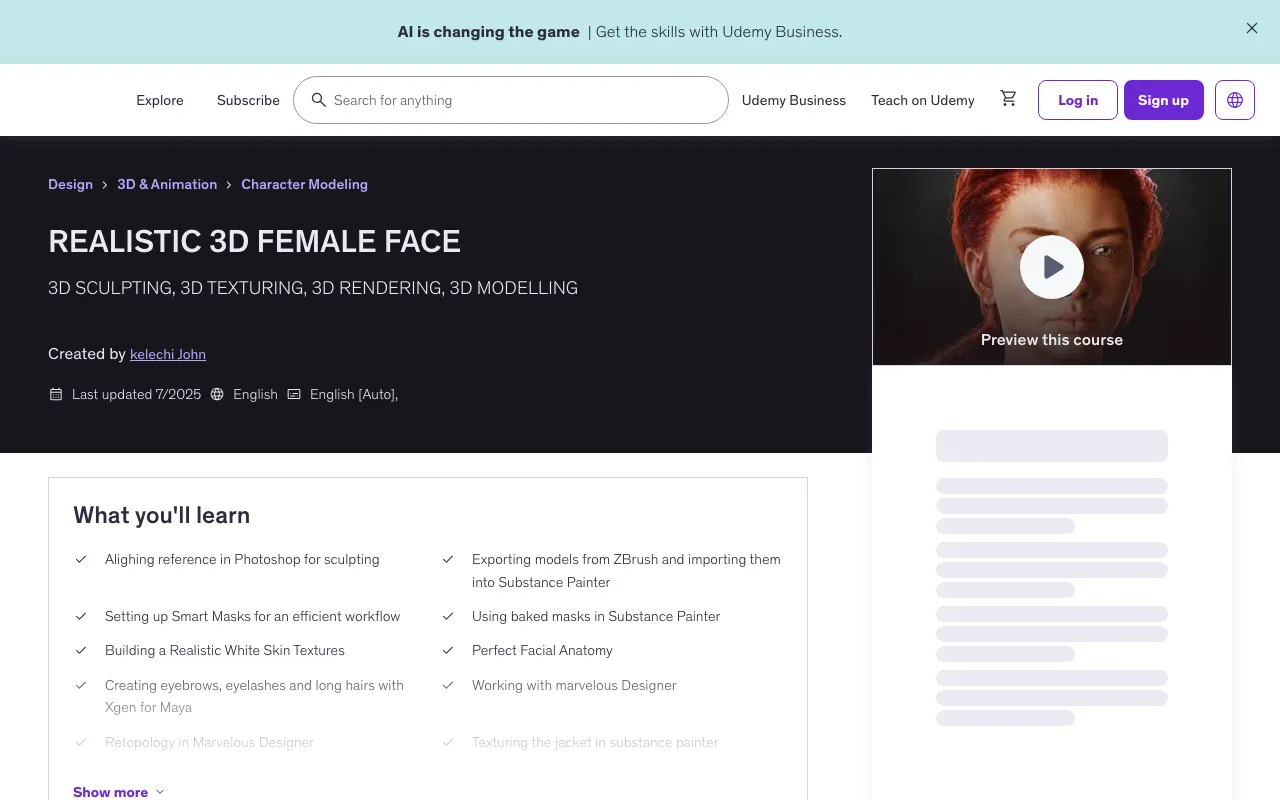
In this realistic female face course, you'll learn how to turn a base mesh into a realistic face in Maya! Learn the full workflow from the first brush stroke in ZBrush to the final realistic render in Maya. By the end of this course, you'll be able create your own characters vfx/game character from reference to finished 3D model, using simple and powerful techniques.
✅ What You'll Learn
- Aligning reference in Photoshop for sculpting
- Exporting models from ZBrush and importing them into Substance Painter
- Setting up Smart Masks for an efficient workflow
- Using baked masks in Substance Painter
- Building a Realistic White Skin Textures
- Perfect Facial Anatomy
- Creating eyebrows, eyelashes and long hairs with Xgen for Maya
- Working with Marvelous Designer
- Retopology in Marvelous Designer
- Texturing the jacket in substance painter
- Skin shading in Arnold
- Capture Realistic Eye Renders
- Learn the Knowledge To Enhance Your Observation Skills
🛠️ Requirements
- Adobe Photoshop
- Autodesk Maya
- Maxon ZBrush
- XGen for Maya
- Adobe Substance Painter
- Marmoset Toolbag
🎯 Who This Course Is For
- INTERMEDIATE
- ADVANCED
📚 Course Content
Course Structure
1 section • 62 lectures • 33h 49m total length
Complete Learning Path
START TO FINISH
- 01 ALIGHING REFERENCES IN PHOTOSHOP (21:08)
- REFERENCE COLOUR ADJUSTMENT (22:41)
- 03_ PRIMARY FORMS_01 (01:20:18)
- 04_ PRIMARY FORMS_0 (01:48:47)
- 05_SECONDARY FORMS (10:14)
- 06_SECONDARY FORMS (EARS) (34:47)
- 07_BREAKING SYMMETRY (42:16)
- 08_SKIN PORES (01:17:30)
- 09 LIPS DETAILING (41:57)
- 10 CLOTH CREATION _01 (32:01)
- 11 JACKET CREATION _01 (31:20)
- 12 JACKET CREATION _02 (18:23)
- 13 RETOPOLOGY IN MARVELOUS DESIGNER (18:39)
- 14 FIXING RETOPOLOGY IN MAYA (23:39)
- 15 TRANSFER HIGH POLY DETAILS IN MAYA (05:45)
- 16 JACKET DETAIL TRANSFER AND FIXING UNWANTED ISSUES (01:00:34)
- 17 IMPORTING TO ZBRUSH AND DETAILING (01:04:17)
- 18 JACKET DETAILING (54:44)
- 19 EYEBALL AND MINISCUS (37:53)
- 20 ADDING BUTTONS (54:48)
- 21 EXPORT AND INNER EYES (29:26)
- 22 BAKING MAPS (21:24)
- 23 MODEL PREPPING FOR TEXTURING (05:51)
- 24 BAKING MAPS IN SUBSTANCE PAINTER (10:10)
- 25 TEXTURING REALISTIC T-SHIRT IN SUBSTANCE PAINTER (29:20)
- 26 TEXTURING REALISTIC JEAN JACKET IN SUBSTANCE PAINTER (01:16:27)
- 27 TEXTURING REALISTIC SKIN (UNDER TONE) (39:13)
- 28 TEXTURING REALISTIC SKIN (MID TONE) (19:07)
- 29 TEXTURING REALISTIC SKIN (TOP TONE) (01:03:32)
- 30 TEXTURING REALISTIC SKIN FINISHING TOUCHES (45:20)
- 31 ROUGHNESS MAP (23:29)
- 32 TEXTURING REALISTIC SKIN (VARIATION 2) (55:16)
- 33 SKIN BUMP IMPERFECTIONS (09:28)
- 34 TEXTURING JEAN BUTTON (20:37)
- 35 FIXING ISSUES IN THE EYE TEXTURES (24:08)
- 36 EYE TEXTURING (20:43)
- 37 ADDING STITCHES (22:50)
- 38 EXPORTING TEXTURES IN SUBSTANCE PAINTER (11:49)
- 39 SCULPT CORRECTIONS (36:12)
- 40 HAIR BASE GUIDE 01 (13:24)
- 41 HAIR BASE GUIDE 02 (22:46)
- 42 PREPPING FOR XGEN (31:39)
- 43 PLACING GUIDES AND FIXING SYMMETRY (44:39)
- 44 PAINTING DENSITY MASKS UN XGEN (39:06)
- 45 ADDING MODIFIERS IN XGEN (15:01)
- 46 PLACING GUIDES AND PAINTING DENSITY MASKS (23:16)
- 47 MODIFIERS FOR EYE LASHES IN XGEN (09:26)
- 48 CREATING HAIR GUIDES CURVES FROM BASE HEAD MESH (32:01)
- 49 CURVES TO GUIDES AND PAINTING DENSITY MASKS (37:05)
- 50 MODIFYING GUIDES AND DENSITY MASKS (38:49)
- 51 CLUMP AND COIL MODIFIERS (15:53)
- 52 COIL, CLUMP, NOISE, CUT AND STRAY HAIRS (24:56)
- 53 BABY AND TEDDY HAIRS GUIDES (32:03)
- 54 BABY AND TEDDY HAIRS DENSITY MAP (15:59)
- 55 BABY AND TEDDY HAIRS MODIFIERS (34:12)
- 56 SETTING UP SHADERS AND LIGHTNING (28:21)
- 57 SETTING UP NORMAL AND DISPLACEMENT MAPS (34:46)
- 58 SETTING UP ALBEDO AND ROUGHNESS MAPS (31:50)
- 59 SETTING UP EYE SHADER (25:04)
- 60 SETTING UP SHADER FOR GARMENTS (37:55)
- 61 EYEBROW AND EYE LASHES SHADER (19:53)
- 62 MAIN HAIR SHADER (15:23)
🚀 Features
- 34 hours on-demand video
- 3 downloadable resources
- Access on mobile and TV
- Full lifetime access
- Certificate of completion
💡 Course Benefits
We'll be focusing on the face and clothing of the character but particularly the face since it's commonly the most complicated and important part. It'll allow us to talk about topics such as facial anatomy, micro detailing, garment retopology, and how to solve common texturing challenges you'll encounter in your work.
Covering the Full Process:
- We're starting talking about how to align reference in photoshop
- Facial Anatomy
- Then prepping our model in maya and importing it zbrush, covering all specific steps and settings
- From there we'll give the character skin details using tileable maps in combination texturingxyz maps
- You'll learn powerful techniques using Smart Masks to significantly speed up texturing
- Once our skin details are done, we're starting on the color map using fill layers, creating the color map one layer at a time
- You'll also understand how to create simple and powerful roughness maps to make your characters pop
Skin Shading Made Simple: Having done the first pass on all the base maps, we're bringing the textures into Arnold, where we'll set up the skin shader. Skin shading can be an incredibly complicated process, so we'll be sure to make it simple and easy to understand. With a first pass of the skin shading done, this is the step where the character is coming together. We're also using the FlippedNormals Eye kit, to make the character feel truly alive.
Professional and Tested Texturing Workflow: You'll learn a professional way of sculpting likeness, exporting maps in zbrush, texturing in substance painter, working with xgen in creating hair and look develop for skin and hair in arnold, covering both texturing in Painter as well as skin shading in Arnold. This is a fast and industry-proven way of working, giving you a solid framework for all your future characters.
👨🏫 Instructor
kelechi John - 3D MODELLER AND TEXURING ARTIST
- 4.7 Instructor Rating
- 12 Reviews
- 1,062 Students
- 3 Courses
I am a 3D modeler, sculptor, and texturing artist, who is eager to share my knowledge with the world. Am a freelance 3D artist, who creates video tutorial for student online. I have up to 5 years experience in graphics design, and excited to share with you my knowledge so far.
🚀 Direct Download Link
Contact us on 💬WhatsApp for premium access and support.