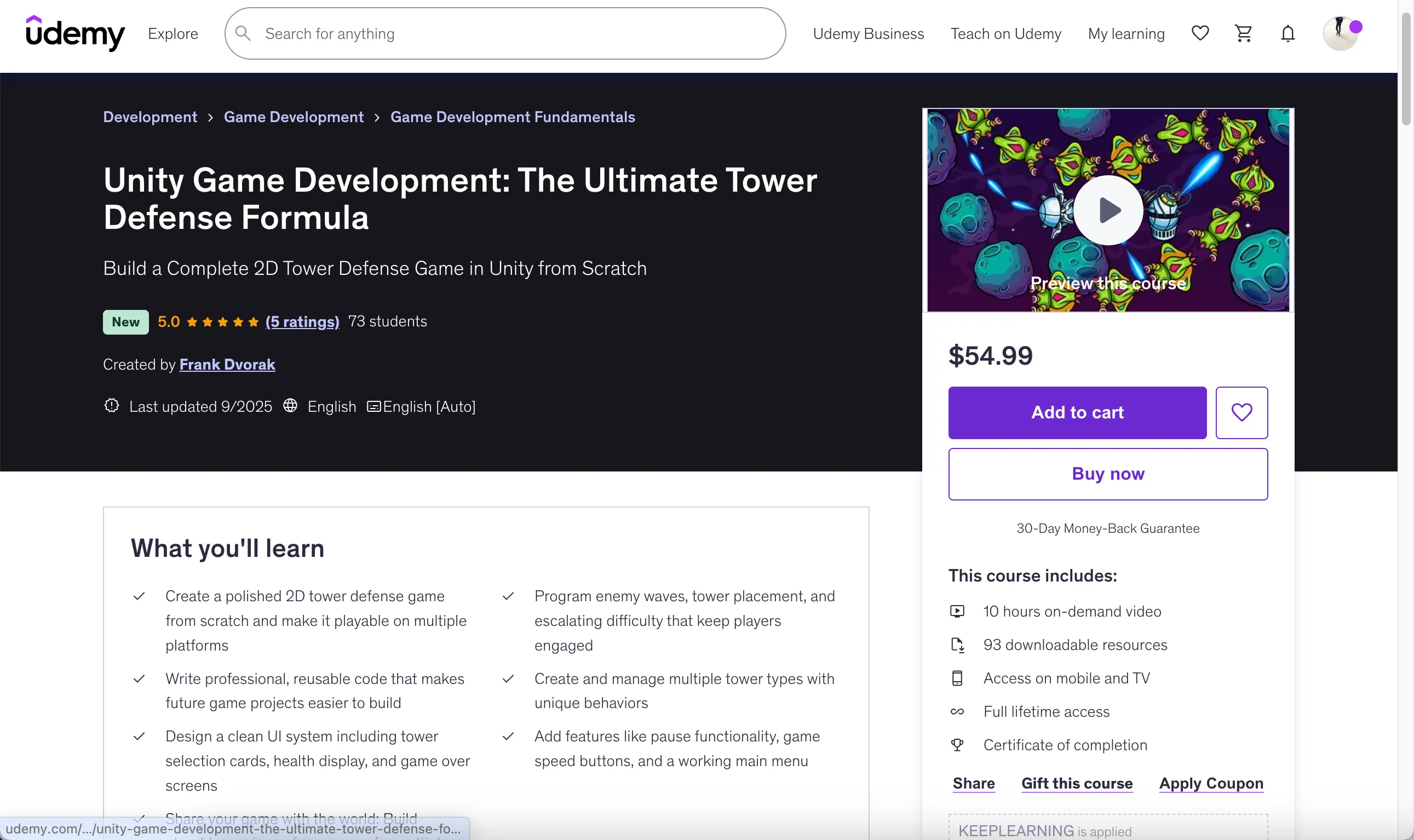
Unity Game Development: The Ultimate Tower Defense Formula
Last updated: Oct 20 2025
https://www.udemy.com/course/unity-game-development-the-ultimate-tower-defense-formula/
Overview
Build a Complete 2D Tower Defense Game in Unity from Scratch
The Ultimate Tower Defense Formula is your complete guide to creating a fully functional, polished 2D tower defense game using Unity and C#.
Have you ever wanted to build your own 2D game in Unity but didn't know where to start, or felt overwhelmed by all the moving parts? You're not alone. A lot of beginners jump into Unity, create a quick prototype, and then get stuck when it comes to actually finishing and polishing a full game. That's exactly what this course is designed to solve.
What You'll Learn
- Create a polished 2D tower defense game from scratch and make it playable on multiple platforms
- Program enemy waves, tower placement, and escalating difficulty that keep players engaged
- Write professional, reusable code that makes future game projects easier to build
- Create and manage multiple tower types with unique behaviors
- Design a clean UI system including tower selection cards, health display, and game over screens
- Add features like pause functionality, game speed buttons, and a working main menu
- Share your game with the world: Build playable versions of your game for multiple platforms
Course Features
Course Content
- 10 hours on-demand video
- 93 downloadable resources
- Access on mobile and TV
- Full lifetime access
- Certificate of completion
Requirements
- Perfect for beginners with a little Unity experience — if you've built even one small project, you're ready for this course. No additional experience needed.
Course Rating
5.0 (4 ratings) | 62 students
Course Structure
Course Content
3 sections • 84 lectures • 9h 59m total length
Section 1: Introduction (1 lecture • 1 min)
- Introduction (00:53)
Section 2: Base Game (62 lectures • 7 hr 25 min)
- How to set up a Unity project for a tower defense game (04:32)
- How to write custom scripts (08:10)
- How to create an enemy path using waypoints (11:40)
- How to spawn enemies in waves (04:15)
- How to use object pooling for performance (07:05)
- How to use source code P1 (01:34)
- How to make multiple enemy types in Unity (05:17)
- How to use scriptable objects for enemy stats (06:02)
- How to structure wave data with scriptable objects (19:31)
- How to use the observer pattern for game events (11:00)
- Source code checkpoint P2 (00:31)
- How to draw and update UI (09:33)
- How to display player lives (09:58)
- Source code checkpoint P3 (00:23)
- How to implement tower selection and placement (16:26)
- How to make towers shoot projectiles (18:37)
- Source code checkpoint P4 (00:24)
- How to show health bars on enemies (10:18)
- How to scale enemy waves for endless gameplay (06:05)
- How to reward resources (07:37)
- Source code checkpoint P6 (00:24)
- How to manage background layers and sorting order (04:38)
- How to use scriptable objects for tower types (16:03)
- Source code checkpoint P7 (00:24)
- How to toggle UI panels (16:57)
- Source code checkpoint P8 (00:24)
- How to handle tower placement (20:59)
- Source code checkpoint P9 (00:24)
- How to deduct resources when building towers (15:53)
- Source code checkpoint P10 (00:24)
- How to add fast-forward and slow-motion gameplay (18:12)
- How to create a pause menu (17:43)
- Source code checkpoint P11 (00:24)
- How to transition between scenes (08:52)
- Lose condition and game over panel (04:09)
- How to build and export your Unity game (03:38)
- Source code checkpoint P12 (00:24)
- How to show warnings and alerts during gameplay (04:51)
- How to display level goals or instructions (03:48)
- How to manage level data with scriptable objects (08:21)
- Win Condition and mission complete panel (05:12)
- How to create an endless survival mode (04:18)
- How to implement data persistence between scenes (05:52)
- Source code checkpoint P13 (00:24)
- Persistent UI and Game Manager (11:20)
- How to load next level (10:41)
- Designing Level 3 (06:17)
- Sound Effects (17:43)
- Particle Systems (04:30)
- Audio Clips from ScriptableObjects (06:41)
- Source code checkpoint P15 (00:24)
- Project clean-up (05:07)
- How to play background music (06:36)
- Source Code Checkpoint P16 (00:24)
- How to bring your game to mobile (11:37)
- Touch controls (07:05)
- Source Code Checkpoint P17 (00:24)
- Custom Fonts (11:51)
- Persistent Spawner (16:09)
- Source Code Checkpoint P18 (00:24)
- Better Wave Management (06:09)
- Source Code Checkpoint P19 (00:24)
Section 3: Space Defenders (21 lectures • 2 hr 33 min)
- Space UI (10:42)
- Float in Space (09:51)
- Animated path highlight (06:08)
- Custom particle visuals with Unity Materials (02:44)
- Source Code Checkpoint P20 (00:25)
- Decorative Space Objects (10:52)
- Small swarming enemy type (09:00)
- Rotate in movement direction (06:02)
- Sine wave motion (04:34)
- Basic enemy type (03:37)
- Boss Battles (09:03)
- Source code checkpoint P21 (0:25)
- Creature design: Space Whales (19:45)
- Charging enemy type (14:04)
- Charging boss type (04:58)
- Source code checkpoint P22 (00:25)
- Shielded enemy type (12:33)
- Random animator state picker (08:34)
- Invisible enemy type (07:26)
- Source code checkpoint (00:25)
- Unity web build: Share your game with the world (11:56)
Course Description
In this hands-on class, you and I will build a complete 2D tower defense game step by step, from a blank Unity project all the way to a finished, polished game that you can share with your friends, or even publish online for the world to play. Along the way, you'll learn real-world skills like creating towers and enemies, spawning waves, balancing difficulty, and designing modular systems with ScriptableObjects and object pooling.
Once the gameplay is working, we'll move into the fun part: making your project look and feel like a real game. You'll add a custom UI, animations, art, and particle effects that bring your tower defense game to life.
This Beginner Unity course is the perfect starting point for anyone looking to master Unity 2D game development. Through a hands-on tower defense game tutorial, you will learn how to build games with C# from scratch, creating a fully playable game while gaining practical programming and design skills. By the end of the course, you'll have both the confidence and the portfolio-ready project to continue your journey in game development.
Who This Course Is For
- Aspiring game developers who want to build a complete 2D game project in Unity from scratch
- Beginners familiar with Unity basics and C# who want hands-on experience with real gameplay systems
- Anyone who enjoys tower defense games and wants to understand how they're built under the hood
Instructor
- 4.7 Instructor Rating
- 1,445 Reviews
- 35,572 Students
- 13 Courses
Hi, I'm Frank! I'm a front end web developer, owner of Frank's laboratory YouTube channel, that specializes in creative coding with vanilla JavaScript and HTML canvas. Let's make some art, games and visual projects and learn about HTML, CSS, JavaScript and front-end web development!
In my courses I use only plain vanilla JavaScript, no frameworks and no libraries. When you have deep understanding of JavaScript the programming language, picking up any library is easy.
Frequently Asked Questions
Do I need prior Unity experience for this course?
Perfect for beginners with a little Unity experience — if you've built even one small project, you're ready for this course. No additional experience needed.
What will I build in this course?
You will build a complete 2D tower defense game from scratch, including enemy waves, tower placement systems, UI elements, sound effects, and particle effects.
Will I learn professional coding practices?
Yes, you'll learn to write professional, reusable code that makes future game projects easier to build, using techniques like ScriptableObjects and object pooling.
Can I publish the game I create?
Yes, the course covers how to build and export your Unity game for multiple platforms so you can share it with the world.
🚀Direct Download Link
Contact us on 💬WhatsApp for premium access and support.