Spline 3D: Complete Course - Learn 3D Modeling & Animation
Last updated: Sep 2025
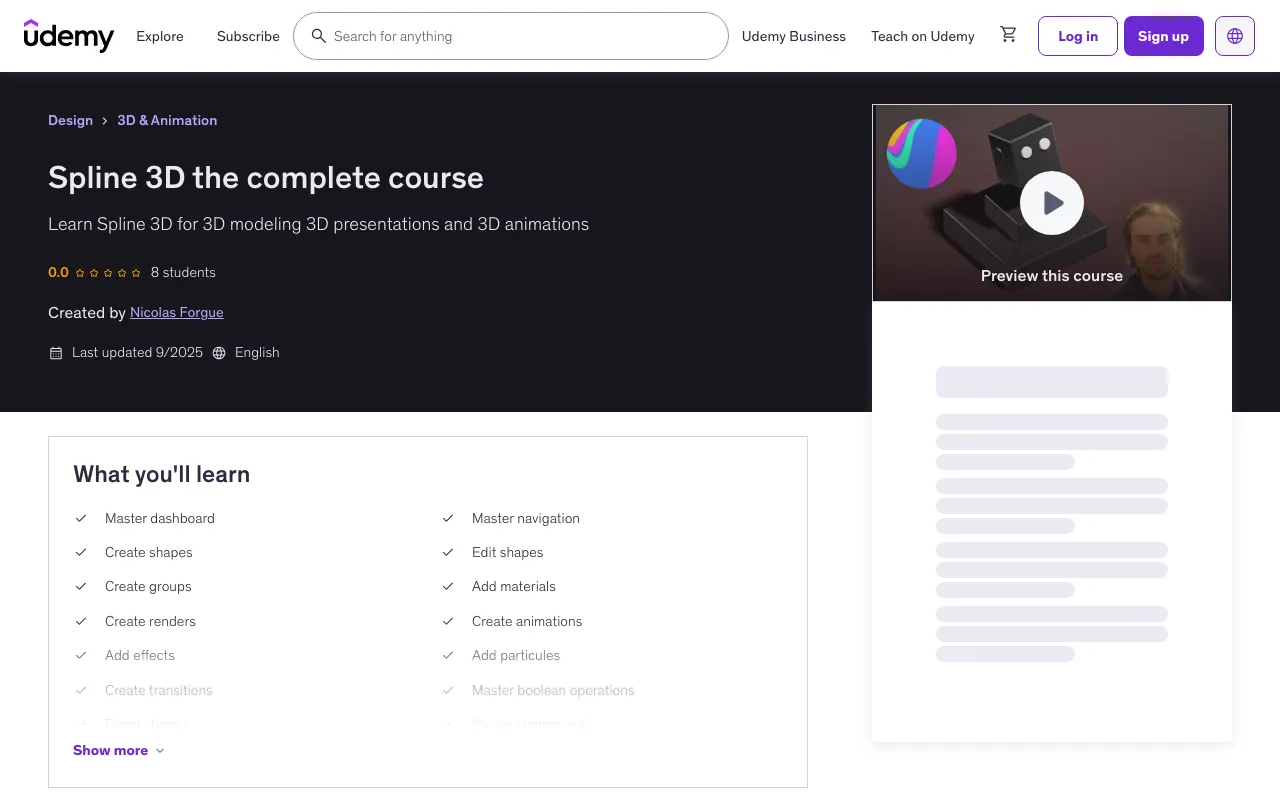
Overview
Spline 3D is a 3D modeling platform that allows you to create 3D models and presentations of various scenes. It is an interactive and innovative platform that offers numerous tools to work on 3D presentations. Spline 3D offers a vast library of 3D models divided into different categories. It provides access to a library of materials to create realistic renderings. The interface is ergonomic and allows you to learn the software and to use the different features and powerful conception tools. Spline 3D is a versatile software that allows you to create 3D models and a variety of presentations. Indeed, Spline 3D offers features such as animations, components, particles, and physical properties.
Key Features
- Ergonomic interface
- Extensive library of models
- Create objects quickly
- Add materials
- Create realistic renderings
- Create animations
- Add particles
- Export presentations
What You'll Learn
- Master dashboard
- Master navigation
- Create shapes
- Edit shapes
- Create groups
- Add materials
- Create renders
- Create animations
- Add effects
- Add particles
- Create transitions
- Master boolean operations
- Blend shapes
- Create components
- Create objects
- Create models
- Create presentations
Course Requirements
- You need to download Spline
Course Content
Dashboard & Navigation
- Start with dashboard
- Edit preferences
- Create document
- Master navigation
- Edit grid
- Master selections
- Export document
Creating Shapes
- Create rectangles
- Create polygons
- Create curves
- Create planes
- Create stars
- Create circles
- Create triangles
- Create cubes
- Create spirals
- Create torus
- Create backgrounds
- Create cups
- Create cones
- Create spheres
- Create pyramids
- Create pots
- Create dodecahedrons
- Create helixes
- Create icosahedrons
- Create cylinders
- Create rabbits
Advanced Features
- Create extrusions
- Create insets
- Duplicate objects
- Create groups
- Master sculpt
- Add text
- Use libraries
- Master boolean operations
- Blend shapes
- Master clones
This training course teaches Spline 3D software from scratch. Step by step, you will be able to master the different features. Working with the dashboard, using the different tools, working with shapes, as well as materials, components, particles, and animations. You will learn how to create 3D models using these features, as well as create 3D presentations by creating different scenes, you will learn how to create animations. At the end of the training course, practice trainings will allow you to apply the various features seen in the training course.
Target Audience
- People who want to create 3D models
- People who want a free tool to create 3D models
- People who want to create 3D presentations
Course Details
- Duration: 11 hours on-demand video
- Lectures: 82 lectures
- Sections: 24 sections
- Level: All Levels
- Access: Mobile and TV, Full lifetime access
- Certificate: Certificate of completion
🚀Direct Download Link
Contact us on 💬WhatsApp for premium access and support.