YCImaging Tribe LUT
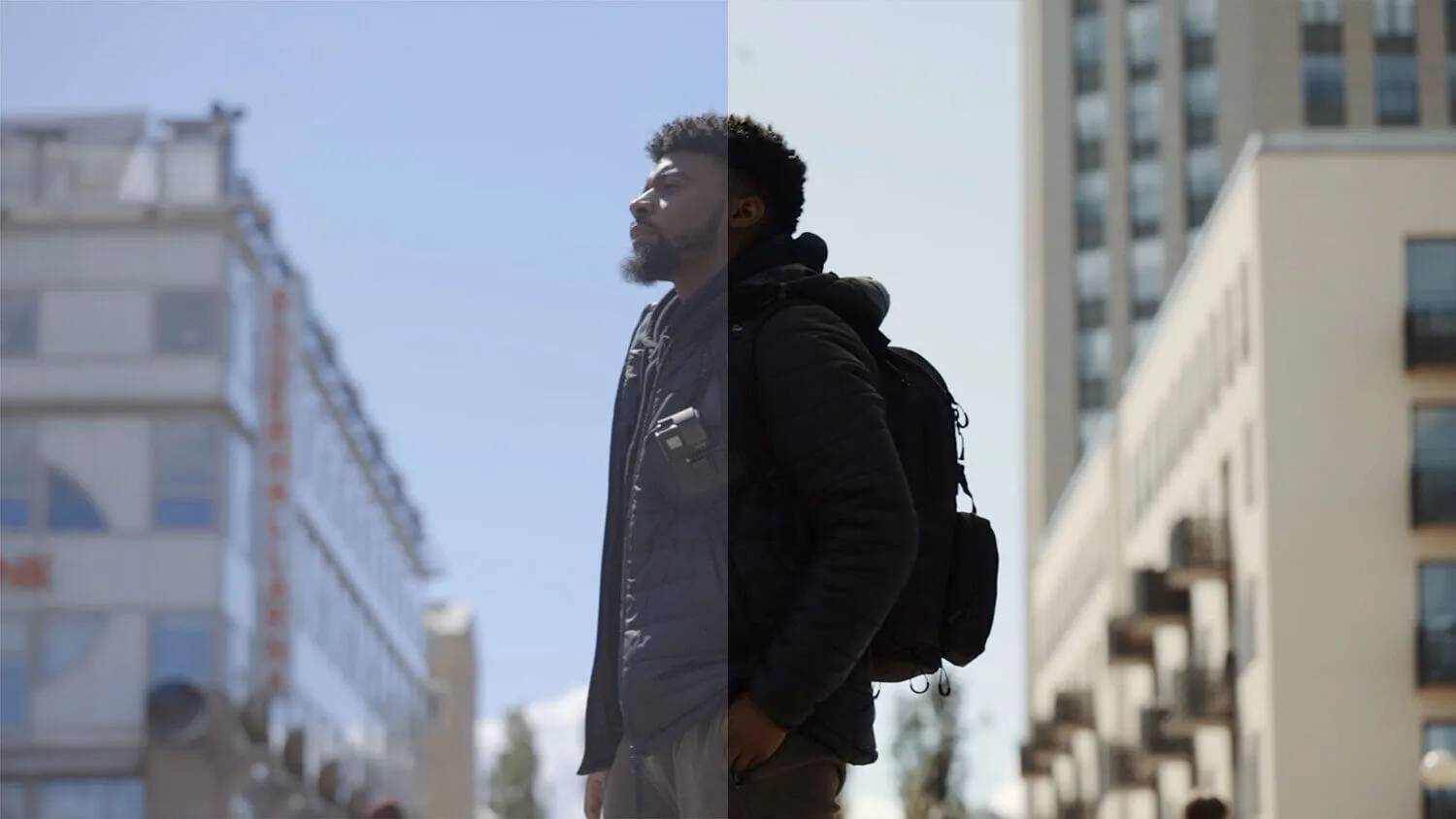
YCImaging Tribe LUT is a set of LUTs produced by YCImaging that can enhance warm tones while adjusting other colors to complement skin tone losses, giving footage a cinematic look while improving skin tones. Very worth learning and referencing for your projects!
Features
Key Features
- Enhances warm tones
- Corrects and improves skin tones
- Creates cinematic look
- Balances color for better skin appearance
Technical Information
- System Requirements: Windows and Mac systems
- Supported Software: Compatible with Sony Vegas, Premiere Pro CC, After Effects CC, FCPX, DaVinci Resolve, and more
- File Format: .CUBE format
- File Size: Approximately 5MB
- Delivery Format: .zip file
- Download Method: Baidu Netdisk/Cow Transfer (VIP member exclusive high-speed access)
Product Images
Installation Instructions
Final Cut Pro X
To load LUTs in Final Cut Pro X:
- Open FCPX software, find the Effects panel - Color - Custom LUT and add to your footage
- In the LUT parameter item - Select Custom LUT… select the LUTS folder or .cube file you want to load
PS: If you select the LUTS folder, you can load the entire folder and keep it in the LUT parameter item for easy classification management, but note that it's best not to use Chinese or special characters.
Premiere Pro
First open the following path:
- Mac System: /Library/Application Support/Adobe/Common/LUTs
- Windows System: \Program Files\Adobe\Common\LUTs Copy LUTs like "Log to Rec709" to the above folder.
PS: For easy classification, you can create a new folder under the above path.
DaVinci Resolve
First open the following path:
- Mac System: Macintosh HD/Library/Application Support/Blackmagic Design/DaVinci Resolve/LUT
- Windows System: C:\ProgramData\Blackmagic Design\DaVinci Resolve\Support\LUT Copy LUTs like "Log to Rec709" to the above folder.
🚀Direct Download Link
Get Premium Download Speed Without any Limitations!
Contact us on 💬WhatsApp for premium access and support.