Animafx Thermal LUTs - 22 Abstract Thermal Infrared Effect Presets
Last updated: Oct 24 2025
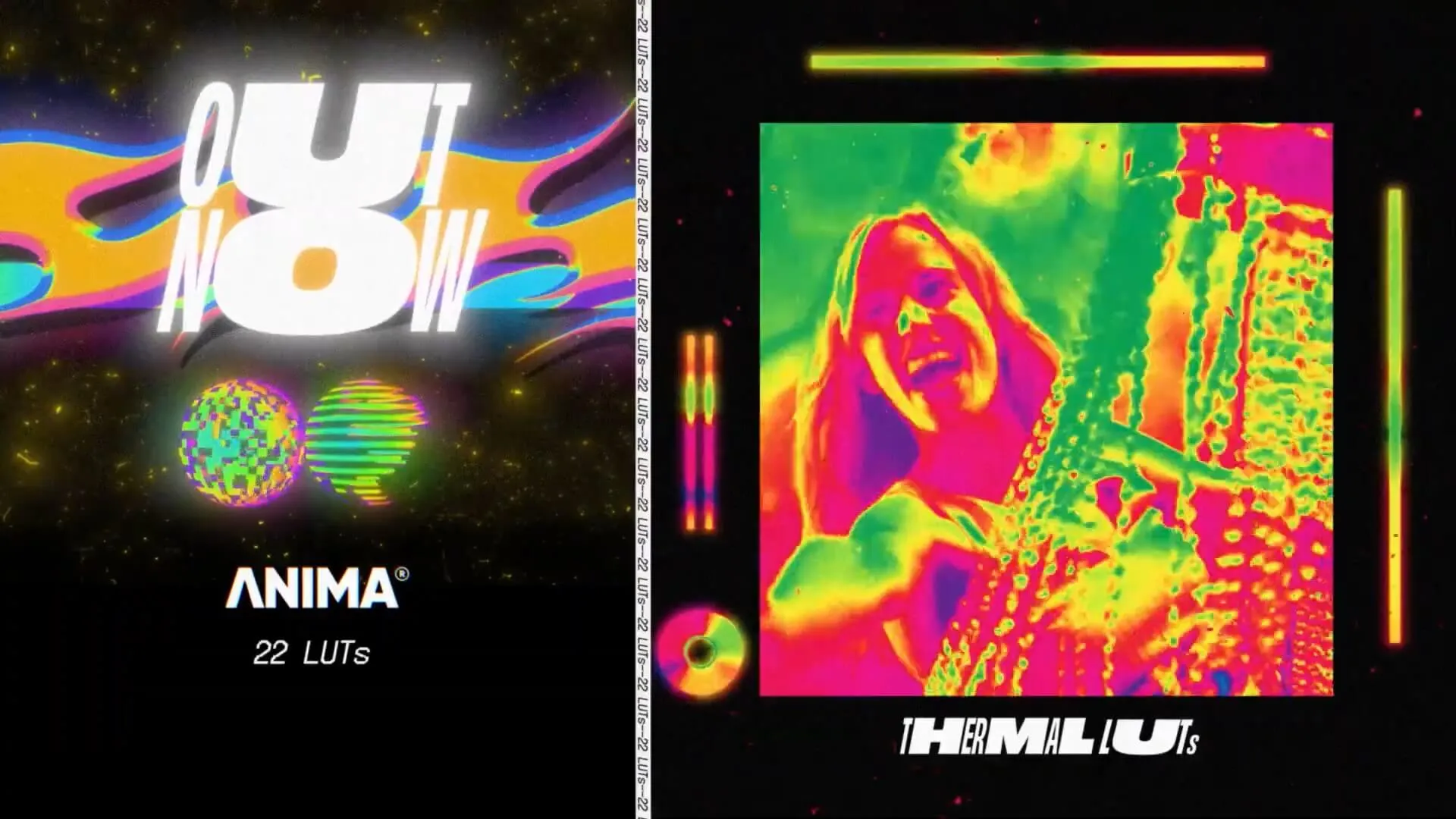
Overview
Animafx Thermal LUTs is a collection of 22 LUTs presets for creating abstract thermal infrared effects. These presets are perfect for adding a trendy, fashionable look to music videos and other visual content.
Features
- 22 abstract thermal infrared effect LUTs
- Perfect for music videos and visual effects
- Adds trendy, fashionable appearance to footage
- Professional quality for creative projects
Preview
Technical Information
System Requirements
- Windows and Mac systems
Software Support
Compatible with Sony Vegas, Premiere Pro CC, After Effects CC, FCPX, DaVinci Resolve, and more.
File Format
- .CUBE format
- File size: approximately 7MB
- Transfer format: .zip file
Installation Guide
Final Cut Pro X
- Open FCPX software, find the [Effects] panel - [Color] - [Custom LUT] and add to the video
- In the [LUT] parameter item - [Select Custom LUT...] select the LUTS folder or .cube file to load
- PS: If you select the LUTS folder, you can load the entire folder and retain it in the [LUT] parameter item for easy classification management, but note that you should avoid using Chinese characters and special characters as much as possible
Premiere Pro
First open the following path:
- Mac system: /Library/Application Support/Adobe/Common/LUTs
- Windows system: \Program Files\Adobe\Common\LUTs
- Copy the "Log to Rec709" LUTs to the above folder
- PS: For easy classification, you can create a new folder in the above path
DaVinci Resolve
First open the following path:
- Mac system: Macintosh HD/Library/Application Support/Blackmagic Design/DaVinci Resolve/LUT
- Windows system: C:\ProgramData\Blackmagic Design\DaVinci Resolve\Support\LUT
- Copy the "Log to Rec709" LUTs to the above folder
🚀Direct Download Link
Get Premium Download Speed Without any Limitations!
Contact us on 💬WhatsApp for premium access and support.