DaVinci Resolve Plugin Complete Music Video MV Production Toolkit with Fonts and Color Grading LUT
Last updated: Oct 24 2025

Product Overview
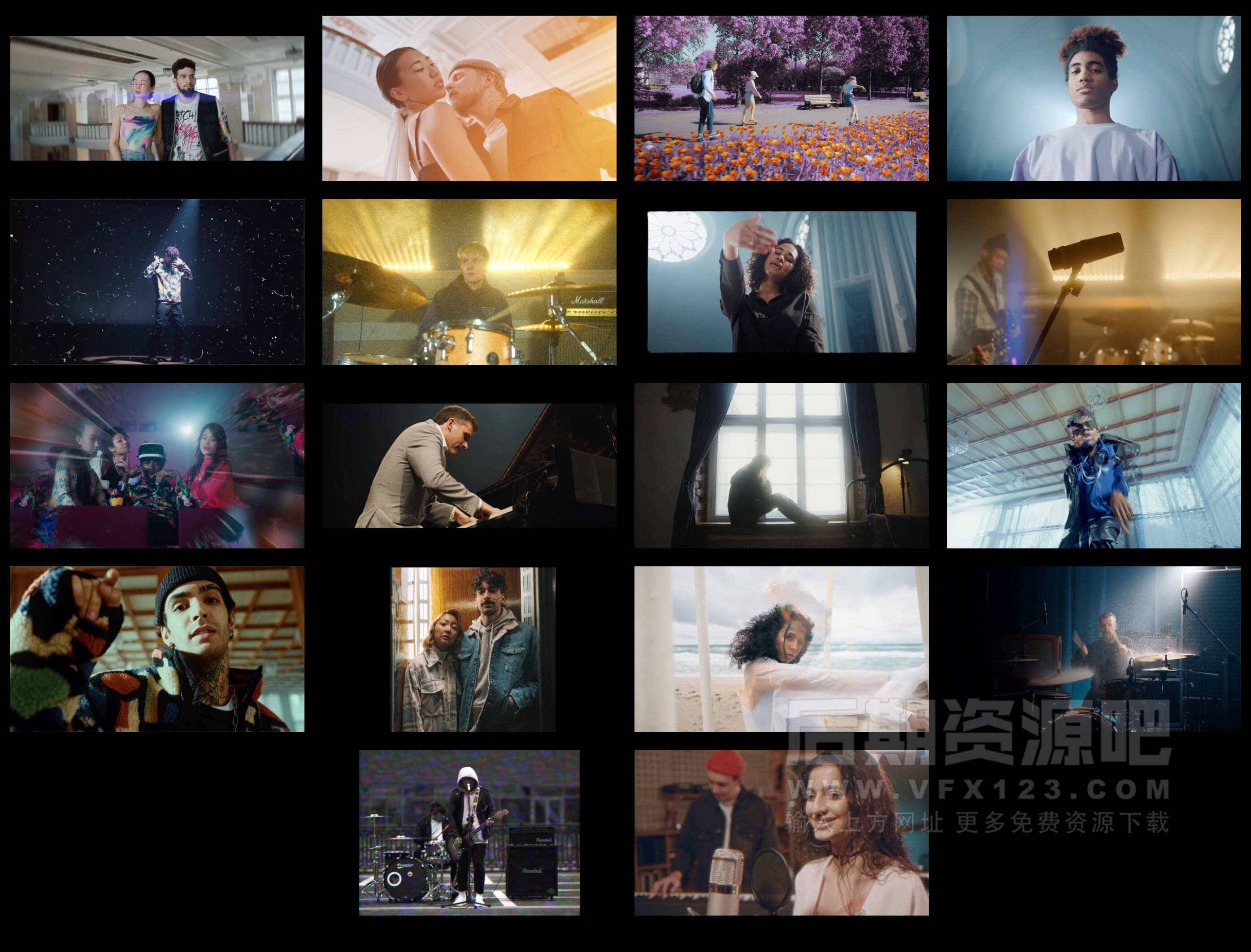
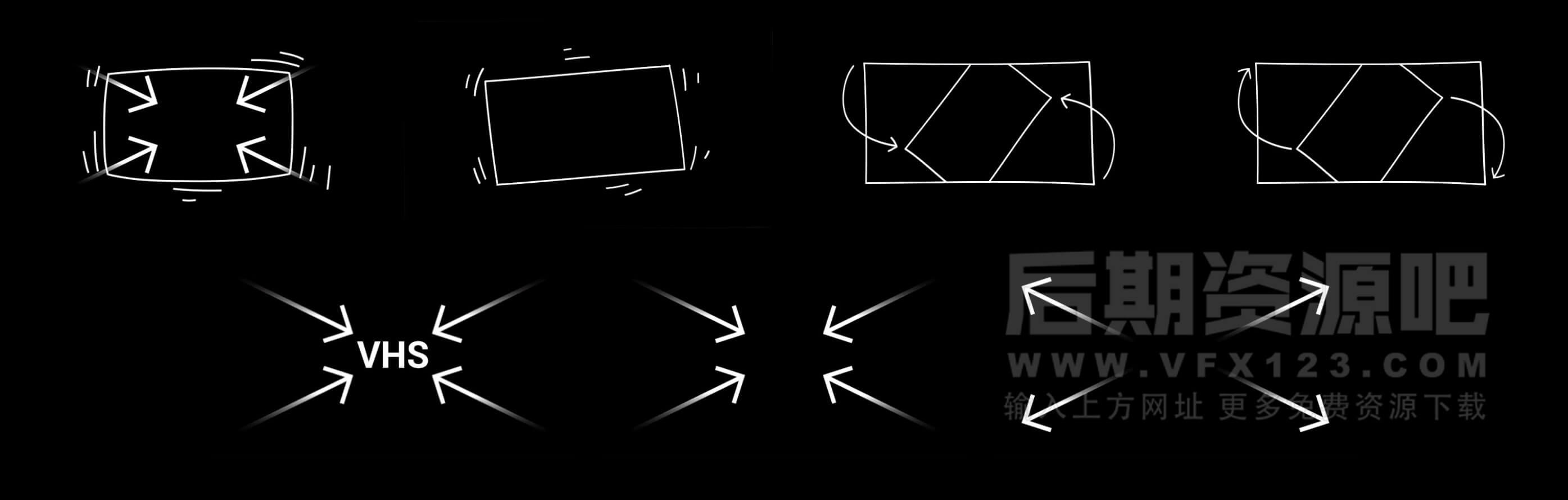
DaVinci Resolve Plugin Complete Music Video MV Production Toolkit is a toolkit produced by MotionVFX that significantly enhances the production level of music videos. It includes lyrics subtitles, poster layouts, transitions, stylized lens effects, and camera movements. With this plugin and LUTs, it greatly improves work efficiency and can complete the production of an entire MV. It's excellent and recommended for collection!
Key Features
- System Requirements: Win+Mac
- Software Compatibility: DaVinci Resolve 18+ or higher
- Resolution: Adaptive
- File Format: .drfx+.cube
- File Size: 613Mb
- Official English reference tutorials included
Product Showcase
Effects
Transitions

Poster Trailer Layout

Lyrics and Credits Subtitles

Lens Movement Effects
Installation Guide
DaVinci Resolve
How to Install in DaVinci Resolve?
- Open DaVinci Resolve
- Go to the "Fusion" page
- In the "OpenFX" section, click "Import"
- Select your .drfx plugin file
- The plugin will be available in your OpenFX effects
🚀Direct Download Link
Get Premium Download Speed Without any Limitations!
Contact us on 💬WhatsApp for premium access and support.