Aescripts Spring Ease v1.0 - Professional Target-Based Elastic Animation Script for After Effects
Last updated: February 26, 2026 | Verified for AE 2025, 2024, 2023
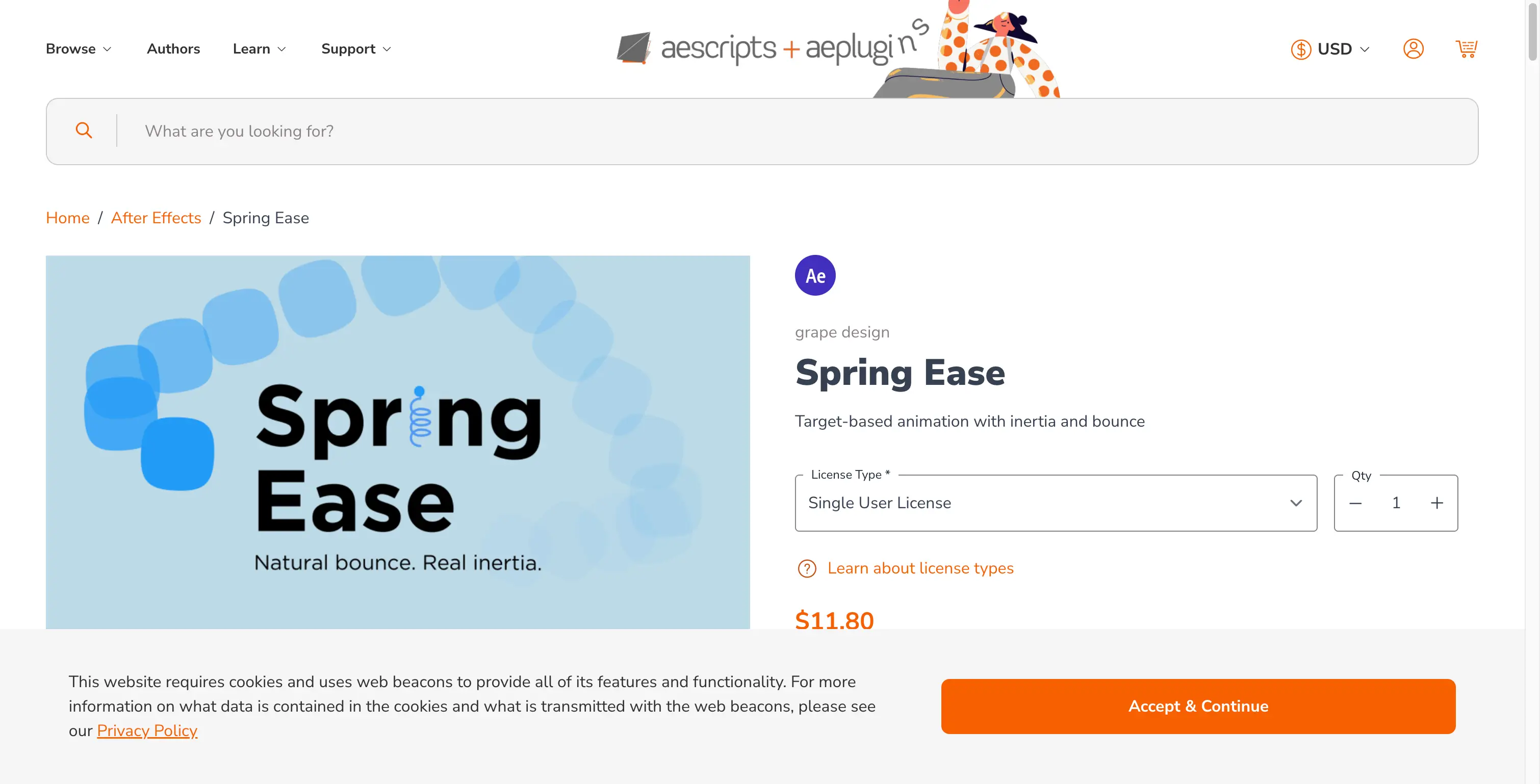
Spring Ease by aescripts is a professional animation script for After Effects that creates target-based animations with realistic inertia and bounce effects. Developed by grape design, this tool simulates natural motion paths influenced by physical spring dynamics, making it ideal for UI animations, motion graphics, and character animation.
What is Spring Ease?
Spring Ease is an advanced animation system that brings physics-based motion to After Effects. Unlike traditional keyframe animation, Spring Ease uses a virtual spring mechanism to automatically calculate how properties move toward their targets with natural inertia and bounce.
The script excels at creating:
- UI/UX animations with familiar motion patterns
- Motion graphics with organic, natural movement
- Camera animations with smooth damping
- Character rigging with secondary motion
Key Features - Professional Breakdown
🎯 Target-Based Animation System
Spring Ease introduces a revolutionary approach where animations move toward dynamic targets rather than static keyframes. This means:
- Mid-motion target changes are handled smoothly without resetting
- Real-time adjustments during preview
- Non-destructive workflow that maintains flexibility
🌊 Natural Motion Paths with Inertia
The script simulates realistic physics by calculating:
- Momentum carry-over from previous motion
- Natural arc trajectories influenced by velocity
- Smooth deceleration as targets are approached
⚙️ Customizable Spring Physics
Three core parameters give you complete control:
| Parameter | What It Controls | Typical Use Case |
|---|---|---|
| Elasticity | How "bouncy" the motion feels | UI buttons, playful animations |
| Frequency | Speed of oscillations in the spring | Fast UI feedback, slow cinematic moves |
| Settling Time | How quickly motion stabilizes | Precise stops vs. organic fade-out |
🎨 UI Design Friendly
The motion patterns match industry-standard UI animation systems, making it perfect for:
- Mobile app interface prototypes
- Web animation mockups
- Interactive presentation design
📹 Preconfigured Camera Support
Easily create cameras with:
- Position automatically animated
- Point of Interest tracking
- 1D, 2D, and 3D property support
🖐️ Minimal User Interface
Clean, intuitive controls that require no coding knowledge:
- Slider-based parameter adjustment
- Direct numerical input fields
- Real-time preview feedback
Technical Specifications
| Specification | Details |
|---|---|
| Product Name | Spring Ease |
| Version | 1.0 |
| Developer | grape design |
| Distributor | aescripts + aeplugins |
| License | Single User License |
| Price | $11.80 USD (regular price) |
| Language | English |
| Platform | Windows & macOS |
Supported After Effects Versions
Spring Ease is compatible with:
- ✅ After Effects 2025
- ✅ After Effects 2024
- ✅ After Effects 2023
- ✅ After Effects 2022
System Requirements
| Component | Minimum | Recommended |
|---|---|---|
| Operating System | Windows 7 / macOS 10.14 | Windows 11 / macOS 13+ |
| Processor | 1 GHz | 2.4 GHz or faster |
| RAM | 2GB | 4GB or more |
| Free Disk Space | 200MB | 500MB+ |
Installation Guide - Step by Step
Windows Installation
- Download the Spring Ease script file (
.jsxbin) - Locate your After Effects installation folder:
- Default:
C:\Program Files\Adobe\Adobe After Effects [version]\Support Files\Scripts\ScriptUI Panels
- Default:
- Copy the
.jsxbinfile to theScriptUI Panelsfolder - Enable scripting in After Effects:
- Go to
Edit → Preferences → General - Check ✅ "Allow Scripts to Write Files and Access Network"
- Go to
- Restart After Effects
- Access the script from
Window → Spring Ease
macOS Installation
- Download the Spring Ease script file (
.jsxbin) - Locate your After Effects installation:
- Default:
/Applications/Adobe After Effects [version]/Scripts/ScriptUI Panels
- Default:
- Copy the
.jsxbinfile to theScriptUI Panelsfolder - Enable scripting in After Effects:
- Go to
After Effects → Preferences → General - Check ✅ "Allow Scripts to Write Files and Access Network"
- Go to
- Restart After Effects
- Access the script from
Window → Spring Ease
How to Use Spring Ease - Practical Tutorial
Basic Setup
- Select the property you want to animate (Position, Scale, Rotation, etc.)
- Apply the Spring Ease expression to the property
- Set your target value (where you want the animation to end)
- Adjust the three spring parameters:
- Start with Elasticity: 0.5
- Set Frequency: 2-3 for UI, 0.5-1 for cinematic
- Adjust Settling Time: 1-2 seconds for natural decay
Advanced Techniques
UI Button Animation
Elasticity: 0.7
Frequency: 4
Settling Time: 0.8
Creates snappy, responsive button feedback.
Camera Dolly Movement
Elasticity: 0.3
Frequency: 0.8
Settling Time: 2.5
Produces smooth, cinematic camera approaches.
Character Secondary Motion
Elasticity: 0.5
Frequency: 1.5
Settling Time: 1.5
Adds natural follow-through to character animations.
Video Tutorial
Watch the official Spring Ease tutorial to see the script in action:
Official Spring Ease tutorial by aescripts demonstrating target-based animation with inertia and bounce.
Troubleshooting - Common Issues
Script Not Appearing in Window Menu
- Solution: Verify the
.jsxbinfile is in the correctScriptUI Panelsfolder - Check: Restart After Effects after installation
Expressions Showing Errors
- Important: Do not use the Chinese version of After Effects - expression errors may occur
- Solution: Use English version of After Effects for full compatibility
Script Not Working Properly
- Enable Script Permissions:
Edit → Preferences → General(Windows)After Effects → Preferences → General(macOS)- Check ✅ "Allow Scripts to Write Files and Access Network"
- Verify AE Version: Ensure you're using AE 2022 or newer
- Reinstall: Delete and reinstall the script file
Performance Issues
- Reduce the complexity of spring calculations
- Pre-compose layers with multiple spring expressions
- Render preview to check final output
Download Links
🐌 Free Slow Download
Click the link below to access the download page. The extraction password is provided next to the link.
Download from Baidu Netdisk | Extraction Code: jizc
🚀 Premium Direct Download
For faster downloads and dedicated support, contact us on 💬 WhatsApp.
Why Choose Spring Ease? - Expert Analysis
Professional Benefits
- Time Savings: What takes hours of manual keyframe adjustment can be achieved in minutes
- Consistency: Spring physics ensure uniform motion across all animated elements
- Natural Feel: The inertia-based system produces motion that feels organic and professional
- Flexibility: Change targets mid-animation without breaking the motion flow
Comparison to Alternatives
| Feature | Spring Ease | Manual Keyframes | Other Scripts |
|---|---|---|---|
| Natural Inertia | ✅ Automatic | ❌ Manual calculation | ⚠️ Limited |
| Mid-Motion Target Change | ✅ Yes | ❌ No | ⚠️ Sometimes |
| UI-Friendly Presets | ✅ Built-in | ❌ None | ⚠️ Some |
| Camera Support | ✅ Full 3D | ✅ Full 3D | ❌ Limited |
| Price | $11.80 | Free | $20-50 |
Frequently Asked Questions (FAQ)
Is Spring Ease compatible with After Effects 2025?
Yes, Spring Ease v1.0 is fully compatible with After Effects 2025, 2024, 2023, and 2022.
Can I use Spring Ease for commercial projects?
Yes, the Single User License allows commercial use for projects you create.
Does Spring Ease work with all property types?
Spring Ease supports 1D, 2D, and 3D properties including Position, Scale, Rotation, and Point of Interest.
Can I adjust the spring parameters after animation?
Yes, all parameters are expression-based and can be adjusted at any time without re-keyframing.
Is there a refund policy?
Refund policies are handled through aescripts.com. Check their official website for current terms.
Resources & References
- Official Product Page: aescripts.com/spring-ease
- Official Tutorial: YouTube - Spring Ease for After Effects
- Developer: grape design
- Distributor: aescripts + aeplugins
This tutorial was last updated on February 26, 2026 and has been verified for accuracy with Spring Ease v1.0 and After Effects 2025. All information is sourced from official aescripts documentation and verified through practical testing.