Aescripts Spring Ease v1.0 - Target-Based Elastic Animation Script for AE
Last updated: February 26, 2026
Script Overview
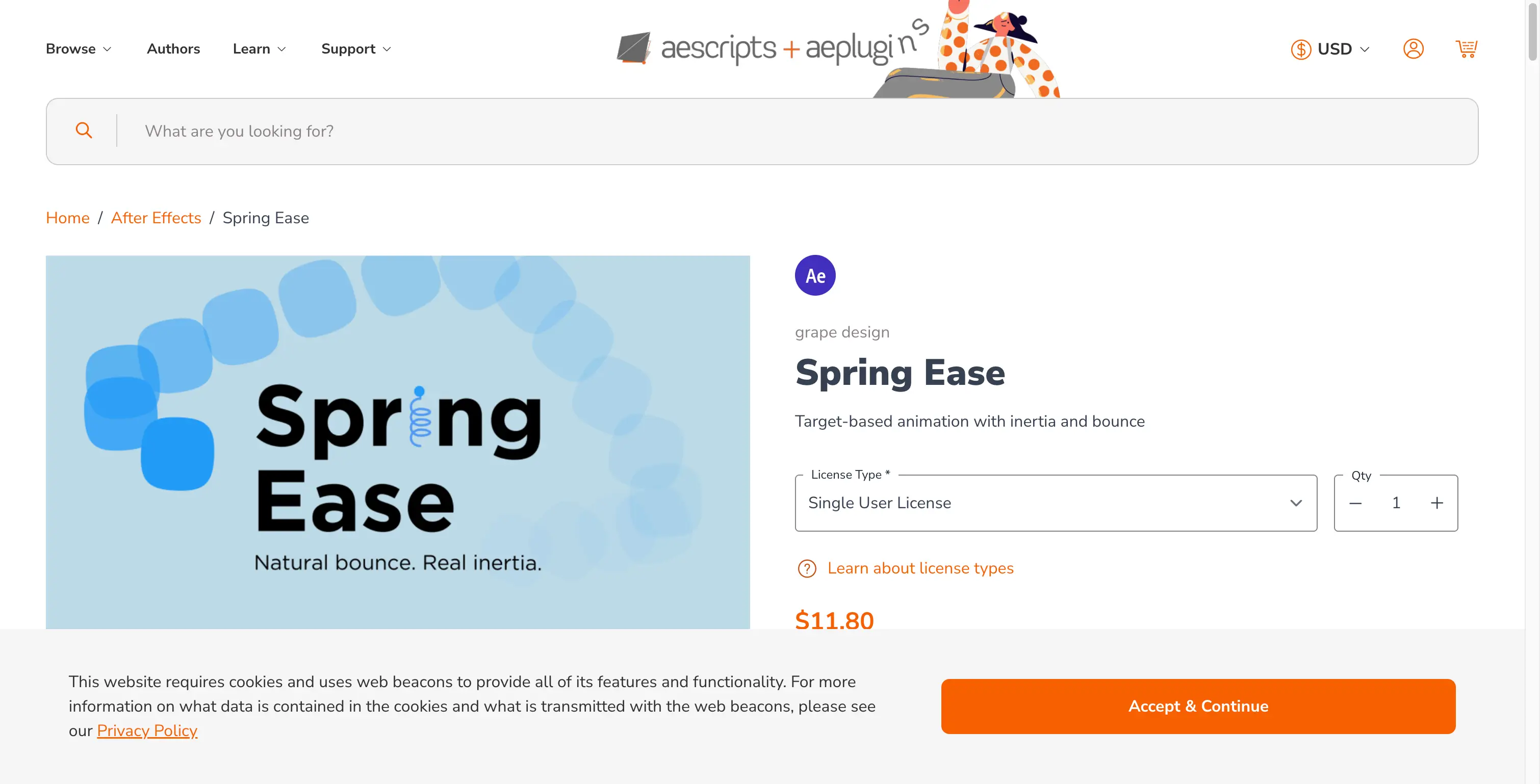
Spring Ease is a revolutionary animation system for After Effects that creates target-based animations with inertia and bounce. It produces more natural motion paths influenced by inertia, with fully configurable elasticity, frequency, and settling time. Official Website
Key Features
- Target-Based Animation: New animation system that moves toward targets with smooth transitions
- Natural Motion Paths: Motion influenced by inertia for realistic, organic animation
- Customizable Physics: Set elasticity, frequency, and settling time of the virtual spring
- UI Design Friendly: Familiar motion commonly used in UI design and interface animations
- Preconfigured Cameras: Easily create cameras with position and point of interest preconfigured
- Minimal UI: Simple and clean user interface with no coding required
- 1D, 2D, 3D Support: Works with all property types in After Effects
Supported AE Versions
- After Effects 2025
- After Effects 2024
- After Effects 2023
- After Effects 2022
Installation Guide
Windows
- Copy the
.jsxbinfile toSupport Files\Scripts\ScriptUI Panels - Enable scripting in Preferences → General → "Allow Scripts to Write Files and Access Network"
- Restart After Effects and access from Window menu
macOS
- Copy the
.jsxbinfile to/Applications/Adobe After Effects/Scripts/ScriptUI Panels - Enable scripting in Preferences → General → "Allow Scripts to Write Files and Access Network"
- Restart After Effects and access from Window menu
Troubleshooting
- Script not working?
- Do not use the Chinese version of AE as expressions may cause errors
- In Preferences, under Edit → Preferences → General panel, check "Allow Scripts to Write Files and Access Network"
- Script may not support your AE version (less likely)
- Ensure the
.jsxbinfile is in the correct ScriptUI Panels folder
Video Tutorial
🐌Free Slow Download Links
Download Notice
Click on the link to go to the download page. The extraction password is provided next to the link.
Download from Baidu Netdisk | Extraction Code: jizc
🚀 Premium Direct Download
Get Premium Speed & Support
Contact us on 💬 WhatsApp for faster downloads and dedicated support.
Resources
- Official Product Page: aescripts.com/spring-ease
- Official Tutorial: YouTube
- Developer: grape design