Scatter Diffusion Filter Plugin
Last updated: Oct 14 2025
Overview
Scatter is a physically accurate diffusion plugin that reproduces the effect of real optical diffusion filters. It offers accurate, consistent, and controllable diffusion effects built specifically for high-end production workflows in DaVinci Resolve and Baselight.
- Physically-based and data-driven diffusion effects
- Empirically mapped according to scene radiance
- Compatible with DaVinci Resolve, Baselight, Adobe Premiere Pro, and After Effects
- Available on macOS 10.15+ Intel & Apple Silicon, Windows, and Linux
Features
Physically Accurate Diffusion
Scatter's diffusion intensity and spatial falloff are empirically mapped according to scene radiance, providing realistic results across different cameras and lighting conditions. The plugin is designed to look just like real optical diffusion filters.
Familiar Filter Profiles
Scatter includes profiles matched to the characteristics of real filters of every type and strength:
Black Diffusion FX
- Black Diffusion FX2
- Black Diffusion FX1
- Black Diffusion FX1/2
- Black Diffusion FX1/4
Black Frost
- Black Frost1/2
- Black Frost1/4
- Black Frost1/8
Pro Mist
- Black Pro Mist1
- Black Pro Mist1/2
- Black Pro Mist1/4
- Black Pro Mist1/8
Other Filters
- Classic Soft
- Fog
- Glimmer Glass
- Hollywood Black Magic
- LoCon
- Mitchell Diff
- Pearlescent
- Radiant Soft
- Satin
- Smoque
- Soft FX
Better Than On-Set Diffusion
- No light loss, no flares, no back reflections, no speckled bokeh
- Fully tweakable, keyframe-able, mask-able, and highlight-adjustable
- Consistent characteristics across focal lengths
- Completely color neutral
Performance and Compatibility
macOS
- Compatible with macOS 10.15+
- Works on both Intel & Apple Silicon
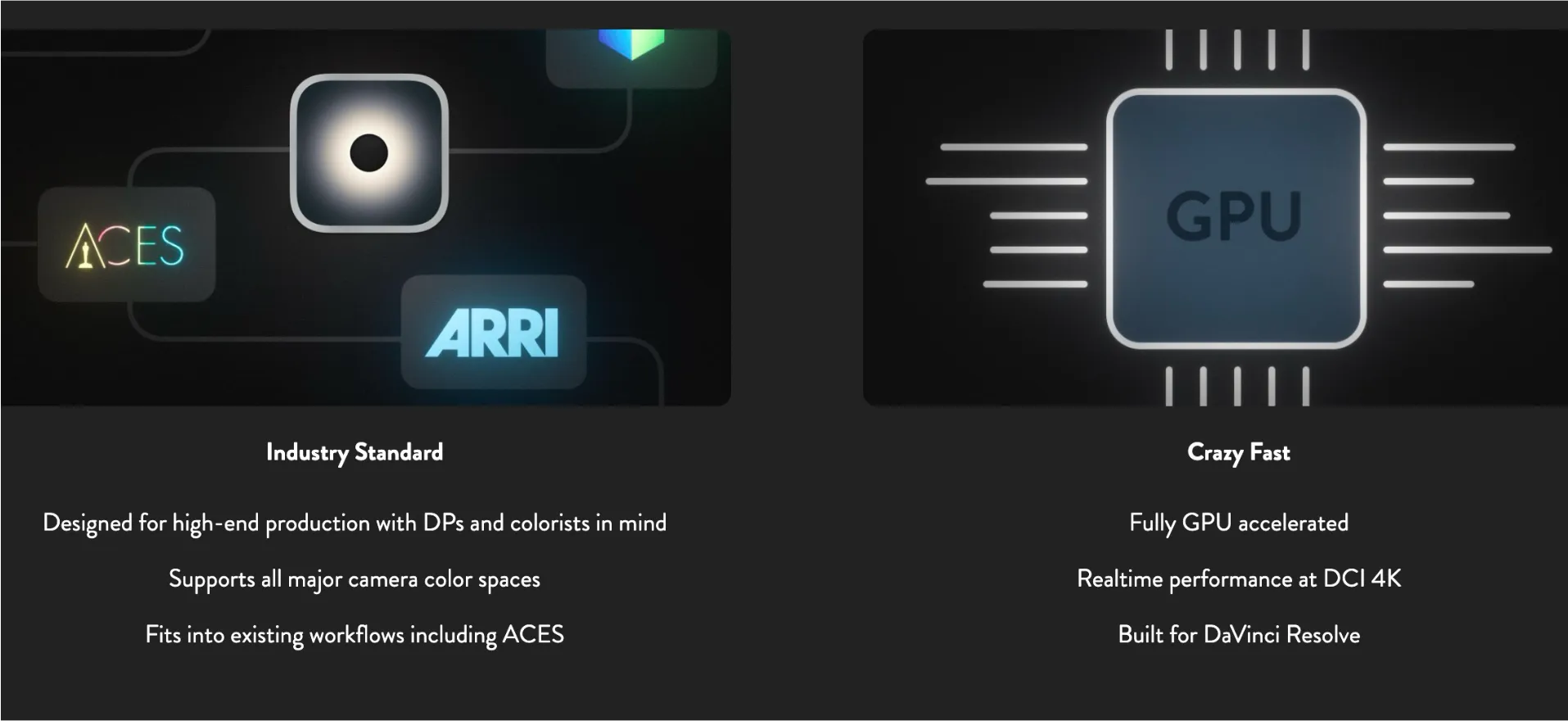
- Fully GPU accelerated
- Realtime performance at DCI 4K
Windows
- Requires NVIDIA GPU
- Fully GPU accelerated
- Realtime performance at DCI 4K
Linux
- Now available on Linux!
- Requires NVIDIA GPU
- Fully GPU accelerated
- Realtime performance at DCI 4K
Technical Specifications
Industry Standard
- Designed for high-end production with DPs and colorists in mind
- Supports all major camera color spaces
- Fits into existing workflows including ACES
Workflow Advantages
- Fine-tune diffusion during the grade with the context of the edit
- Responds dynamically to image alterations like power windows and composites
- Works equally well on CGI and live action footage
- Diffuse each deliverable differently, from HDR to SDR to VCR
Installation
DaVinci Resolve
- Download the plugin from the link below
- Extract the downloaded archive
- Copy the plugin to the Resolve plugins directory:
- macOS:
/Library/Application Support/Blackmagic Design/DaVinci Resolve/Fusion/Plugins/ - Windows:
C:\ProgramData\Blackmagic Design\DaVinci Resolve\Support\Fusion\Plugins\ - Linux:
~/.local/share/DaVinciResolve/Fusion/Plugins/
- macOS:
- Restart DaVinci Resolve
- The Scatter plugin will be available in the Fusion page
Adobe Premiere Pro
- Download the plugin from the link below
- Extract the downloaded archive
- Copy the plugin to the Premiere Pro plugins directory:
- macOS:
/Library/Application Support/Adobe/Common/Plug-ins/[version]/ - Windows:
C:\Program Files\Common Files\Adobe\Plug-ins\[version]\
- macOS:
- Restart Adobe Premiere Pro
- The Scatter plugin will be available in the Effects panel
After Effects
- Download the plugin from the link below
- Extract the downloaded archive
- Copy the plugin to the After Effects plugins directory:
- macOS:
/Library/Application Support/Adobe/Common/Plug-ins/[version]/ - Windows:
C:\Program Files\Common Files\Adobe\Plug-ins\[version]\
- macOS:
- Restart After Effects
- The Scatter plugin will be available in the Effects & Presets panel
🐌Free Slow Download Links
macOS (Intel & Apple Silicon) | [Premium Resources]| | Scatter 2.5.2 | Windows (NVIDIA GPU required) | [Premium Resources]| | Scatter 2.5.2 | Linux (NVIDIA GPU required) | [Premium Resources]|
🚀Direct Download Link
Contact us on 💬WhatsApp for premium access and support.
Ref Link: https://videovillage.com/scatter/