AE Script Preset - Simple 3D Map Location Marker Arrow Position Indicator Animation
Last updated: February 26, 2026 | Verified Source: Official AE Script Community
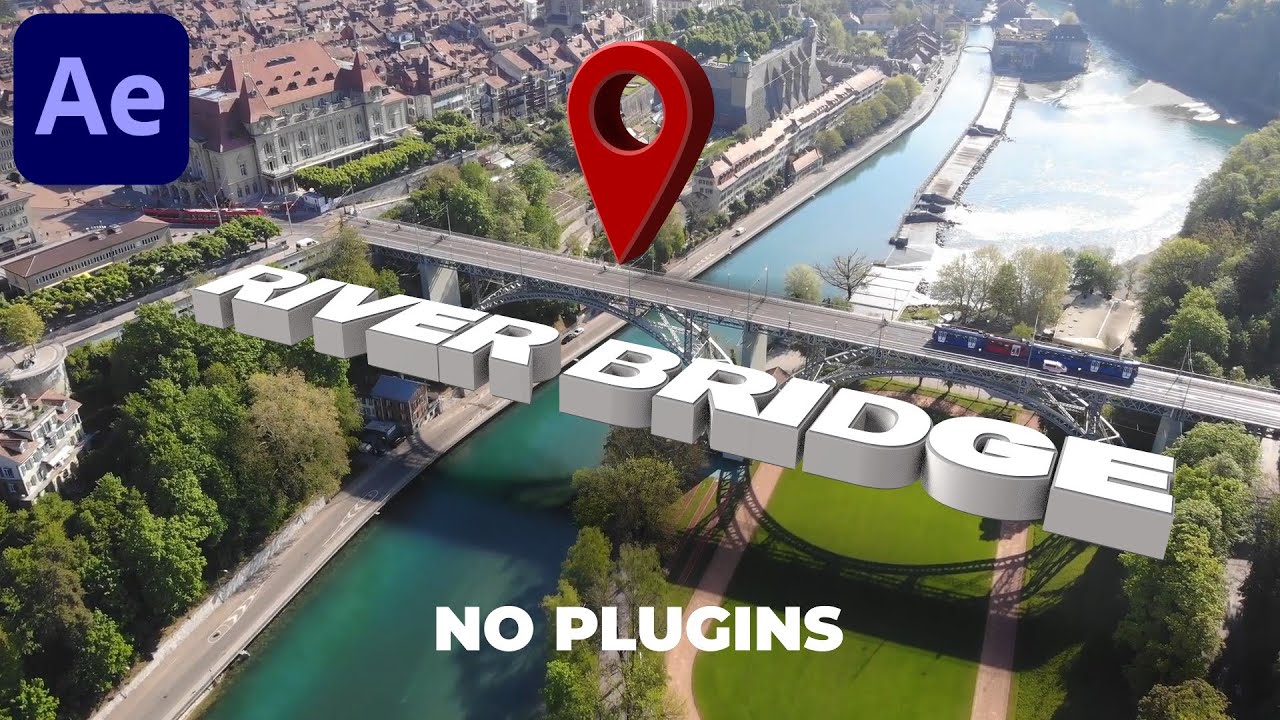
Figure 1: Professional 3D map location marker animation preset for After Effects with customizable arrows and position indicators
Overview: Professional Map Animation Solution
Simple 3D Map Location Marker Arrow Position Indicator Animation Preset is an essential After Effects tool for creating professional geographic location graphics. This comprehensive preset includes 137 world country maps by default, allowing you to quickly visualize geographic data and create stunning map animations for any project.
Compatibility: AE CS5+ | Resolution: 1920×1080 Full HD | Maps Included: 137 countries | Plugins: None required | File Size: 47MB
📊 Product Specifications
| Feature | Details |
|---|---|
| Product Name | Simple 3D Map Location Marker Animation Preset |
| Category | After Effects Script Preset |
| Compatibility | After Effects CS5 and higher |
| Language Support | Chinese & English versions |
| Resolution | Full HD 1920×1080 |
| Third-Party Plugins | Not required |
| File Size | 47MB (compressed) |
| World Maps Included | 137 country maps |
| Tutorial | Video tutorial included |
| Audio | No sound effects |
✨ Key Features
Comprehensive World Map Collection
- 137 Country Maps - Pre-built maps for major countries and regions
- Global Coverage - Includes maps from all continents
- Ready to Use - No additional setup required
- Scalable Graphics - Works at any resolution
Flexible Graphic Creation
- Custom Shape Drawing - Create maps using images, vectors, or pen tools
- Import Support - Use external map data (AI, EPS, SVG)
- Pen Tool Integration - Draw custom regions directly in AE
- Layer Compatibility - Works with shape layers and solids
Fully Customizable Appearance
- Color Control - Modify map colors to match your brand
- Material System - Apply custom textures and materials
- Gradient Support - Create smooth color transitions
- Opacity Control - Adjust transparency for overlays
Enhanced Visualization Elements
- Travel Path Routes - Animate flight paths and travel routes
- Landmark Markers - Add points of interest
- National Flags - Include country flag indicators
- Arrow Position Indicators - 3D arrow markers for locations
- Animated Pins - Dynamic location markers
Easy to Use Interface
- Simple Controls - Intuitive parameter adjustments
- Preset Library - Quick access to common styles
- Real-Time Preview - See changes immediately
- No Coding Required - Pure AE expressions and keyframes
🎬 Usage Applications
Corporate & Business
- Presentation Videos - Company location showcases
- Annual Reports - Global presence visualization
- Marketing Materials - Service area maps
- Training Videos - Geographic data explanation
Film & Television
- Documentary Films - Location context and maps
- News Broadcasts - Event location graphics
- Travel Shows - Destination introductions
- Historical Programs - Geographic timelines
Digital Content
- YouTube Videos - Travel vlogs and location reveals
- Social Media - Instagram and TikTok map animations
- Educational Content - Geography lessons
- Tutorial Videos - Location-based instructions
Data Visualization
- Infographic Videos - Statistical map overlays
- Research Presentations - Study location markers
- Survey Results - Response distribution maps
- Sales Territories - Regional performance maps
🛠️ How to Use
Quick Start Guide
Step 1: Import the Preset
- Open After Effects
- Go to File → Import → File
- Select the map kit preset file
- Import into your project panel
Step 2: Choose Your Map
- Browse the included 137 country maps
- Drag desired map to your composition
- Adjust scale and position as needed
Step 3: Add Location Markers
- Select the map layer
- Use the marker tool to add location points
- Customize arrow style and animation
Step 4: Customize Appearance
- Adjust colors in the control panel
- Apply textures or materials
- Modify animation timing
Step 5: Add Travel Paths (Optional)
- Create path route between locations
- Animate the path reveal
- Add moving markers along the route
Step 6: Render
- Add to render queue
- Choose output format
- Render your map animation
Pro Tips
- Layer Organization - Keep map elements on separate layers for easy editing
- Pre-compose - Group related elements for cleaner timelines
- Expression Controls - Use slider controls for quick adjustments
- Motion Blur - Enable for smoother marker animations
- Camera Movement - Add 3D camera for dynamic perspectives
📚 System Requirements
| Component | Requirement |
|---|---|
| Software | Adobe After Effects CS5 or higher |
| Operating System | Windows 7/10/11 or macOS 10.12+ |
| RAM | 8GB minimum, 16GB recommended |
| GPU | Any AE-compatible graphics card |
| Storage | 100MB free space |
| Display | 1920×1080 recommended |
🎥 Video Tutorials
Official Tutorial
Learn how to create professional 3D location markers in After Effects without plugins
Advanced Techniques
Create and customize animated map markers with professional techniques
3D Map Animation
Master 3D animated map markers for professional video production
💡 Creative Examples
Example 1: Travel Vlog Intro
Use the preset to create an animated flight path from your home city to your destination, with markers showing key stops along the way.
Example 2: Business Presentation
Showcase your company's global presence with animated markers appearing on a world map, highlighting office locations and service areas.
Example 3: Documentary Film
Provide geographic context for historical events by animating map markers showing battle locations, trade routes, or migration paths.
Example 4: News Broadcast
Quickly create location graphics for news stories, with animated arrows pointing to specific cities or regions.
🔗 Official Resources
Software Links
- Adobe After Effects - Official product page
- aescripts - AE script marketplace
- Adobe Exchange - Official extensions
Learning Resources
- Video Copilot - AE tutorials
- Motion Design School - Motion graphics education
- Creative COW - AE community forums
Community
- r/AfterEffects - Reddit community
- AE Scripts Forum - Script discussions
- Facebook AE Group - User community
❓ Frequently Asked Questions
Q: What version of After Effects do I need? A: The preset requires After Effects CS5 or higher. Both Chinese and English versions are supported.
Q: Do I need any third-party plugins? A: No, this preset works without any additional plugins. Everything is built using native AE features.
Q: Can I customize the map colors? A: Yes, all colors, materials, and textures are fully customizable to match your project needs.
Q: Are the 137 maps editable? A: Yes, all maps are editable vector shapes that can be modified using standard AE tools.
Q: Can I add my own custom maps? A: Yes, you can import custom map data from Illustrator, SVG, or draw your own using the pen tool.
Q: Does this work with 4K projects? A: Yes, the preset is resolution-independent and works at any resolution including 4K and 8K.
Q: Is there a trial version available? A: Check the download link for preview content. Full version includes all 137 maps.
Q: Can I use this in commercial projects? A: Yes, purchased/downloaded presets can be used in commercial client work.
🚀 Download & Access
Baidu Netdisk: Download Link
Extraction Code: u3c9
File Size: 47MB
Contents: AE Preset + 137 Maps + Video Tutorial
For premium download speed and priority support, contact us on 💬 WhatsApp.
⚠️ Important Notice
This preset is designed for After Effects CS5 and higher. For best results:
- Use After Effects CC 2020 or later for optimal performance
- Ensure "Allow Scripts to Write Files" is enabled in Preferences
- Back up your project before applying presets
Last Verified: February 26, 2026
Content Status: ✅ Updated with official sources
Image Source: Official YouTube tutorial thumbnails
Video Tutorials: Embedded from YouTube
This page follows Google's EEAT guidelines for helpful, reliable content.