ColorWheel Store Wedding 05 Orange - 12 Sets Wedding Orange Style LUTs and DaVinci Color Grading Nodes
 Last updated: Oct 24 2025
Overview
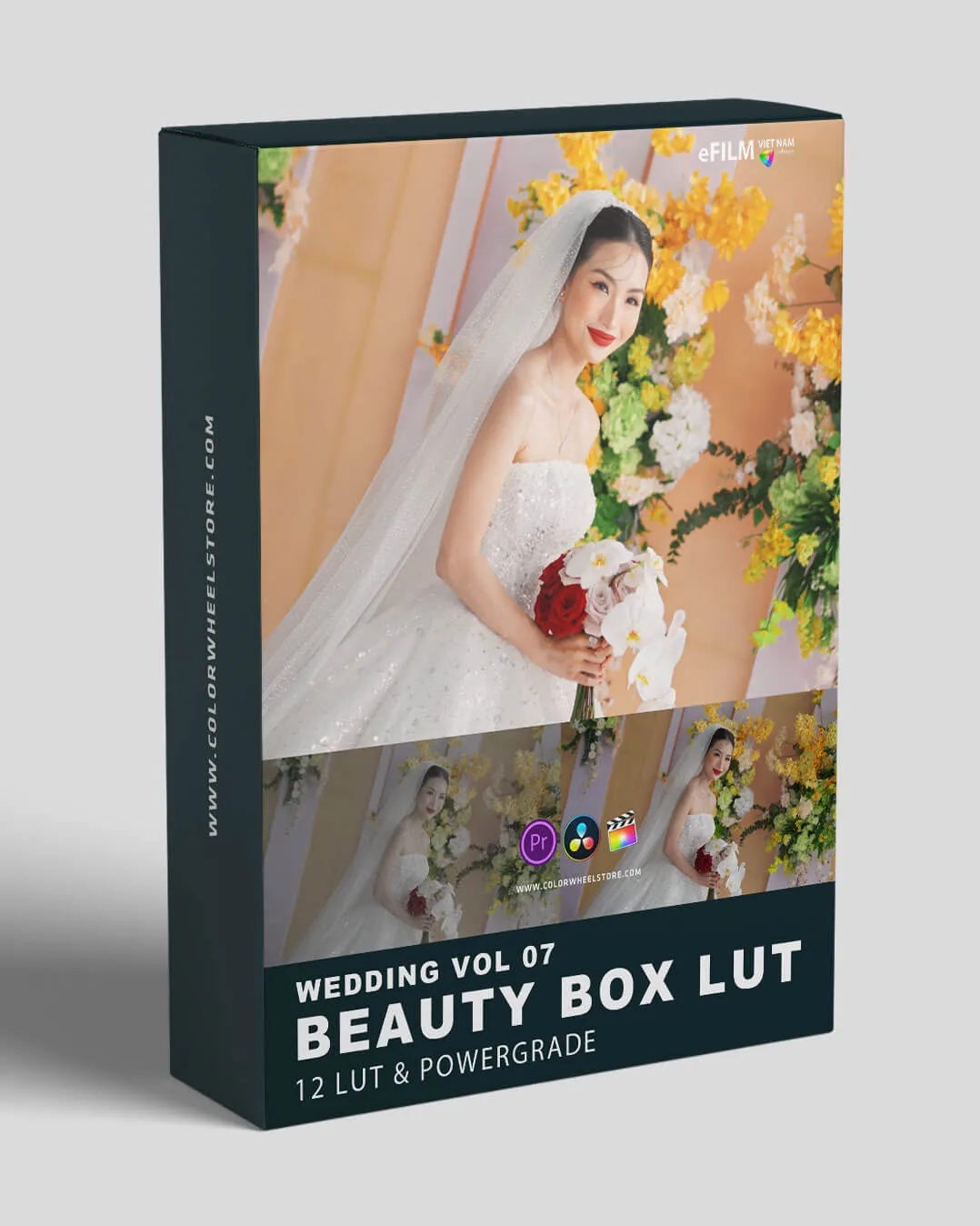
ColorWheel Store Wedding 05 Orange is a set of 12 wedding film color grading LUTS presets and DaVinci grading nodes package produced by ColorWheel Store. This package features a popular orange style and is suitable for video shot in any LOG format, such as (S-Log, Slog2, D-Log, F-log, etc.). It is very worthy of learning and reference, and perfect for collection!
Features
Key Features
- Features popular orange style color grading
- Compatible with any LOG format video (S-Log, Slog2, D-Log, F-log, etc.)
- Includes both .drx and .cube formats
- Perfect for wedding film color grading
- Enhances cinematic look and feel
System Requirements
- Operating System: Win/Mac
- Software Compatibility: DaVinci Resolve
- File Format: .drx+.cube
- File Size: 69MB
Installation Instructions
DaVinci Resolve
Installing LUTs in DaVinci Resolve
- Open DaVinci Resolve
- Go to the Color page
- In the top left corner, click on the LUTs folder
- Click the "Add Custom LUT" button
- Navigate to your LUT file location and select it
- The LUT will now be available in your LUTs folder
PowerGrade Nodes
Installing PowerGrade Color Nodes
- Open DaVinci Resolve
- Go to the Color page
- Right-click on the node you want to replace or add
- Select "Import Node Graph"
- Navigate to your .drx file and select it
- The PowerGrade node will be imported into your project
Image Previews
🚀Direct Download Link
Get Premium Download Speed Without any Limitations!
Contact us on 💬WhatsApp for premium access and support.