Last updated: Oct 24 2025
Artlist Professional Film-style LUT Collection - Premium Video Enhancement
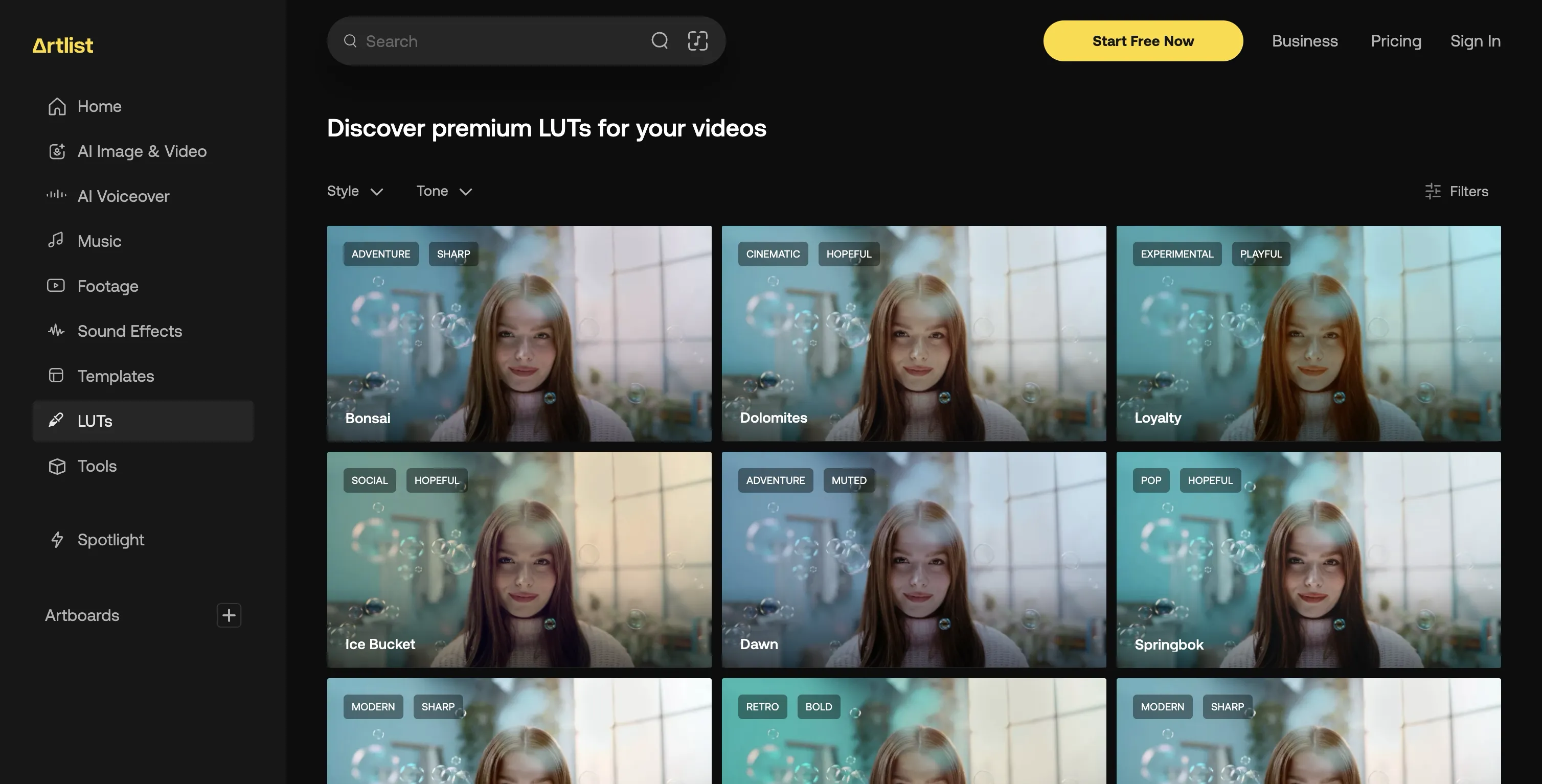
A comprehensive collection of 323 professional film-style LUTs created by expert colorists at Artlist. These premium-quality LUTs are optimized for Rec.709 color space and can be directly used for enhanced color grading, making them perfect for video creators looking to achieve professional results.
🌟 Why Artlist's LUTs Are Perfect for Video Creators
Artlist's new LUTs collection is the result of careful work led by expert in-house colorists, who are passionate about making these LUTs as user-friendly and high-quality as possible. "We made sure they are optimized to work across a wide range of shots," says Dor Zammir, a Colorist at Artlist. "They're designed to enhance the footage, helping you achieve beautiful, professional results while minimizing the risk of harsh colors or contrasts."
Creating LUTs that elevate visuals without overpowering them is no small feat, and Dor's team dedicated months to this balancing act. Artlist LUTs are made to keep your footage looking natural while bringing out its best qualities, so users can enjoy filmic or cinematic looks without compromising on details.
📦 Key Features
- 323 Premium LUTs: Professional-grade film-style color grading presets
- Rec.709 Optimized: Optimized for Rec. 709 color space - a widely used color standard
- Universal Compatibility: Compatible with a broad range of footage and setups
- Expert Crafted: Created by professional in-house colorists at Artlist
- Quality Assurance: Tested and used by the same colorists in their own work
🛠️ Software Compatibility
✅ Compatible | | Premiere Pro CC | ✅ Compatible | | After Effects CC | ✅ Compatible | | Final Cut Pro X | ✅ Compatible | | DaVinci Resolve | ✅ Compatible |
How to Install in Different Software
Final Cut Pro X
- Open FCPX software, find the Effects panel - Color - Custom LUT and add to the video
- In the LUT parameter item - Select Custom LUT... select the LUTS folder or .cube file
- If you select the LUTS folder, you can load the entire folder and keep it in the LUT parameter item for easy classification management
- Note: Try to avoid using Chinese characters and special characters
Premiere Pro
- Open the following path:
- Mac System:
/Library/Application Support/Adobe/Common/LUTs - Windows System:
C:\Program Files\Adobe\Common\LUTs
- Mac System:
- Copy your "Log to Rec709" LUTs to the above folder
- For easy classification, you can create a new folder in the above path
DaVinci Resolve
- Open the following path:
- Mac System:
Macintosh HD/Library/Application Support/Blackmagic Design/DaVinci Resolve/LUT - Windows System:
C:\ProgramData\Blackmagic Design\DaVinci Resolve\Support\LUT
- Mac System:
- Copy your "Log to Rec709" LUTs to the above folder
📋 Technical Specifications
Windows and Mac | | File Format | .CUBE format | | Software Compatibility | Sony Vegas, Premiere Pro CC, After Effects CC, FCPX, DaVinci Resolve | | File Size | Approximately 78MB | | Delivery Format | .zip file |
🎨 Browsing and Preview Features
Artlist's intuitive browsing interface makes finding the right LUT easier. You can select sample footage that's close to yours, and then browse and preview LUTs by mood, style, or specific adjustments like contrast and saturation, saving tons of time. As Dor puts it, "What's important is that our users find what they want fast and enjoy using the LUTs."
The result is a LUTs collection that's as reliable and easy-to-use as it is high-quality, built for everyone from beginners to seasoned professionals.
🚀 Direct Download Link
Contact us on 💬WhatsApp for premium access and support.