SynthEyes Tracking for Production
Last updated: Oct 17 2025
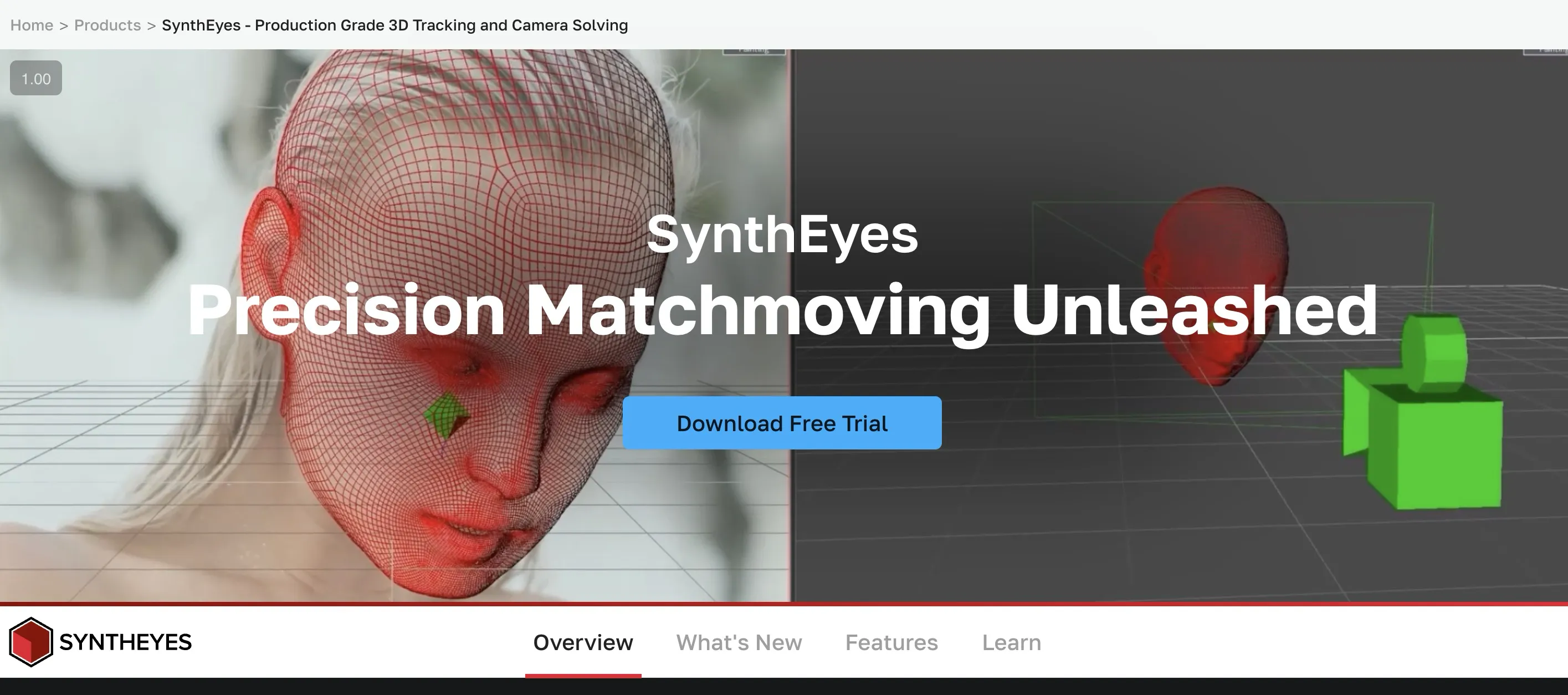
Essential Tips, Tricks, and Theories
This tutorial covers SynthEyes tracking from beginner to advanced techniques, including camera motion, distortion, and object tracking with practical workflows for production.
Description
In this workshop, Tracker / Matchmove Artist Kevin Bolivar takes you through SynthEyes tracking from beginning to end, explaining the theory and concepts applied to solve camera motion, distortion, and object tracks. Follow Kevin as he shows you essential tools and workflows to speed up your tracking and ship it to the next part of the production pipeline effectively. These videos will go over what tracking is, how to guide SynthEyes to work how you want it to, basic modeling for layout purposes, and animation to understand how things move in space as well as work with each other through constraints. Using SynthEyes and Maya, we'll cover a variety of shots each with their own problems and solutions, so if you are just starting out or have delved into other tracking software, this tutorial will help you get into SynthEyes and be able to efficiently and effectively track production shots or your very own footage.
Key Features:
- Complete SynthEyes tracking workflow
- Camera motion and distortion solutions
- Object tracking techniques
- Integration with Maya for production pipeline
- Practical examples and problem-solving
Technical Specifications:
- Duration: 3h 53m
- Format: HD 1920x1080
- Software: SynthEyes, Maya
Lessons
Overview
Lesson Overview
-
- Preview
-
- An Introduction to Parallax
-
- Getting Started
-
- Keyboard Shortcuts in SynthEyes
-
- GoPro Shot
-
- A Simple Shot
-
- Setting Up in Maya
-
- Basic Modeling in Maya
-
- Basic Animation in Maya
-
- Object Track a Sword in Maya
-
- Object Track a Head in Synth Eyes
-
- Tracking Recap
-
- Retime a Camera
-
- Why Tracking Is Important
-
- Blips Decimation and Parting Words
Lesson Details
Detailed Lesson Breakdown
- Preview - Overview of the workshop content
- An Introduction to Parallax - Understanding parallax principles in tracking
- Getting Started - Initial setup and configuration
- Keyboard Shortcuts in SynthEyes - Essential shortcuts for efficient workflow
- GoPro Shot - Tracking techniques for action cameras
- A Simple Shot - Basic tracking example
- Setting Up in Maya - Integration workflow between SynthEyes and Maya
- Basic Modeling in Maya - Layout modeling for tracking purposes
- Basic Animation in Maya - Understanding movement and constraints
- Object Track a Sword in Maya - Practical object tracking exercise
- Object Track a Head in Synth Eyes - Advanced object tracking
- Tracking Recap - Summary of key tracking concepts
- Retime a Camera - Camera timing adjustments
- Why Tracking Is Important - Understanding the role of tracking in production
- Blips Decimation and Parting Words - Final tips and techniques
Instructor
Kevin Bolivar - Tracker / Matchmove Artist at Encore Hollywood
Kevin Bolivar has been tracking for both sides of the coin in Marvel and DC for years, from t.v. shows and movies including Deadpool, Doom Patrol, Captain America: Civil War, Legends of Tomorrow, Dr. Strange, Black Lightning, Ant-Man, and The Flash. His other client work includes commercials for Nissan, Ford, Coca-Cola, and a VR project for Mr. Robot. When not tracking at a studio during the day, Kevin likes to freelance at home on the evenings as well as illustrate and animate for personal projects within Rhythm Games.
🚀Direct Download Link
Contact us on 💬WhatsApp for premium access and support.