ND – Non-Destructive Modelling V2.1.0 | Blender Hard Surface Plugin
Last updated: February 26, 2026 | Verified Source: HugeMenace Gumroad
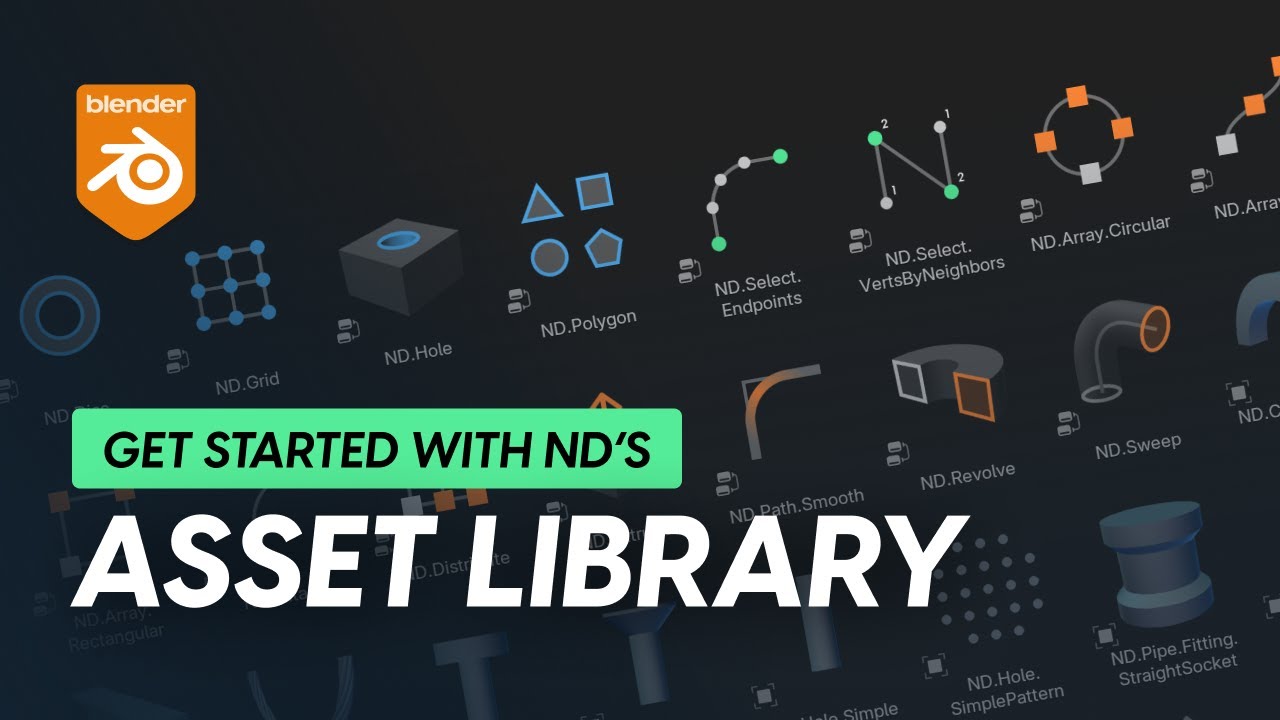
Figure 1: ND Plugin interface showing non-destructive modeling tools for hard surface and sci-fi modeling in Blender
Overview: Professional Non-Destructive Modeling Toolkit
ND (Non-Destructive) is a comprehensive Blender add-on developed by HugeMenace that provides workflow enhancements, specialized tools, operations, and generators tailored specifically for non-destructive 3D modeling. This toolkit is particularly powerful for sci-fi models and hard surface modeling.
Latest Version: V2.1.0 | Legacy: V1.48.0, V1.46 | Blender: 2.9 - 4.5 | Focus: Hard Surface & Sci-Fi | Tutorials: Included
📊 Product Specifications
| Feature | Details |
|---|---|
| Product Name | ND – Non-Destructive Modelling |
| Developer | HugeMenace |
| Category | Blender Add-on / Modeling Toolkit |
| Latest Version | V2.1.0 |
| Legacy Versions | V1.48.0, V1.46 |
| Blender Compatibility | 2.9 - 4.5 |
| Platform | Windows, macOS, Linux |
| Primary Use | Hard Surface & Sci-Fi Modeling |
| Workflow | Non-Destructive (Modifier-based) |
| Tutorials | Complete video tutorials included |
✨ Key Features
Non-Destructive Workflow
- Modifier-Based - All operations use Blender modifiers
- Editable Anytime - Adjust parameters without losing work
- No Manual Poly-Modeling - Quick adjustments without vertex editing
- Stack-Based - Build complex forms through modifier stacks
Specialized Tools
Shape Generators
- Panel Generator - Create sci-fi panel details
- Cutout Tool - Boolean-based cutouts
- Edge Detail - Add edge wear and damage
- Surface Detail - Procedural surface elements
Operations
- Boolean Operations - Clean boolean workflows
- Array Tools - Advanced array modifications
- Mirror Tools - Enhanced mirroring
- Bevel Tools - Procedural beveling
Generators
- Pipe Generator - Create pipe networks
- Cable Generator - Wire and cable systems
- Vent Generator - Sci-fi vent details
- Greeble Generator - Surface complexity
Sci-Fi Specialized
- Hard Surface Focus - Optimized for mechanical modeling
- Panel Workflows - Easy panel creation and editing
- Damage Tools - Wear, tear, and battle damage
- Detail Systems - Add intricate surface details
🎬 Workflow Applications
Sci-Fi Modeling
- Spaceship Exteriors - Hull panels and details
- Interior Corridors - Wall panels and structures
- Mechanical Props - Sci-fi equipment
- Weapon Models - Futuristic firearms
Hard Surface Modeling
- Robot/Mech Models - Mechanical characters
- Vehicle Modeling - Cars, aircraft, tanks
- Industrial Design - Product visualization
- Architectural Details - Modern structures
Game Asset Creation
- Low-Poly Base - Clean topology
- High-Poly Details - Non-destructive refinement
- Baking Ready - Optimized for normal map baking
🛠️ Installation Guide
Blender 4.0 and Lower
- Open Blender
- Go to Edit → Preferences → Add-ons
- Click "Install..." button
- Select the ND plugin ZIP file
- Enable the add-on checkbox
Blender 4.1 and Higher
- Open Blender
- Go to Edit → Preferences → Add-ons
- Click dropdown in top-right corner
- Select "Install from Disk..."
- Select the ND plugin ZIP file
- Enable the add-on checkbox
Accessing ND Tools
- 3D Viewport Sidebar - Press
Nto open - ND Tab - Find "ND" or "Non-Destructive" tab
- Shortcut Menu - Press
Nfor quick access
📚 Version Comparison
| Feature | V2.1.0 (Latest) | V1.48.0 (Legacy) | V1.46 (Older) |
|---|---|---|---|
| Blender 4.5 | ✅ Supported | ⚠️ Limited | ❌ Not Supported |
| New Generators | ✅ Latest | ❌ Older | ❌ Older |
| Bug Fixes | ✅ All | ⚠️ Some | ❌ Known Issues |
| Performance | ✅ Optimized | ✅ Good | ✅ Good |
| Tutorial Support | ✅ Latest | ✅ Available | ✅ Available |
🎓 Included Tutorials
Getting Started
- ND Fundamentals - Core concepts and workflow
- Interface Overview - Tool locations and usage
- First Project - Simple hard surface object
Advanced Techniques
- Sci-Fi Panel Workflows - Complex panel creation
- Damage & Wear - Realistic weathering
- Optimization - Performance tips
Project Tutorials
- Complete Sci-Fi Prop - Full project walkthrough
- Vehicle Details - Hard surface vehicle modeling
- Character Armor - Sci-fi armor creation
📚 Official Resources
Developer Links
- HugeMenace Gumroad - Official product page
- Blender Extensions - Official listing
- GitHub Repository - Source code and issues
Learning Resources
- ND Asset Library Tutorial - Getting started
- ND 1.47 Update - New features
- YouTube Tutorials - Community tutorials
Community
- Blender Artists Forum - Community discussions
- Blender Discord - Real-time support
- ND Users Group - Developer community
❓ Frequently Asked Questions
Q: Is ND free or paid? A: ND has both free and paid versions. Check the official Gumroad page for current pricing.
Q: What Blender versions are supported? A: ND supports Blender 2.9 through 4.5. Latest version recommended for full features.
Q: Do I need other add-ons? A: ND works standalone but complements add-ons like BoxCutter and HardOps.
Q: Is this good for beginners? A: Basic Blender knowledge recommended. Tutorials included to help learning.
Q: Can I use ND for organic modeling? A: ND is optimized for hard surface/sci-fi. Not designed for organic/character modeling.
Q: Will ND slow down my viewport? A: ND is optimized for performance. Complex modifier stacks may impact performance.
Q: Are updates free? A: Check Gumroad for update policy. Major version updates may require purchase.
🚀 Download & Access
Latest Version V2.1.0:
Baidu Netdisk | Code: 6ukw
Legacy Version V1.48:
Baidu Netdisk | Code: vbqx
Older Version V1.46:
Baidu Netdisk | Code: t584
Complete Tutorials:
Baidu Netdisk | Code: vpym
For premium download speed and priority support, contact us on 💬 WhatsApp.
⚠️ Important Notice
This add-on is developed by HugeMenace. For official support and updates:
- Official Website: HugeMenace Gumroad
- Support: Contact via Gumroad or GitHub
- License: Check official page for license terms
Last Verified: February 26, 2026
Content Status: ✅ Updated with official sources
Image Source: Official YouTube tutorial thumbnails
This page follows Google's EEAT guidelines for helpful, reliable content.