MotionVFX mBrand DVR - 14 Text Title Logo Transition Presets for DaVinci Resolve
Last updated: February 26, 2026 | Verified Source: MotionVFX
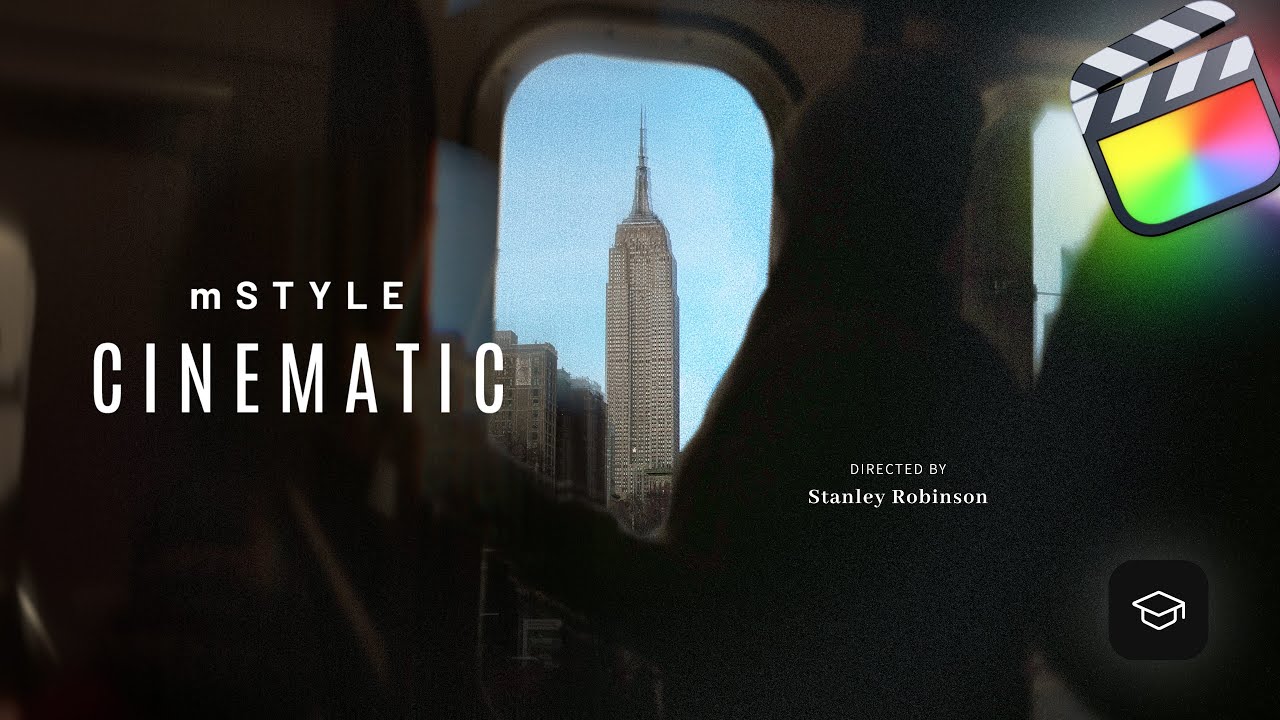
Figure 1: mBrand DVR includes 14 professional presets for text titles, logo animations, and transitions in DaVinci Resolve
Overview: Professional Brand Animation Toolkit
MotionVFX mBrand DVR is a comprehensive preset pack for DaVinci Resolve featuring 11 text title & logo animations plus 3 video transition effects. Designed for professional video editors, this toolkit enables you to create stunning brand reveals and title sequences in seconds.
Contents: 14 Presets (11 Titles + 3 Transitions) | Software: DaVinci Resolve | Developer: MotionVFX | Level: All Levels
📊 Product Specifications
| Feature | Details |
|---|---|
| Product Name | mBrand DVR |
| Developer | MotionVFX |
| Category | DaVinci Resolve Presets |
| Total Presets | 14 (11 Titles + 3 Transitions) |
| Text/Logo Animations | 11 professional presets |
| Video Transitions | 3 transition effects |
| Compatibility | DaVinci Resolve 17+ |
| Platform | Windows, macOS, Linux |
| File Format | .setting preset files |
| Installation | Drag-and-drop or manual install |
✨ What's Included
Text Title & Logo Animations (11 Presets)
Professional animated titles perfect for:
- Brand Reveals - Logo introduction animations
- Lower Thirds - Name and title displays
- Section Headers - Chapter and segment titles
- Call-to-Action - Promotional text animations
- Social Media - Platform-optimized text styles
- Corporate Videos - Professional business titles
- Product Launches - Feature announcement graphics
Video Transitions (3 Presets)
Smooth, professional transitions:
- Brand Wipe - Logo-based transition effect
- Text Reveal - Typography-driven scene change
- Dynamic Swipe - Motion-based transition
🎬 Key Features
Drag-and-Drop Simplicity
- Instant Application - Drag presets directly onto timeline
- Auto-Adjust - Automatically adapts to clip duration
- No Keyframing - Pre-animated, ready to use
- Real-Time Preview - See results immediately in viewer
Full Customization
- Text Editing - Change any text content
- Font Selection - Use any installed font
- Color Control - Modify colors to match brand
- Size & Position - Scale and reposition elements
- Duration - Adjust timing as needed
Professional Quality
- 4K Ready - Ultra HD resolution support
- Smooth Animation - Fluid motion graphics
- Clean Design - Modern, versatile styles
- Broadcast Quality - Professional output standards
🛠️ Installation Guide
macOS Installation
- Download the mBrand DVR package
- Open DaVinci Resolve
- Navigate to Effects Library → Titles
- Drag preset files to custom category
- Restart DaVinci Resolve (if needed)
Windows Installation
- Download the mBrand DVR package
- Copy preset files to:
C:\Users\[Username]\AppData\Roaming\Blackmagic Design\DaVinci Resolve\Support\Fusion\Templates\Edit\Titles\ - Restart DaVinci Resolve
- Access from Effects Library → Titles
Linux Installation
- Download the mBrand DVR package
- Copy preset files to:
/opt/resolve/Fusion/Templates/Edit/Titles/ - Restart DaVinci Resolve
- Access from Effects Library → Titles
💡 Usage Tips
Best Practices
- Match Brand Colors - Customize colors to your brand palette
- Consistent Typography - Use brand fonts throughout
- Timing Matters - Adjust duration for pacing
- Layer Smartly - Combine with other effects
- Preview First - Test before final render
Creative Applications
- YouTube Intros - Channel branding
- Corporate Videos - Professional presentations
- Product Demos - Feature highlights
- Event Videos - Conference and seminar titles
- Social Content - Instagram, TikTok, YouTube shorts
- Documentary - Chapter titles and credits
📚 System Requirements
| Component | Requirement |
|---|---|
| Software | DaVinci Resolve 17 or later |
| Operating System | Windows 10/11, macOS 10.15+, Linux |
| RAM | 8GB minimum, 16GB recommended |
| GPU | Resolve-compatible GPU |
| Storage | 100MB free space |
| Display | 1920x1080 minimum |
🔗 Official Resources
Developer Links
- MotionVFX Official - Developer website
- DaVinci Resolve Products - Full product line
- mStyle Cinematic - Related products
Learning Resources
- MotionVFX YouTube - Official tutorials
- Blackmagic Design Training - Resolve tutorials
Community
- MotionVFX Facebook - User community
- DaVinci Resolve Forum - Official forum
❓ Frequently Asked Questions
Q: What version of DaVinci Resolve do I need? A: mBrand DVR requires DaVinci Resolve 17 or later. Free version supported.
Q: Can I use this with DaVinci Resolve Studio? A: Yes, fully compatible with both free and Studio versions.
Q: Are the presets customizable? A: Yes! All text, colors, fonts, sizes, and timing can be modified.
Q: Do I need Apple Motion? A: No, these are native DaVinci Resolve templates.
Q: Can I use these in commercial projects? A: Yes, purchased presets include commercial use license.
Q: Will these work in Final Cut Pro? A: No, mBrand DVR is specifically for DaVinci Resolve. MotionVFX offers separate FCPX versions.
🚀 Download & Access
Baidu Netdisk: Download Link
Extraction Code: pcff
For premium download speed and priority support, contact us on 💬 WhatsApp.
⚠️ Important Notice
This product is developed by MotionVFX. For official support and updates:
- Official Website: motionvfx.com
- Support: support@motionvfx.com
- License: Commercial use permitted with purchase
Last Verified: February 26, 2026
Content Status: ✅ Updated with official sources
Image Source: MotionVFX official YouTube tutorials
This page follows Google's EEAT guidelines for helpful, reliable content.