BoxCutter & HardOps for Blender
tip
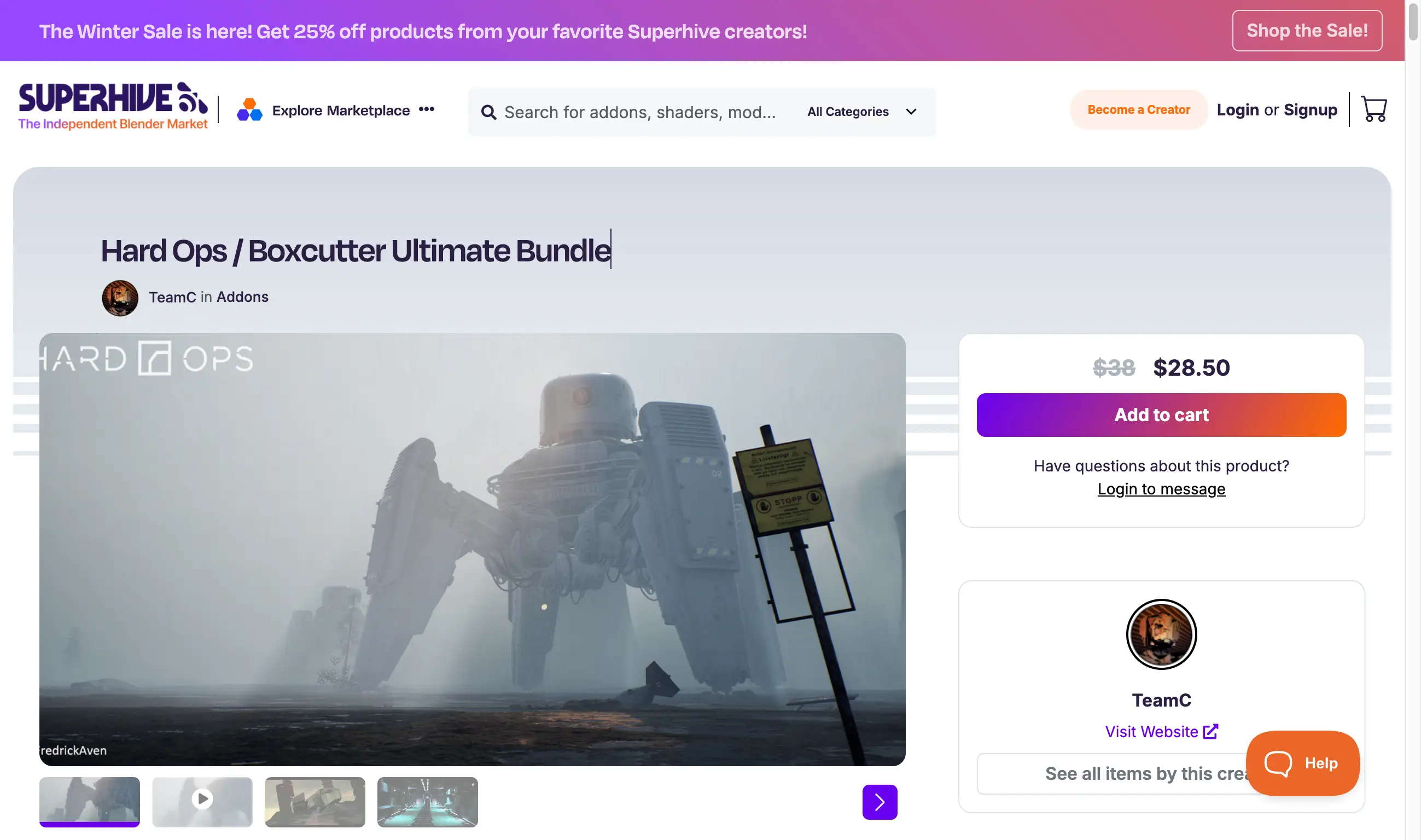
BoxCutter and HardOps are essential tools for hard-surface modeling in Blender. HardOps is more than just a modeling toolkit; it includes tools for rendering, mirroring, inserts, and even sculpting. BoxCutter is a specialized cutting tool focused on speed and ease of use in the 3D viewport.
Key Features
- HardOps: A comprehensive toolkit for hard-surface modeling workflows
- BoxCutter: A fast and intuitive cutting tool for the 3D viewport
- Non-destructive Workflow: Work with modifiers for flexible editing
- Real-time Feedback: See changes instantly as you model
Supported Blender Versions
- 4.4, 4.3, 4.2, 4.1, 4.0, 3.6
Installation Instructions
Blender 4.1 and Later
- In Blender, go to
Edit→Preferences→Add-ons. - Click the dropdown in the top right and select
Install from Disk. - Select the corresponding ZIP file.
Blender 4.0 and Earlier
- In Blender, go to
Edit→Preferences→Add-ons. - Click
Installand select the corresponding ZIP file.
🐌Free Slow Download Links
🚀Direct Download Link
Get Premium Download Speed Without any Limitations!
Contact us on 💬WhatsApp for premium access and support.