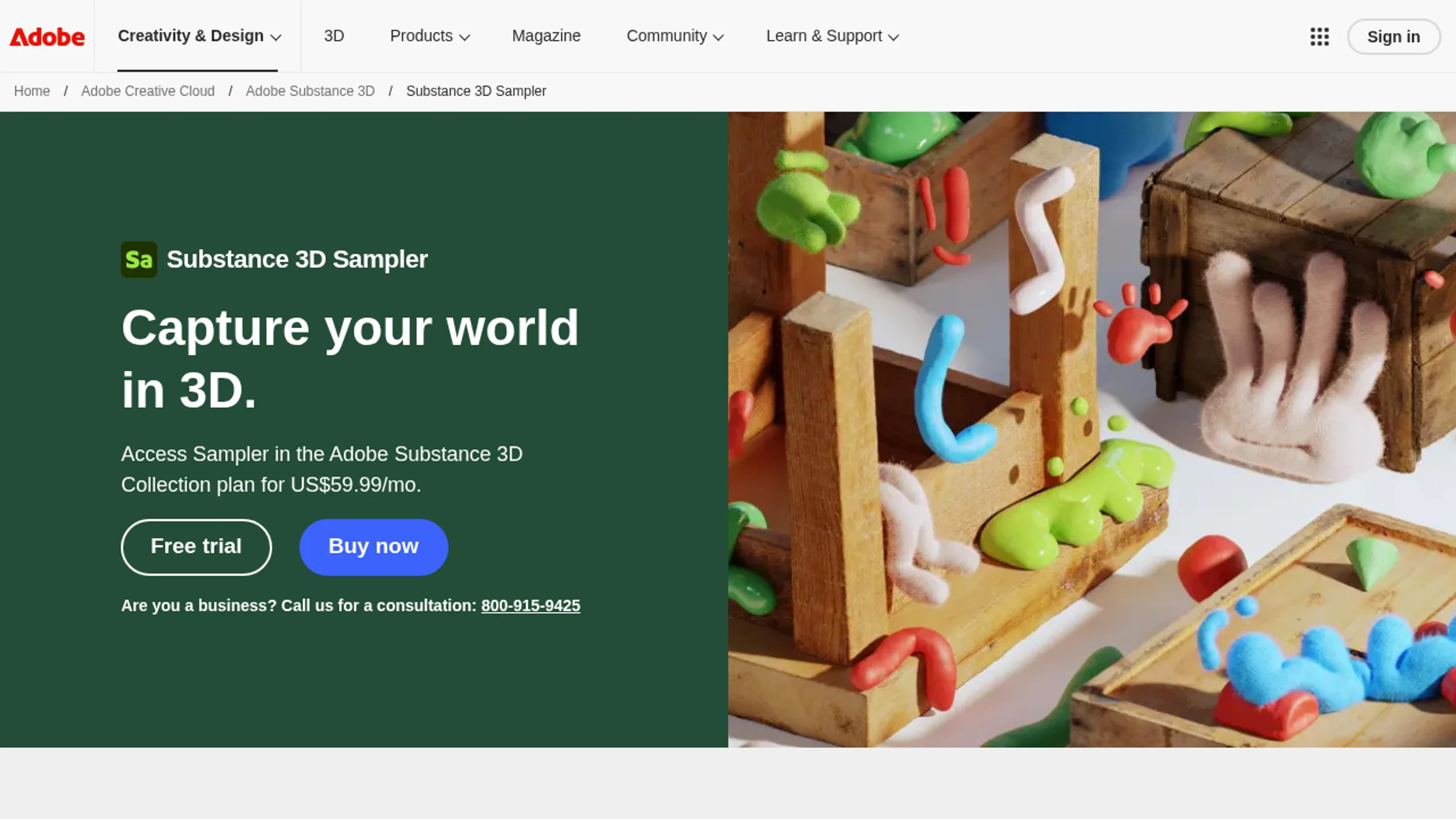
Adobe Substance 3D Sampler V5.1.1 - Photogrammetry & Material Creation Software

Last updated: February 26, 2026

Adobe Substance 3D Sampler - Professional photogrammetry software for creating PBR materials from photos

Overview

Adobe Substance 3D Sampler is a professional photogrammetry and material authoring software that simplifies the process of creating high-quality PBR (Physically Based Rendering) materials from real-world photos. As part of the Adobe Substance 3D suite, Sampler serves as the bridge between physical reality and digital creation, enabling artists to convert photographs into realistic 3D textures and materials.

Powered by Adobe Sensei AI technology, Substance 3D Sampler automates complex processes like image-to-material conversion, mesh generation, and texture optimization, making professional material creation accessible to artists at all skill levels.

Key Features

AI-Powered Material Creation

  • Image to Material: Convert photos into ready-to-use PBR materials with a single click
  • Adobe Sensei AI: Intelligent processing for accurate color, roughness, normal, and displacement maps
  • Mesh Generation: Create 3D geometry from photo captures for photogrammetry workflows
  • HDR Environment Creation: Generate lighting environments from captured photos

Advanced Material Editing

  • Material Blending: Combine multiple materials and parametric filters for complex surfaces
  • Procedural Adjustments: Fine-tune materials with non-destructive editing tools
  • Tileable Textures: Create seamless tiled materials from captured photos
  • Filter Library: Access extensive library of filters and effects for material enhancement

Substance 3D Ecosystem Integration

  • Substance 3D Painter: Directly send materials and textures for 3D model painting
  • Substance 3D Designer: Seamlessly collaborate with procedural material graphs
  • Substance 3D Stager: Create lighting environments and import assets for scene composition
  • Photoshop Integration: Edit 2D input content directly in Adobe Photoshop

Workflow Efficiency

  • Drag & Drop: Quick asset creation with intuitive drag-and-drop interface
  • One-Click Generators: Rapid experimentation with instant results
  • Export Presets: Pre-configured export settings for all major 3D applications
  • Substance Source: Access thousands of assets from Adobe's cloud library

Substance 3D Sampler photogrammetry workflow - Creating 3D materials from real-world photos

Technical Specifications

SpecificationDetails
Current Version5.1.1 (2025)
DeveloperAdobe Inc.
Product TypePhotogrammetry & Material Authoring Software
LicenseSubscription (Creative Cloud)
PlatformsWindows 10/11, macOS 12+

System Requirements

Windows

ComponentMinimumRecommended
OSWindows 10 (64-bit) version 22H2 or laterWindows 11 (64-bit)
CPUIntel Core i5 or AMD Ryzen 5Intel Core i7/i9 or AMD Ryzen 7/9
RAM16 GB32-64 GB
GPUNVIDIA GeForce GTX 1060 or AMD Radeon RX 580NVIDIA GeForce RTX 3060 or higher
VRAM4 GB8 GB or more
Disk Space10 GB free spaceSSD with 20 GB free space

macOS

ComponentMinimumRecommended
OSmacOS 12.0 (Monterey) or latermacOS 14.0 (Sonoma) or later
ProcessorApple Silicon (M1) or IntelApple Silicon (M2/M3) strongly recommended
RAM16 GB32-64 GB unified memory
GPUMetal-capable GPUApple Silicon GPU or AMD Radeon Pro
Disk Space10 GB free spaceSSD with 20 GB free space

Supported File Formats

Import:

  • Images: JPG, PNG, TIFF, EXR, HDR
  • 3D Models: OBJ, FBX, GLB, GLTF
  • Substance Formats: SBSAR, SBS

Export:

  • Textures: PNG, TIFF, EXR, JPG
  • Materials: SBSAR, Substance 3D Format
  • 3D: OBJ, FBX, GLB, GLTF
  • Presets for Unity, Unreal Engine, Blender, 3ds Max, Maya, Cinema 4D

Video Tutorials

Quick Start: Adobe Substance 3D Sampler

Learn the basics of Substance 3D Sampler in this comprehensive introduction:

Photogrammetry Tutorial: 2D to 3D Model

Learn how to create 3D meshes with textures using photogrammetry:

Additional Learning Resources

Use Cases

Game Development

Create realistic PBR materials for game assets, environments, and characters with optimized texture sets for real-time rendering.

Architectural Visualization

Generate authentic materials from real-world references for photorealistic architectural renders and walkthroughs.

Product Design

Digitize physical materials and surfaces for product visualization and prototyping in 3D.

Film & VFX

Create high-resolution materials for film assets, props, and environments with cinema-quality detail.

VR/AR Content

Develop optimized materials for virtual and augmented reality experiences with efficient texture workflows.

Installation Instructions

Official Installation (Adobe Creative Cloud)

  1. Download and install Adobe Creative Cloud Desktop application
  2. Sign in with your Adobe ID
  3. Navigate to Apps > All Apps > Substance 3D Sampler
  4. Click Install to download and install automatically
  5. Launch Substance 3D Sampler from Creative Cloud or Applications folder

Manual Installation (Downloaded Version)

Important

Always download software from official sources. Cracked versions may contain malware and violate copyright laws.

  1. Disable antivirus temporarily during installation (prevent false positives)
  2. Run installer (Set-up.exe) as Administrator
  3. Follow installation wizard - keep default installation path recommended
  4. Complete installation and launch the software
  5. Activate license through Adobe Creative Cloud or provided license manager

Custom Installation Location

If you need to install to a different drive:

  1. Open driver.xml in the products folder with a text editor
  2. Modify the installation path from C:\Program Files\Adobe to your desired location
  3. Save the file and proceed with installation

Download Options

Current Version (V5.1.1)

VersionPlatformDownload LinkPassword
V5.1.1WindowsDownloade6bv
V5.0.1WindowsDownloadiute

Previous Versions

VersionPlatformDownload LinkPassword
V4.5.2WindowsDownload2uur
V4.0.2MacDownloadoyqv
V3.4.1WindowsDownloadg81i
V3.3.1MacDownloadsj4l
Need Faster Downloads?

Contact us on 💬 WhatsApp for premium download access and dedicated support.

Pricing & Licensing

Adobe Substance 3D Texturing Plan

  • Price: $19.99/month or $219.88/year
  • Includes: Substance 3D Sampler, Substance 3D Designer, Substance 3D Painter
  • Storage: 100GB cloud storage for assets
  • Updates: Continuous updates and new features

Adobe Substance 3D Collection

  • Price: $49.99/month or $539.88/year
  • Includes: All Texturing apps + Substance 3D Stager, Modeler, 3D Assets
  • Storage: 100GB cloud storage
  • Best For: Complete 3D workflow

Official Source: Adobe Substance 3D Sampler
Developer: Adobe Inc.
Current Version: 5.1.1 (2025)
License Type: Subscription (Creative Cloud)
Category: Photogrammetry & Material Authoring
Platforms: Windows, macOS