Blender Marble Run Kit V4.1.9 - Asset Preset for Creating Marble Track Scenes
Last updated: Oct 10 2025
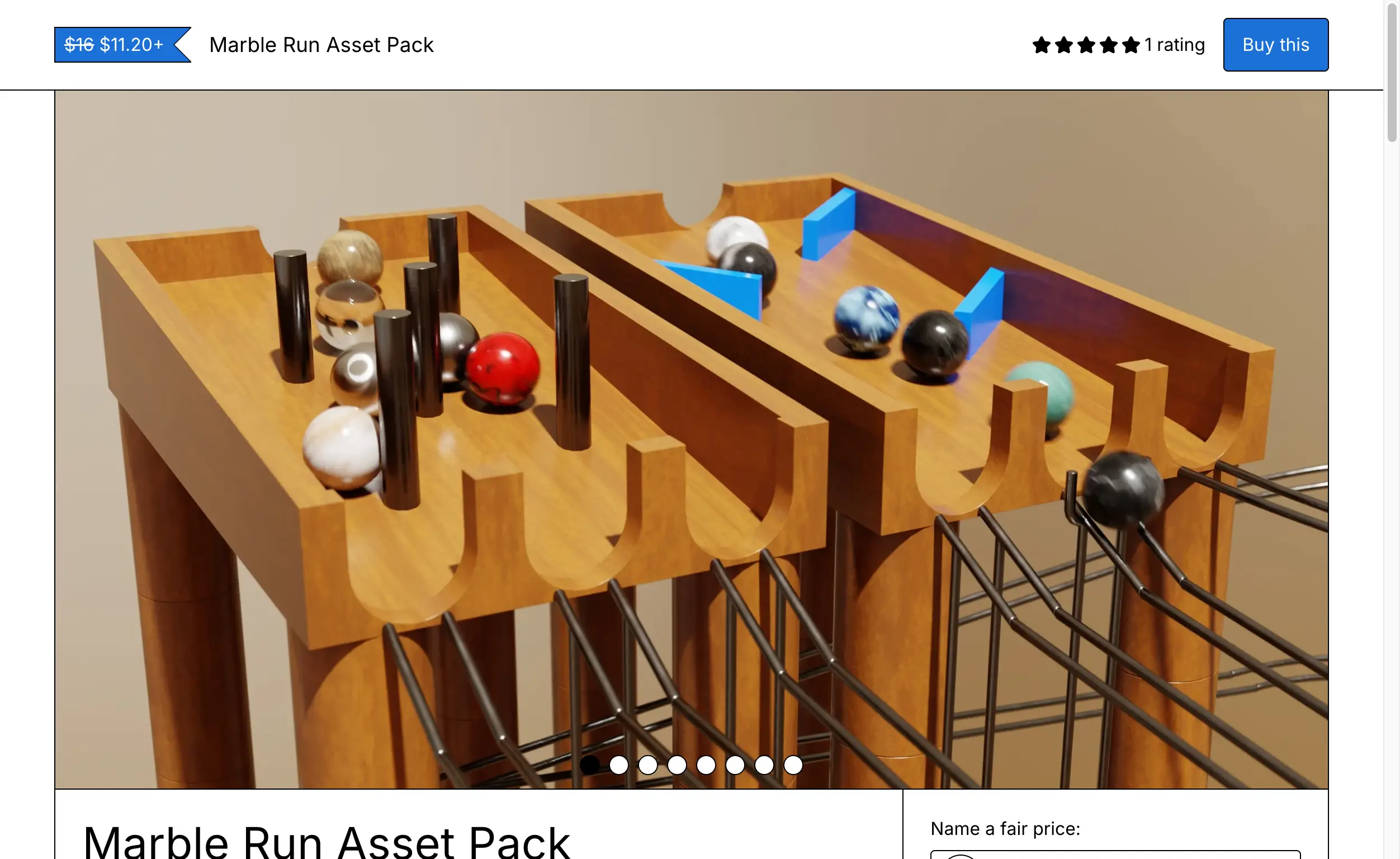
Blender Marble Run Kit V4.1.9 - Asset Preset for Creating Marble Track Scenes
Blender Marble Run Kit V4.1.9 allows you to quickly create various marble track scenes with multiple scene modes and custom controls in Blender.
Building 10 blocks isn't a fun task. With this Marble Run Kit, you can create your marble run course right away!
External Resources
Features
- Create various marble track scenes quickly
- Multiple scene modes available
- Custom controls for flexibility
- Blender asset preset format
- Compatible with Blender 3.0 - 4.5
Supported Software Versions
- Blender 3.0 – 4.5
Installation
Blender 3.x and lower
- Open Blender
- Go to Edit - Preferences - Add-ons
- Click Install
- Select the corresponding ZIP file
Blender 4.1 and higher
- Open Blender
- Go to Edit - Preferences - Add-ons
- Click the dropdown menu in the upper right corner
- Select "Install from Disk"
- Select the corresponding ZIP file
🐌Free Slow Download Links
- Marble Run Kit V4.1.9: Baidu Netdisk Download
- Marble Run Kit V3.3: Baidu Netdisk Download
🚀Direct Download Link
Get Premium Download Speed Without any Limitations!
Contact us on 💬WhatsApp for premium access and support.