Blender Lighting Assets Presets - Afterglow v2.1
Last updated: Oct 14 2025
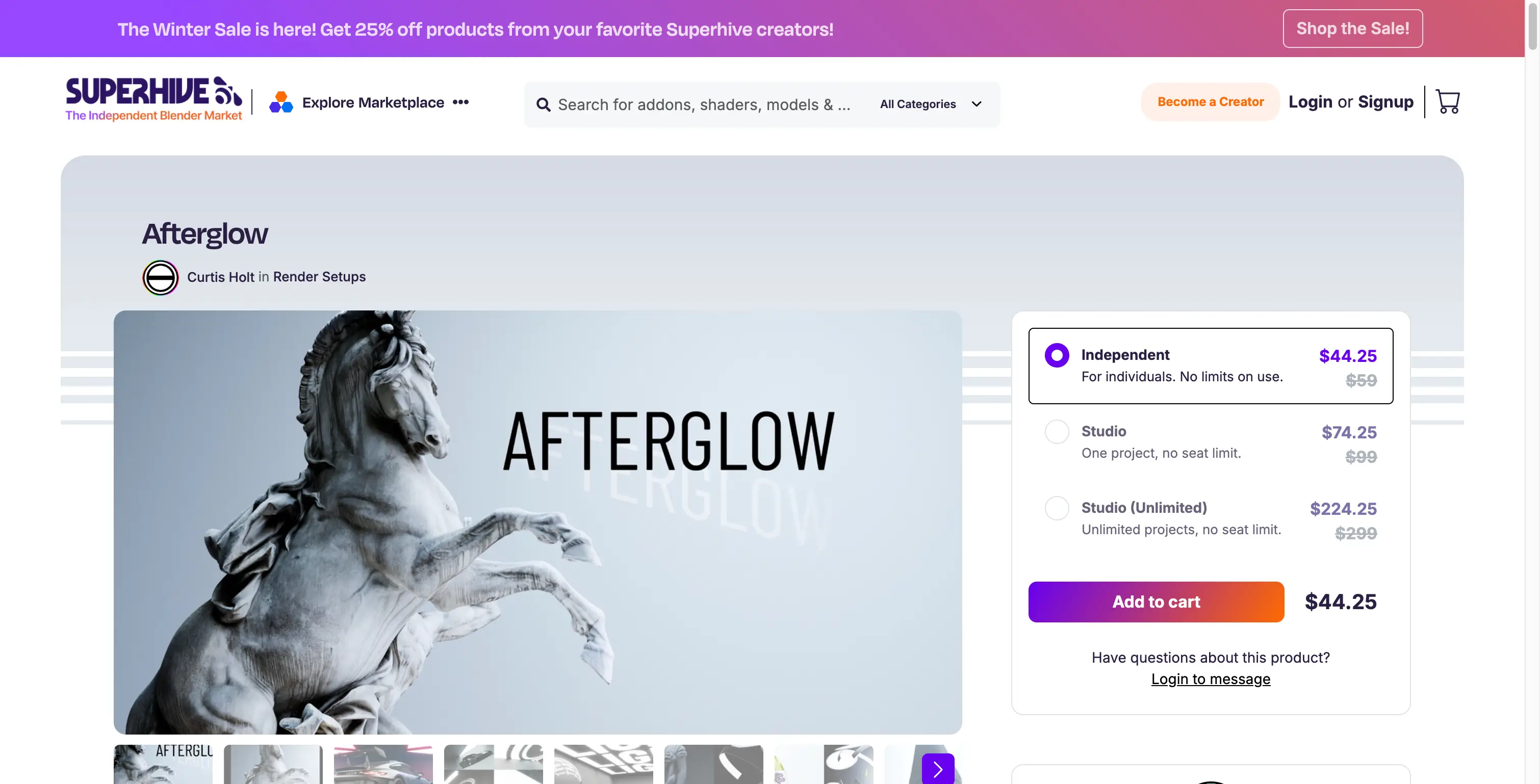
Overview
Blender Lighting Assets Presets - Afterglow v2.1.
This is an asset preset in the form of Blender assets, simulating various indoor lighting effects. Simply drag and drop to use, supporting only the Cycles renderer.
Afterglow is a collection of emissive lighting assets designed to help you achieve incredible lighting with ease, packaged in the form of an asset library (not to be confused with an addon).
Asset Library
This preset comes as an asset library rather than a traditional plugin, providing a collection of lighting assets that can be easily dragged and dropped into your scenes.
Features
- Emissive lighting assets collection
- Simulates various indoor lighting effects
- Drag and drop functionality
- Designed for Cycles renderer
- Asset library format
- Easy to use and integrate
- Professional quality lighting
Technical Specifications
Supported Versions
- Blender 3.6 - 4.5
Requirements
- Blender 3.6 or higher
- Cycles renderer
- Compatible with Windows, macOS, and Linux
Installation Instructions
Windows
- Download the Afterglow asset library
- In Blender, go to Edit > Preferences > File Paths > Asset Libraries
- Add the path to the Afterglow folder
- The assets will be available in the Asset Browser
macOS
- Download the Afterglow asset library
- In Blender, go to Edit > Preferences > File Paths > Asset Libraries
- Add the path to the Afterglow folder
- The assets will be available in the Asset Browser
Linux
- Download the Afterglow asset library
- In Blender, go to Edit > Preferences > File Paths > Asset Libraries
- Add the path to the Afterglow folder
- The assets will be available in the Asset Browser
Usage Tips
- Use with Cycles renderer for best results
- Assets can be dragged directly into your scene
- Perfect for indoor lighting scenarios
- Designed to create realistic lighting effects
🐌Free Slow Download Links
🚀Direct Download Link
Get Premium Download Speed Without any Limitations!
Contact us on 💬WhatsApp for premium access and support.