Blender Floor Texture Blending Plugin - Floor Blend v1.0.0
Last updated: Feb 24 2026
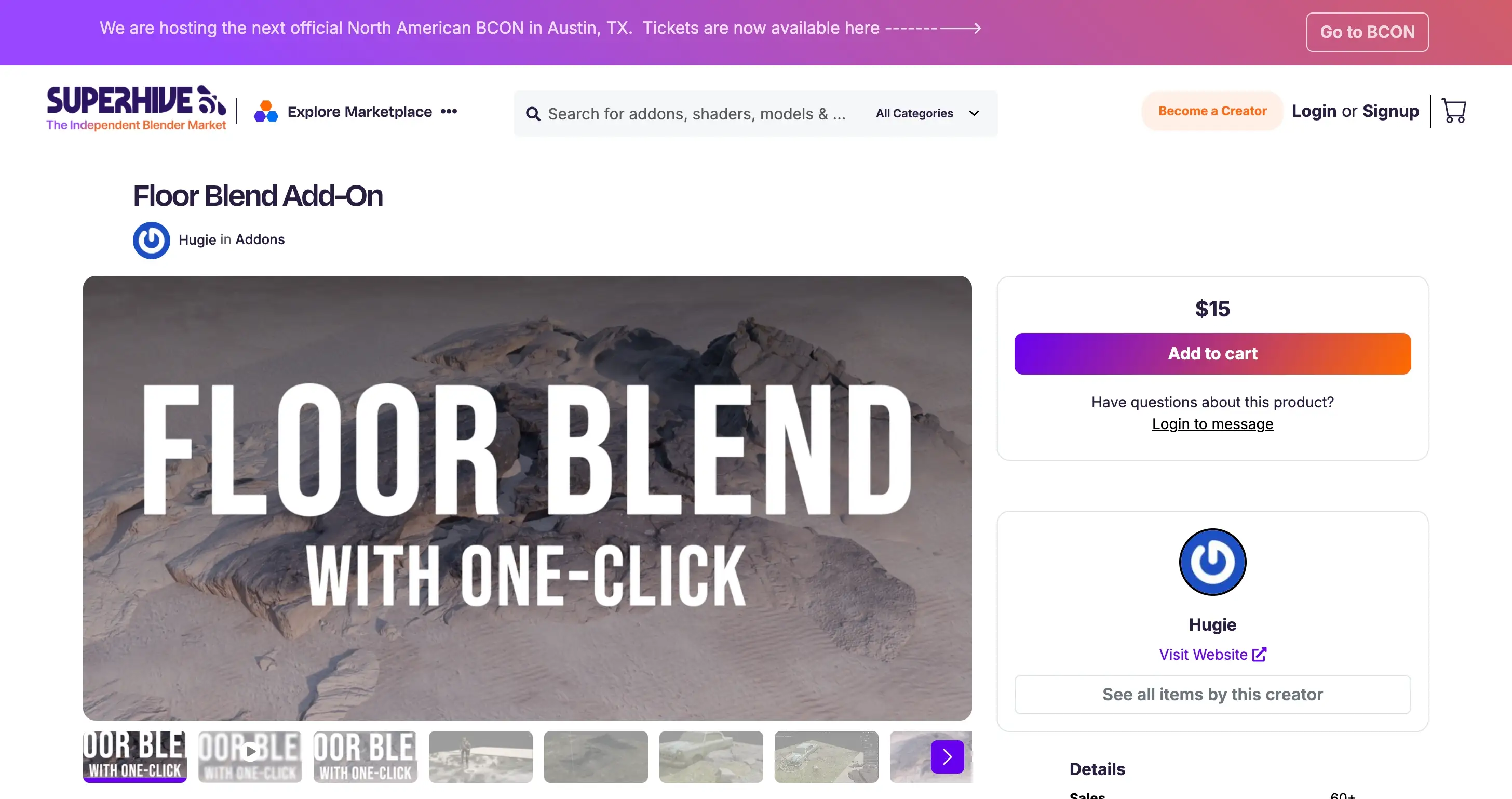
info
Floor Blend is an addon that simplifies blending floor textures with one click, along with offering additional helpful features for Blender users. This powerful plugin streamlines your workflow while providing additional helpful features.
Key Features
- One-Click Texture Blending: Simplify complex floor texture blending operations with a single click
- Time-Saving Workflow: Dramatically reduce the time spent on manual texture adjustments
- User-Friendly Interface: Intuitive design that integrates seamlessly with Blender's UI
- Additional Tools: Comes with extra helpful features beyond basic texture blending
Supported Blender Versions
- Blender 4.2
- Blender 4.1
- Blender 4.0
- Blender 3.6
- Blender 3.5
- Blender 3.4
- Blender 3.3
- Blender 3.2
- Blender 3.1
- Blender 3.0
- Blender 2.93
- Blender 2.92
- Blender 2.91
- Blender 2.9
- Blender 2.83
- Blender 2.82
- Blender 2.81
- Blender 2.8
Installation Instructions
Blender 4.1 and Later
- In Blender, go to
Edit→Preferences→Add-ons. - Click the dropdown in the top right and select
Install from Disk. - Select the corresponding ZIP file.
Blender 4.0 and Earlier
- In Blender, go to
Edit→Preferences→Add-ons. - Click
Install. - Select the corresponding ZIP file.
Who Should Use Floor Blend?
This plugin is ideal for:
- 3D artists working with architectural visualization
- Blender users who frequently create floor surfaces
- Anyone looking to streamline their texture blending workflow
- Professionals who want to save time on repetitive texture tasks
Conclusion
Floor Blend v1.0.0 is a valuable addition to any Blender artist's toolkit, especially those working with floor textures in architectural visualization projects. With its one-click blending capability and intuitive interface, this plugin can significantly speed up your workflow while maintaining professional quality results.
🐌Free Slow Download Links
🚀Direct Download Link
Get Premium Download Speed Without any Limitations!
Contact us on 💬WhatsApp for premium access and support.