Instant Clean V2.2.1 - Mesh Optimization and Cleanup Add-on for Blender
Last updated: Feb 24 2026
Overview
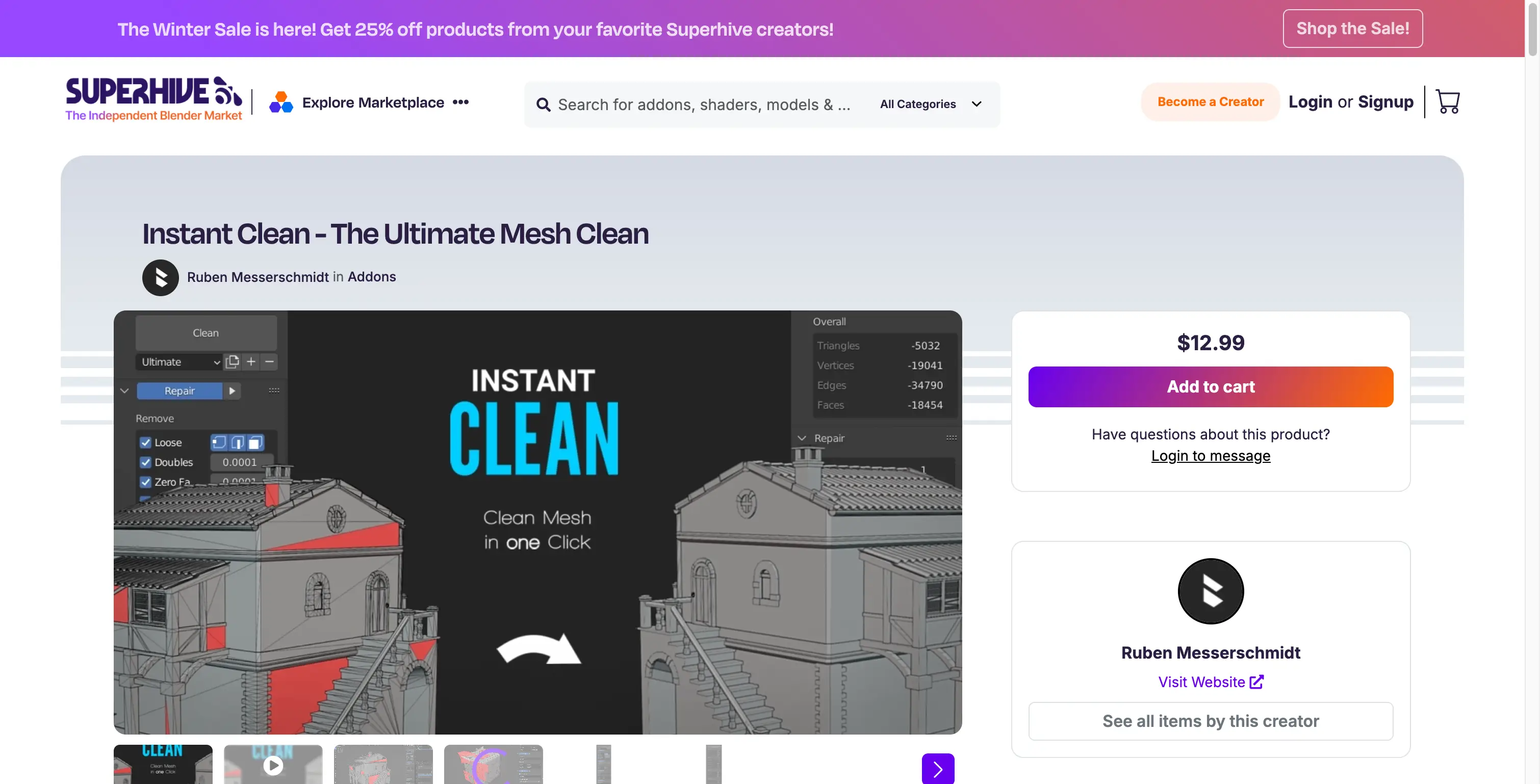
Instant Clean is a single click mesh clean addon for Blender, including an easy to use Preset System. Save yourself some time by automating the mesh clean process when you import models from other software or online.
Features
- One-click mesh optimization
- Intelligent removal of unnecessary mesh topology
- Easy-to-use preset system
- Automation for mesh cleaning process
Feature List
Key Features
- One-Click Optimization: Optimize model topology with a single click
- Intelligent Cleanup: Smart removal of unnecessary mesh topology
- Preset System: Easy-to-use preset system for different optimization needs
- Time Saving: Automates the mesh clean process when importing models
- Cross-Software Compatible: Perfect for models from other software or online sources
System Requirements
- Software: Blender 2.93-4.4
- Operating System: Windows, macOS, or Linux
- Hardware: Any system capable of running Blender
Installation Instructions
Blender 4 or Lower
- Open Blender
- Go to Edit > Preferences > Add-ons
- Click on "Install"
- Select the ZIP file from your disk
- Enable the add-on
Blender 4.1 or Higher
- Open Blender
- Go to Edit > Preferences > Add-ons
- Click the dropdown in the top right corner
- Select "Install from Disk"
- Select the ZIP file from your disk
- Enable the add-on
🐌Free Slow Download Links
- Baidu Netdisk | Instant Clean V2.2.0 | Baidu Netdisk | rymf | | Instant Clean V2.0.5 | Baidu Netdisk | 29zn | | Instant Clean V1.2 | Baidu Netdisk | fwfo |
🚀Direct Download Link
Get Premium Download Speed Without any Limitations!
Contact us on 💬WhatsApp for premium access and support.